
 Satisfaction Guarantee
 Support Guarantee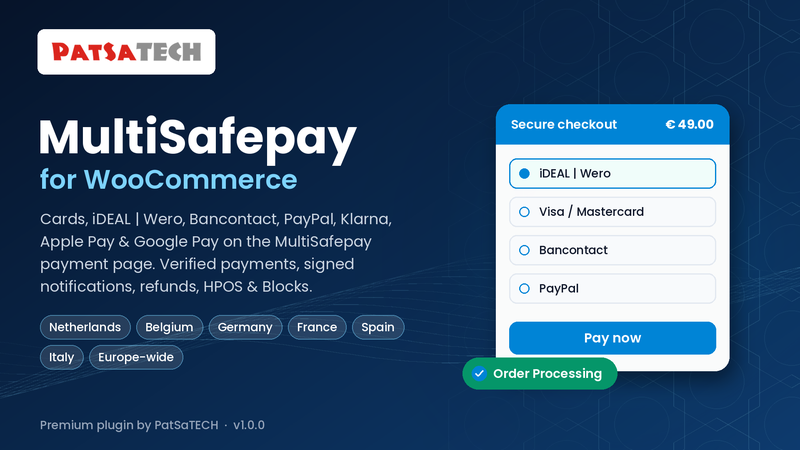
WooCommerce MultiSafepay Payment Gateway
Price: from $79.00 / year (Single Site License, Support and Updates included for 1 year). Set the other variants (2-5 Sites, Unlimited, 5 years) as on your other gateway products.
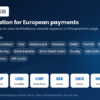
Badges: HPOS · Blocks checkout · MultiSafepay payment page · iDEAL | Wero, Bancontact, cards & PayPal
Short description
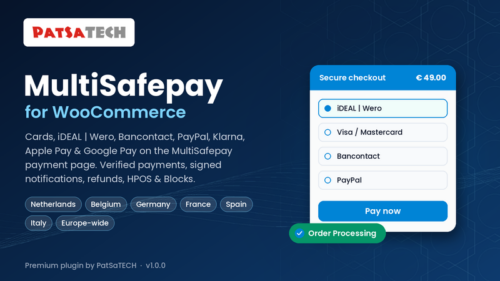
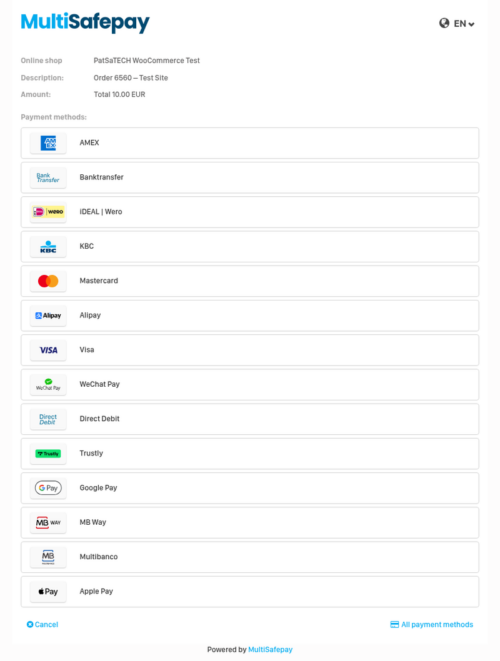
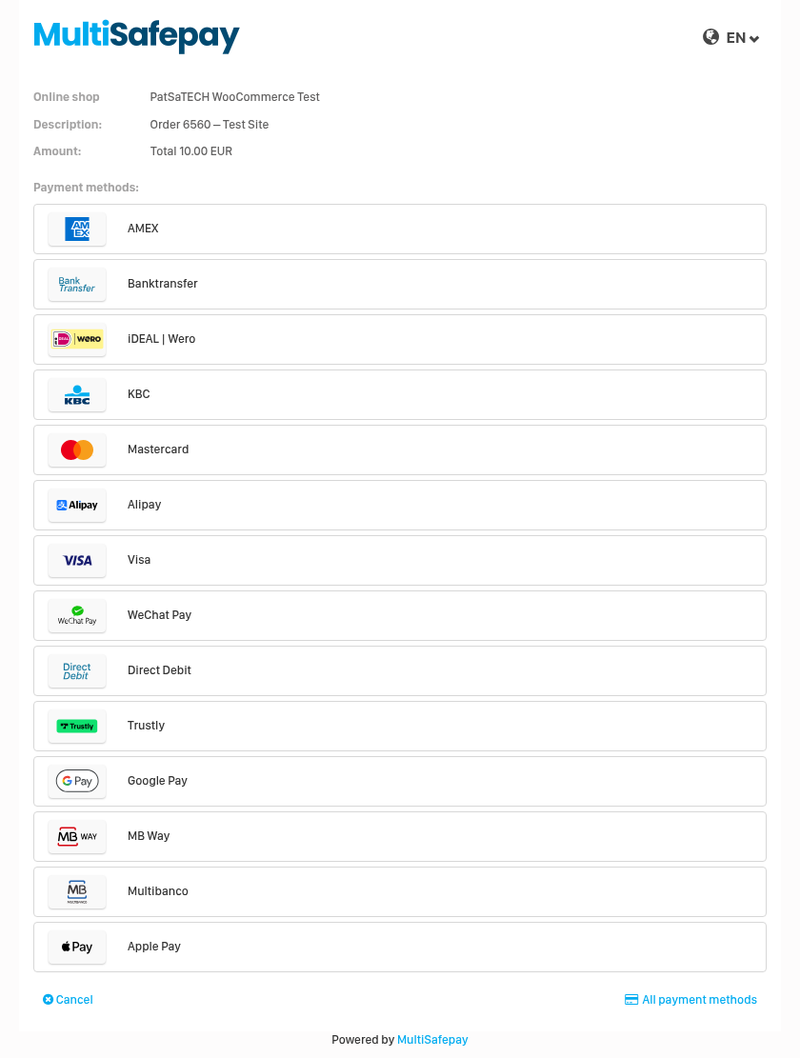
For WooCommerce stores with a MultiSafepay account: take Visa/Mastercard, iDEAL | Wero, Bancontact, PayPal, Klarna, Apple Pay, Google Pay and every other method on your MultiSafepay website through MultiSafepay’s secure payment page.
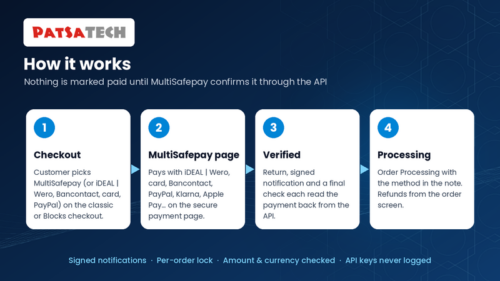
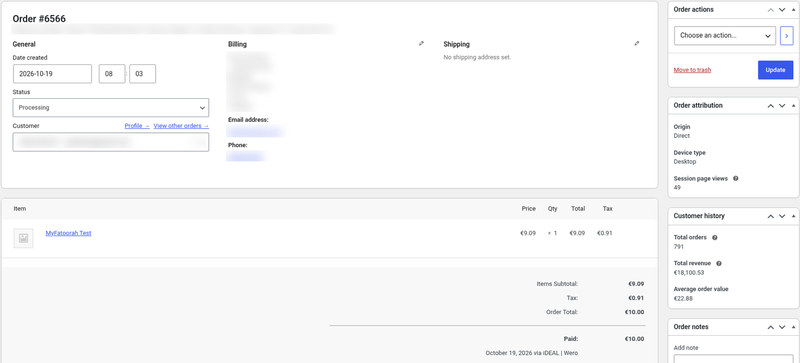
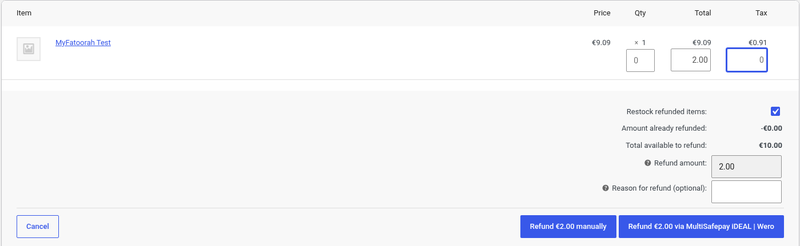
Every payment is read back from the MultiSafepay API before the order moves. Notifications are signed and checked, refunds (full and partial) are made from the order screen with the real refund status, and Reserved refunds are followed up automatically. Supports HPOS and both Blocks and classic checkout.
Not a fit? Subscriptions or recurring billing need a different solution: see custom payment gateway integration.
Long description
Quick answer (for buyers)
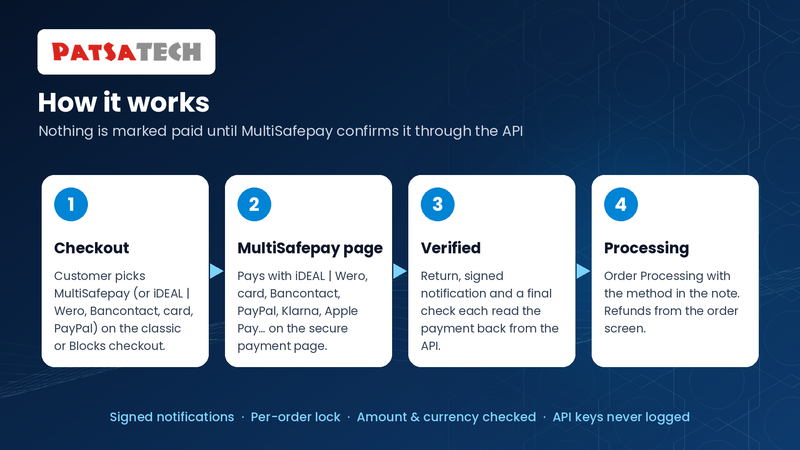
If your store sells in the Netherlands, Belgium or elsewhere in Europe with MultiSafepay, you need a gateway that sends customers to MultiSafepay’s payment page and confirms every result with the MultiSafepay API. PatSaTECH maintains the WooCommerce MultiSafepay Payment Gateway. Card data never touches your server, and nothing in a return URL or notification is trusted on its own: every notification is checked with its HMAC-SHA512 signature or by reading the order back from MultiSafepay before WooCommerce changes anything.
Who this is for
- WooCommerce stores with a MultiSafepay account (test accounts are free).
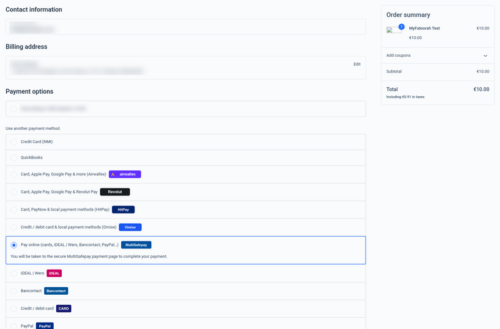
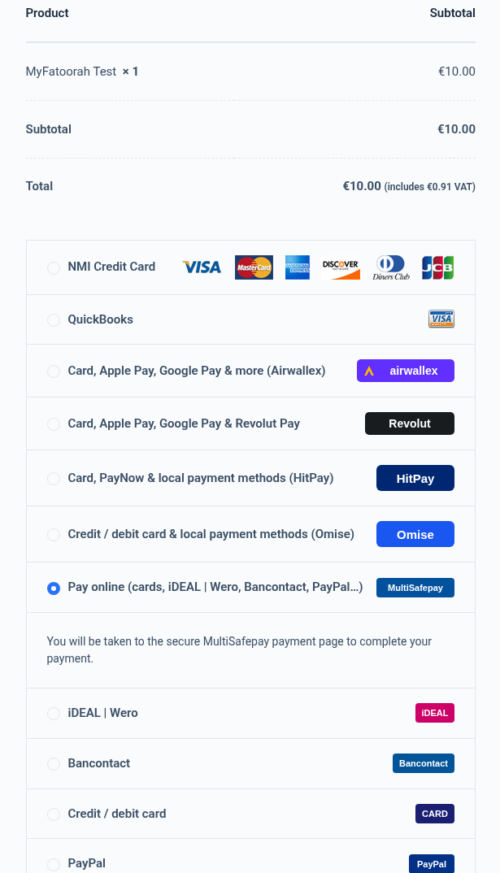
- Shops that want iDEAL | Wero, Bancontact, cards, PayPal and Klarna from one checkout option, or iDEAL / Bancontact / card / PayPal as their own options.
- Stores on modern WooCommerce: HPOS, the Cart/Checkout Blocks or the classic checkout.
- Agencies that need a documented, sandbox-tested gateway they can hand over to a client.
Who should skip (disqualifiers)
- MultiSafepay will not open a live account for your business.
- You need subscriptions or recurring payments. This plugin takes one-time payments.
- You want iDEAL | Wero or Bancontact but your store currency is not EUR.
Dream outcome
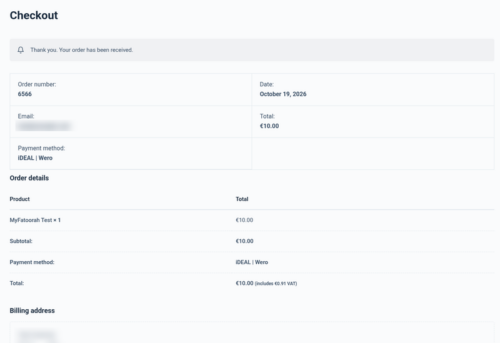
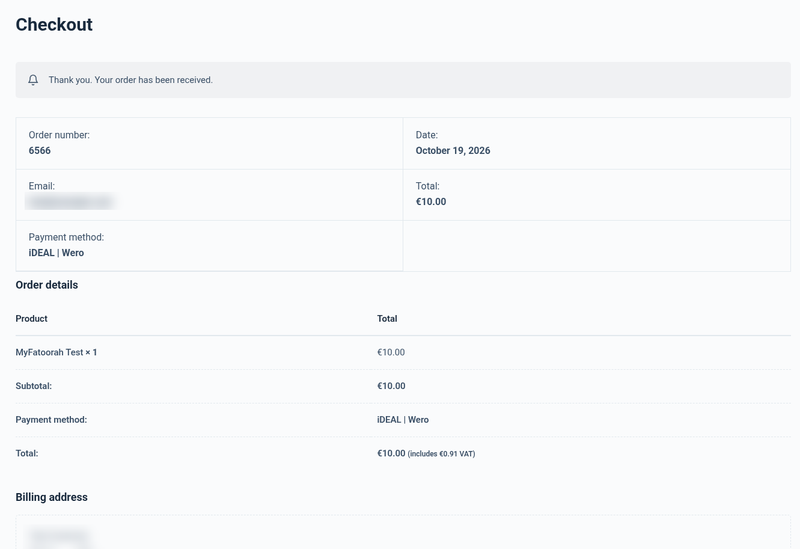
Customers pay with iDEAL | Wero, Bancontact or a card in a few clicks. Orders move to Processing on their own as soon as MultiSafepay confirms the payment, the order note shows how they paid, and refunds are done from the WooCommerce order screen, with a note when MultiSafepay completes them.
Obstacles → what this plugin addresses
| Obstacle | How this extension helps |
|---|---|
| Orders marked paid from a faked return or notification | Every payment is read back from the MultiSafepay API under a per-order lock; status, amount and currency are checked. |
| Orders stuck in Pending after the customer paid | Notification URL sent with every payment, plus the customer return and a final check when the link expires. |
| Fake or replayed notifications | POST notifications checked with the HMAC-SHA512 Auth header and your API key; GET notifications only trigger an API lookup. |
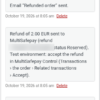
| Refunds you can’t follow | The real refund status is read back (Completed or Reserved), and a Reserved refund gets one note when MultiSafepay completes it. Refunds made in MultiSafepay Control are recorded. |
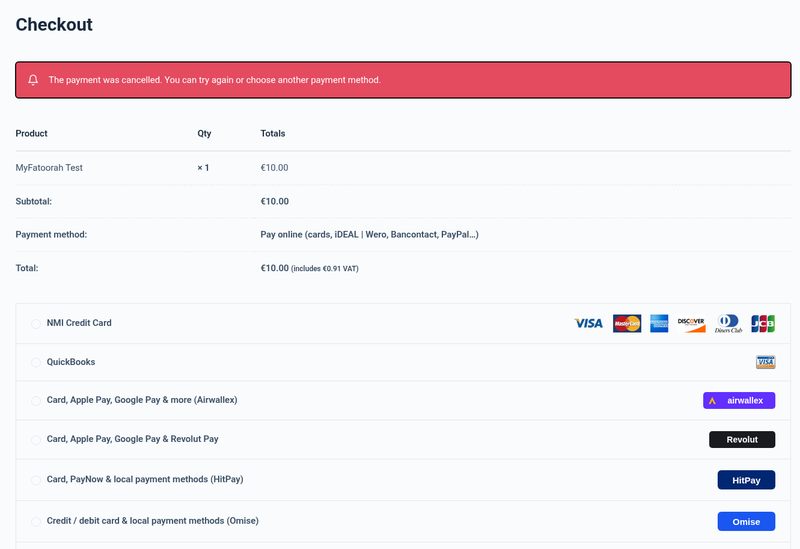
| Confusing decline errors | Clear messages for declined and cancelled payments; the order stays pending and the customer can pay again, with any method. |
| Unpaid orders piling up | Payment links expire and unpaid orders are closed after a time you choose. |
| HPOS and Blocks checkout breaking older gateways | Declared HPOS compatible; native Cart/Checkout Blocks integration plus classic checkout. |
Value stack (features)
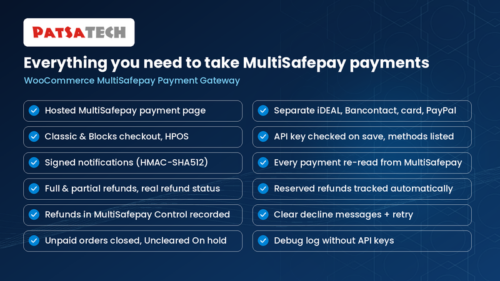
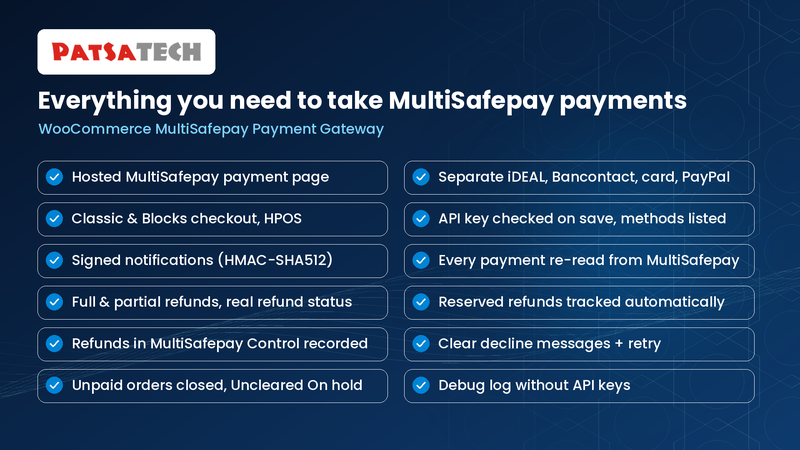
- MultiSafepay payment page: every method active on your MultiSafepay website.
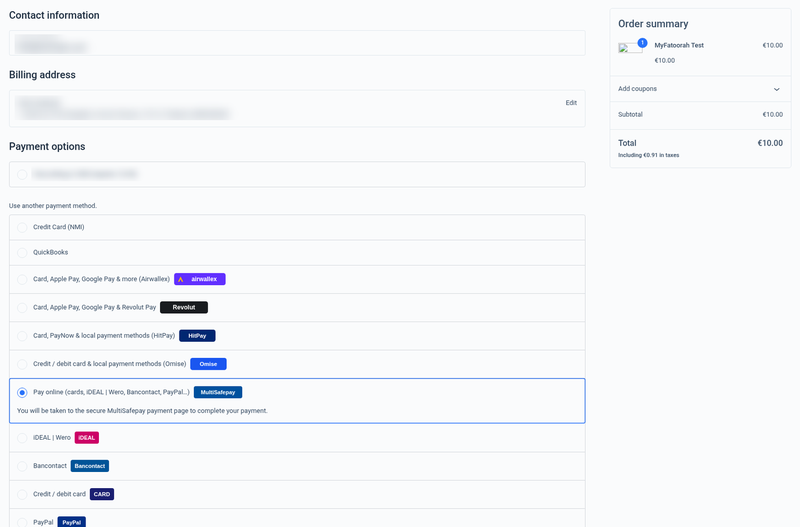
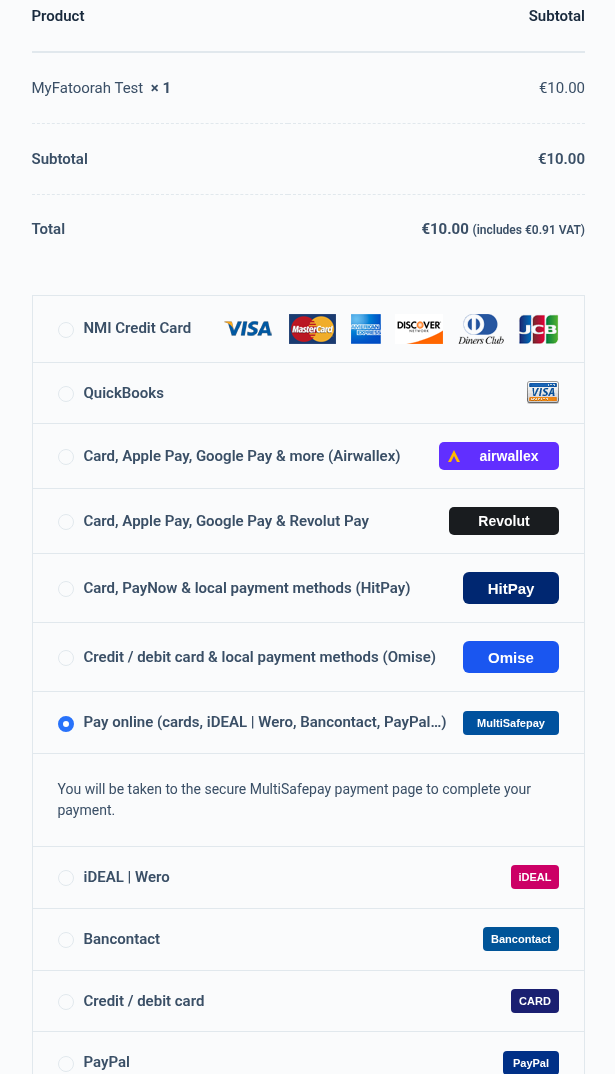
- Optional separate iDEAL | Wero, Bancontact, Credit / debit card and PayPal checkout options.
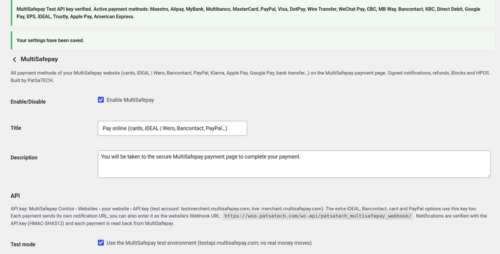
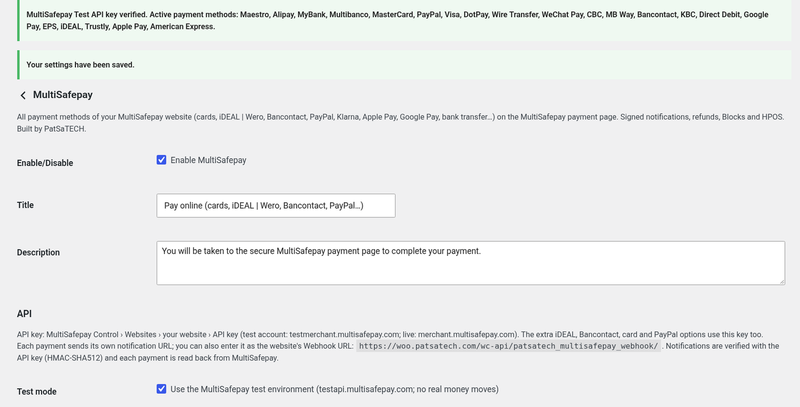
- Test and Live API keys, checked when you save (the active methods are listed).
- Signed notifications (HMAC-SHA512
Authheader) or API lookup; the notification URL is sent with every payment. - Every payment re-read from the API under a per-order lock; amount and currency checked (mismatches go On hold).
- Full and partial refunds with the real refund status; Reserved refunds followed up automatically; refunds made in MultiSafepay Control recorded.
- Clear decline and cancel messages and retry on the same order.
- Uncleared, reserved and chargeback payments put On hold with a clear note.
- Payment links expire and unpaid orders are closed (default 60 minutes), with one last check.
- Payment page language: site language or a fixed one.
- HPOS compatible and Blocks + classic checkout.
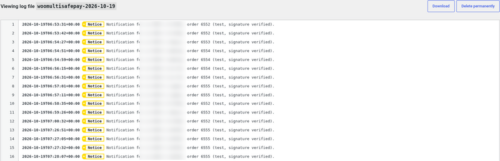
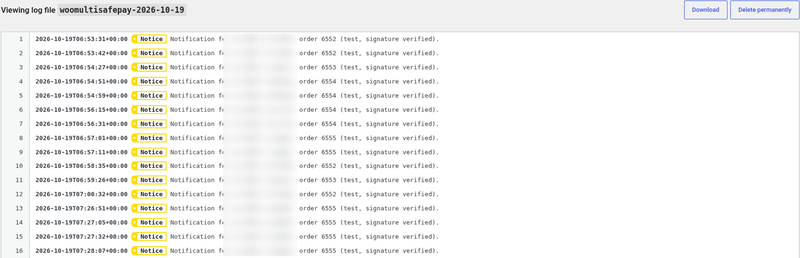
- Debug logging in WooCommerce → Status → Logs (source
woomultisafepay); API keys are never logged. - Translation-ready (.pot included), GPLv2 or later.
Supported payment methods (depends on your MultiSafepay contract)
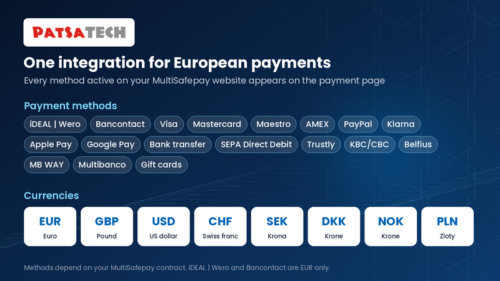
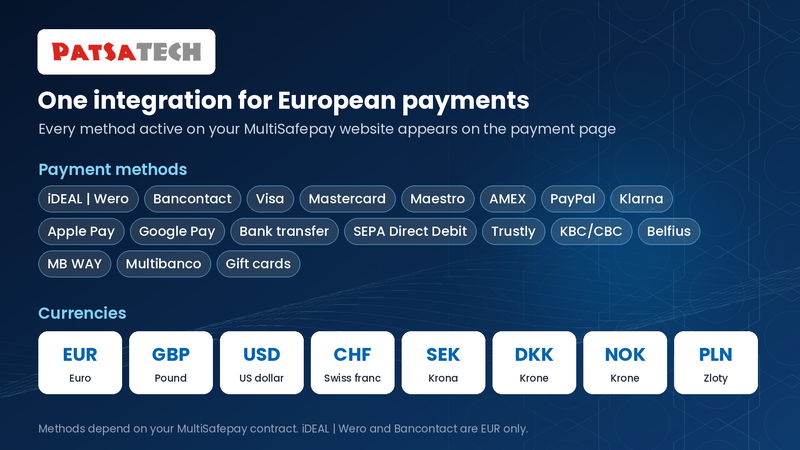
Visa · Mastercard · Maestro · American Express · iDEAL | Wero · Bancontact · PayPal · Klarna · Apple Pay · Google Pay · Bank transfer · SEPA Direct Debit · Trustly · KBC/CBC · Belfius · MB WAY · Multibanco · gift cards · and other MultiSafepay methods.
Currencies
EUR (required for iDEAL | Wero and Bancontact), and for cards and other methods GBP, USD, CHF, SEK, DKK, NOK, PLN and more.
Tested in the MultiSafepay test environment (EUR). Live payments have not yet been tested by PatSaTECH.
Requirements
- WordPress 6.0 or later
- WooCommerce 8.0 or later
- PHP 7.4 or later
- HTTPS (SSL) on the store
- A MultiSafepay website API key (free test account, or a live account)
Tested on
- WordPress 7.1.3
- WooCommerce 11.2.1 (classic checkout and Cart/Checkout Blocks)
- PHP 8.1.34; PHP 7.4 or later required
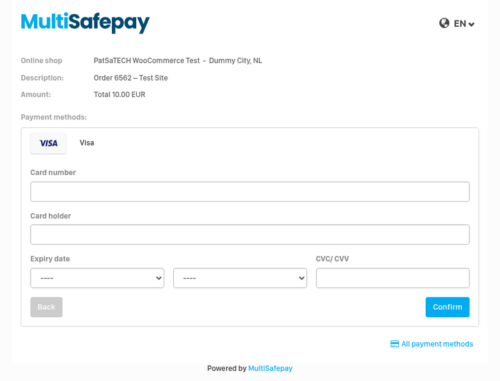
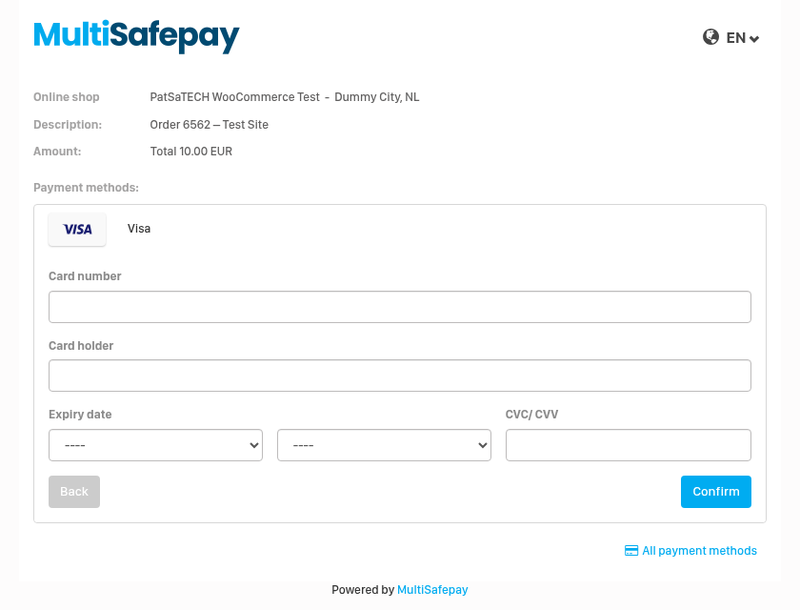
- MultiSafepay test environment (EUR): iDEAL | Wero paid, declined and cancelled; Visa on the Blocks checkout; Bancontact retry on the same order; signed notifications; card refund completed at once; iDEAL partial refunds Reserved then accepted, with one completion note; over-refund blocked
See it in action
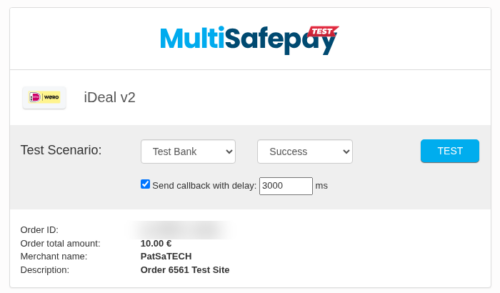
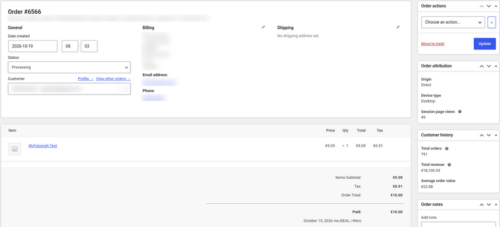
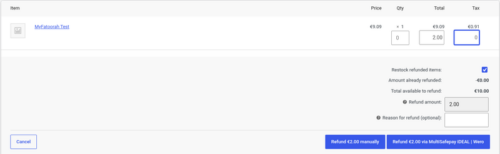
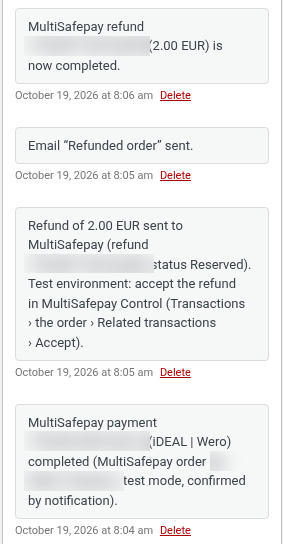
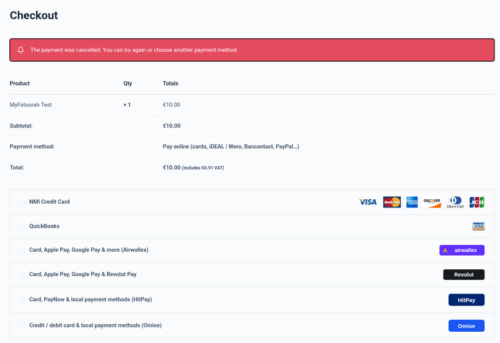
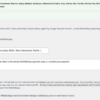
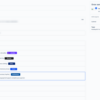
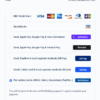
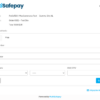
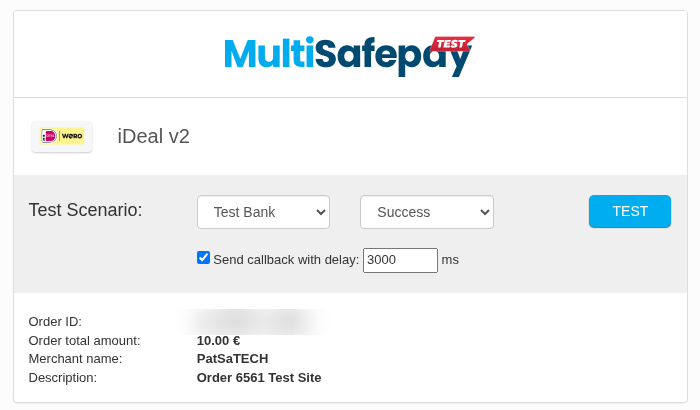
A few screenshots show how easy it is to set up and use the WooCommerce MultiSafepay Payment Gateway (see the product gallery).
Installation summary
- Download
woomultisafepay-1.0.0.zipfrom your PatSaTECH account. - In WordPress go to Plugins → Add New → Upload Plugin, upload the zip and activate WooCommerce MultiSafepay Payment Gateway (PatSaTECH).
- Set the store currency to EUR if you want iDEAL | Wero and Bancontact.
- Create a free test account at testmerchant.multisafepay.com, add your website, and copy its API key.
- In WooCommerce go to Settings → Payments → MultiSafepay, tick Enable, keep Test mode ticked, paste the key and save. The active methods are listed.
- Place a test order: Visa 4111 1111 1111 1111, or iDEAL | Wero with the “Success” test scenario.
- To go live: paste the live API key and untick Test mode.
The full illustrated setup guide is included with the download.
Named method: MultiSafepay go-live
- Confirm MultiSafepay has approved your live account and activated the methods you want.
- Install on staging with a test API key and activate the same methods on the test website.
- Test matrix: iDEAL | Wero success, failure and cancel; a card payment; a partial and a full refund (accept the iDEAL refund in MultiSafepay Control); the Blocks or classic checkout you use.
- Paste the live API key, untick Test mode, and watch the first orders and the
woomultisafepaylog.
Honest scope & risk
PatSaTECH does not guarantee approval rates: card issuers and MultiSafepay decide outcomes, and MultiSafepay decides who can open a live account and which methods are active. Refunds need enough MultiSafepay balance. Testing so far used the MultiSafepay test environment in EUR; live payments, PayPal, Klarna and Apple Pay / Google Pay have not yet been tested by PatSaTECH. Card details are entered on MultiSafepay’s page, which usually keeps your PCI scope small, but confirm this with MultiSafepay.
Proof & documentation
- Illustrated setup guide (HTML) with real screenshots from a test store: [DOCUMENTATION LINK]
- Setup videos (above, coming soon)
FAQ
Which payment methods will my customers see?
Every method active on your MultiSafepay website (cards, iDEAL | Wero, Bancontact, PayPal, Klarna, Apple Pay, Google Pay…), or one method when you use the separate checkout options.
Do I need to set up a webhook?
No. The plugin sends its notification URL with every payment. You can also enter it as the Webhook URL of your website in MultiSafepay Control.
Why does one refund say “completed” and another “Reserved”?
Card refunds are usually completed at once. iDEAL | Wero and other bank refunds start as Reserved: live, MultiSafepay completes them at midnight; in the test environment you click Accept in MultiSafepay Control. Either way the order gets one note when the refund completes.
What happens when a payment is declined or cancelled?
The order stays pending with one note. After a decline MultiSafepay first shows its own “Transaction declined” page; when the customer clicks Cancel or Back there, the store shows a clear message and they can pay again on the same order, with any method.
Does it work with the block checkout?
Yes. Both the Cart/Checkout Blocks and the classic checkout are supported, and it is HPOS compatible.
Does it support subscriptions?
No. It takes one-time payments.
Changelog
19.10.26 – Ver. 1.0.0
- Initial release.
- MultiSafepay payment page with every active method; optional separate iDEAL | Wero, Bancontact, card and PayPal options.
- HPOS compatible; WooCommerce Cart/Checkout Blocks and classic checkout.
- Test and live API keys checked on save; signed notifications (HMAC-SHA512) or API lookup.
- Every payment re-read from the API under a per-order lock; amount and currency verified.
- Full and partial refunds with the real refund status; Reserved refunds followed up automatically; refunds made in MultiSafepay Control recorded.
- Payment links expire and unpaid orders are closed; debug logging.
Support & documentation
- Documentation: [DOCUMENTATION LINK]
- Support: [SUPPORT LINK] · [email protected]
- Optional: Plugin installation support
Satisfaction Guarantee · Support Guarantee (shown by your product template)