
 Satisfaction Guarantee
 Support Guarantee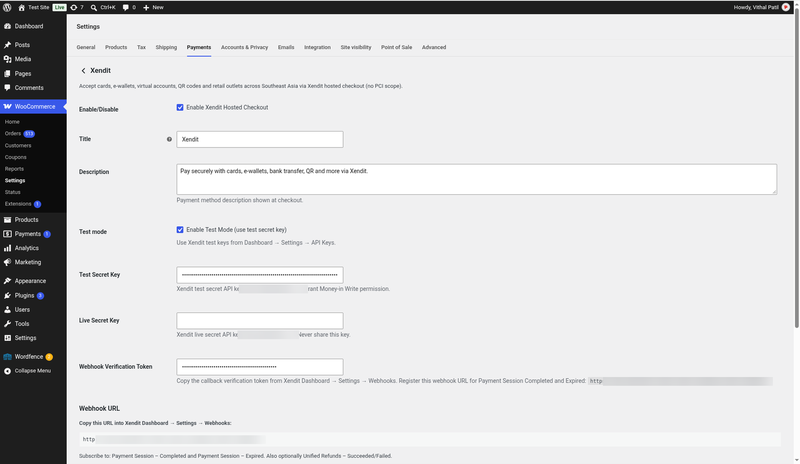
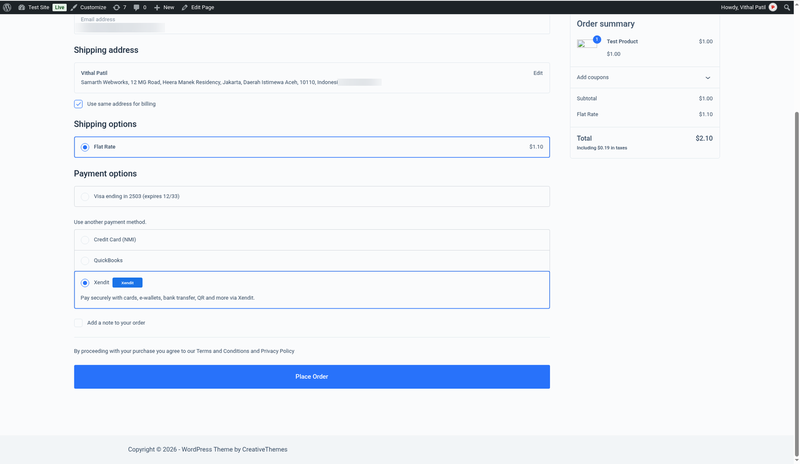
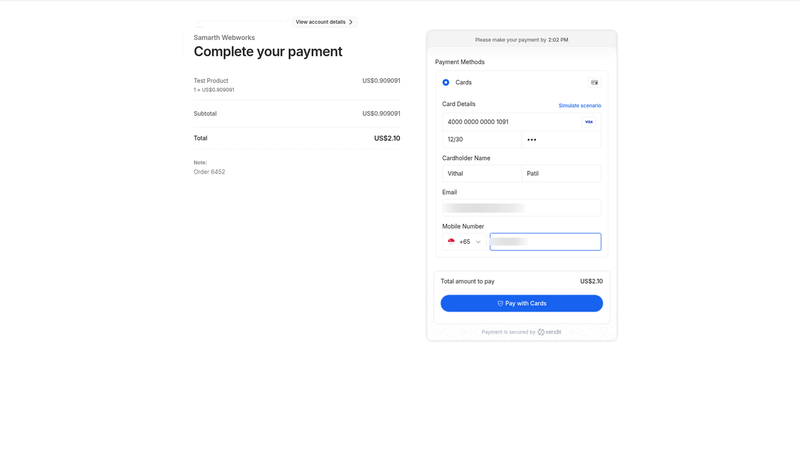
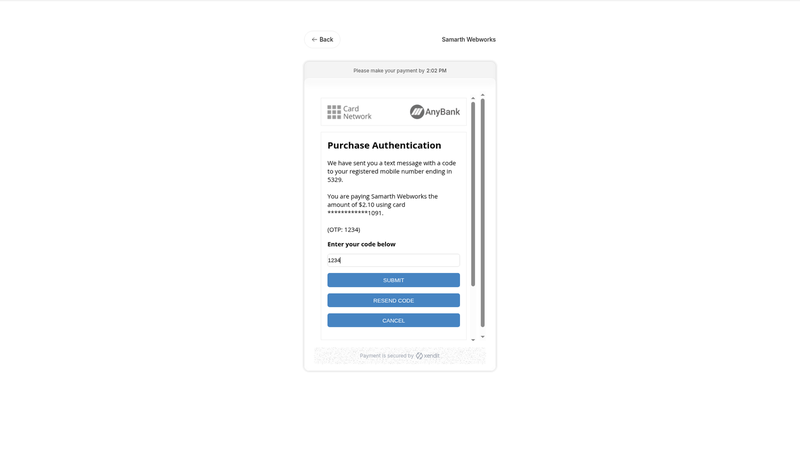
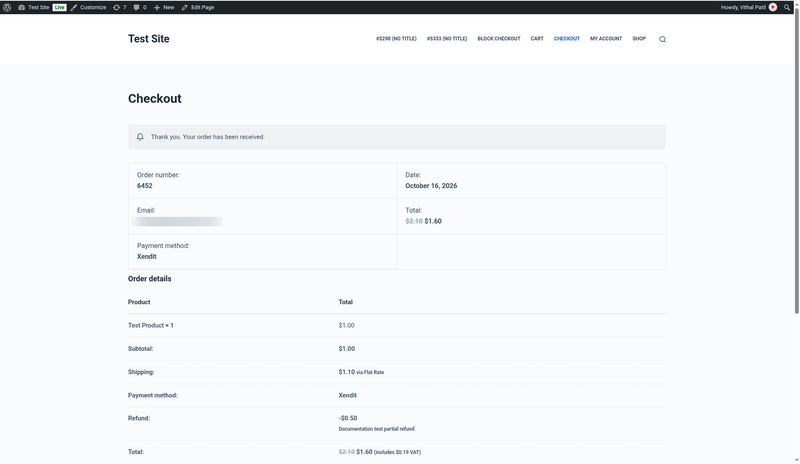
Xendit Gateway for WooCommerce
Price: from $79.00 / year (Single Site License, Support and Updates included for 1 year). Set the other variants (2-5 Sites, Unlimited, 5 years) as on your other gateway products.
Badges: HPOS · Blocks checkout · Hosted checkout
Short description
For WooCommerce stores selling in Southeast Asia with a Xendit account: not a generic “Asia payments” plugin or a Xendit fork that has gone unmaintained.
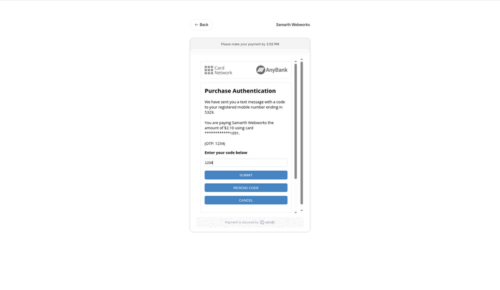
Take cards (3-D Secure), e-wallets (OVO, DANA, GCash, ShopeePay, GrabPay…), virtual accounts, QR (QRIS, QRPh, PromptPay) and retail outlets through Xendit’s secure hosted checkout, with verified webhooks, full and partial refunds from the order screen, HPOS and both Blocks and classic checkout.
Not a fit? Subscriptions or recurring billing, on-site card fields, or payouts and split payments need custom payment gateway integration instead.
Long description
Quick answer (for buyers)
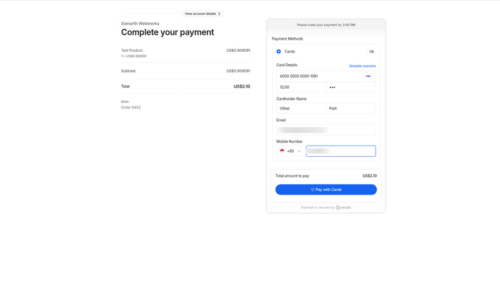
If you sell in Indonesia, the Philippines, Thailand, Malaysia, Vietnam or Singapore and your merchant account is with Xendit, you need a gateway built on Xendit’s current API: Payment Sessions (Payments API v3). PatSaTECH maintains the Xendit Gateway for WooCommerce. It sends the customer to Xendit’s hosted payment page, so card data never touches your server, and it confirms every payment with a verified webhook and a return-URL check against the Xendit API.
Who this is for
- WooCommerce stores with a Xendit account (Test mode is free; Live needs Xendit business verification).
- Shops that want local payment methods (e-wallets, bank transfer, QR, convenience stores) as well as cards, from one plugin.
- Stores on modern WooCommerce: HPOS, the Cart/Checkout Blocks or the classic shortcode checkout.
- Agencies that need a documented, sandbox-tested gateway they can hand over to a client.
Who should skip (disqualifiers)
- You need subscriptions or recurring payments. Xendit Payment Sessions are one-time payments.
- You want card fields embedded on your own checkout page instead of Xendit’s hosted page.
- Your store currency is not IDR, PHP, THB, MYR, VND, SGD or USD.
- You need marketplace split payouts, disbursements or fields not documented here: see custom payment gateway integration.
Dream outcome
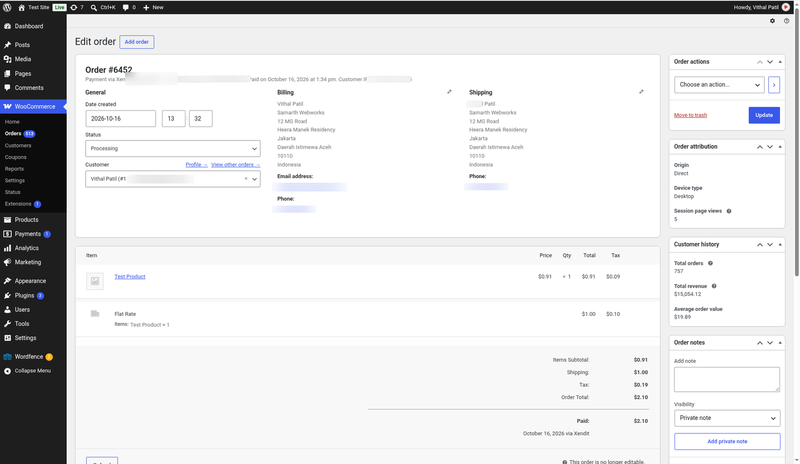
Customers pay with the method they use every day, orders move to Processing on their own as soon as Xendit confirms the payment, and refunds are done from the WooCommerce order screen, without logging in to a separate portal.
Obstacles → what this plugin addresses
| Obstacle | How this extension helps |
|---|---|
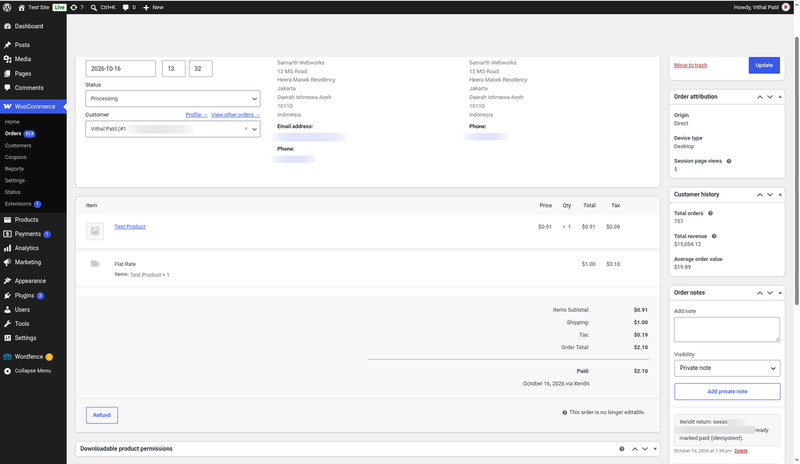
| Orders stuck in Pending after the customer paid | Verified, idempotent webhooks plus a return-URL check with the Xendit API (GET /sessions/{id}). |
| Fake or replayed webhook calls | Every webhook is checked against your Xendit verification token (x-callback-token). |
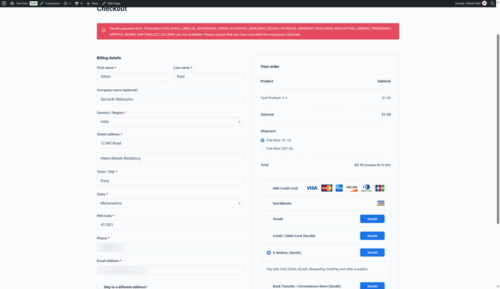
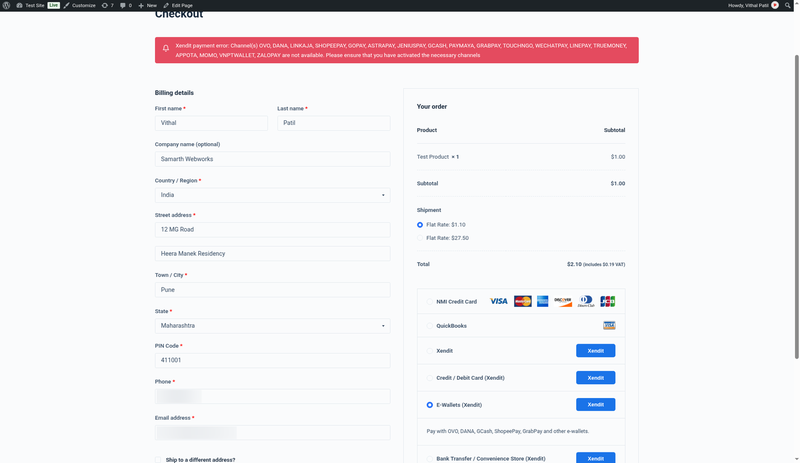
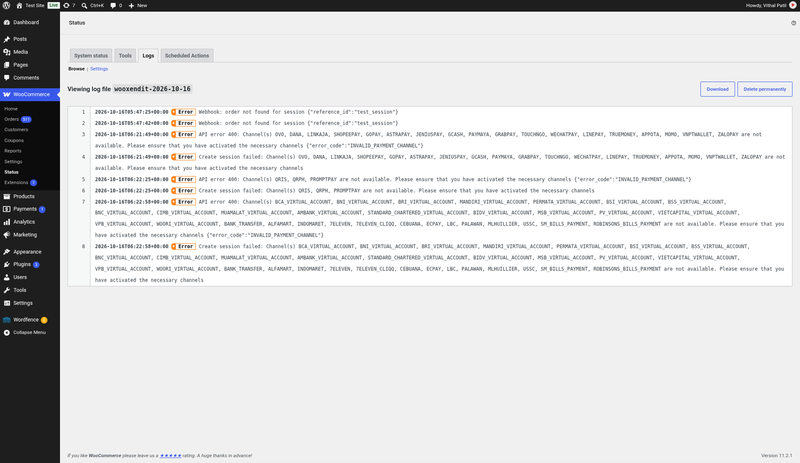
| “This payment method is not available” at checkout | Friendly customer message and an admin notice telling you which channel to activate in Xendit. |
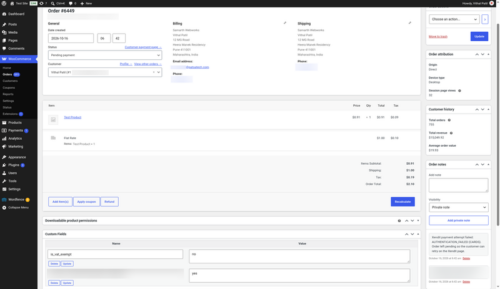
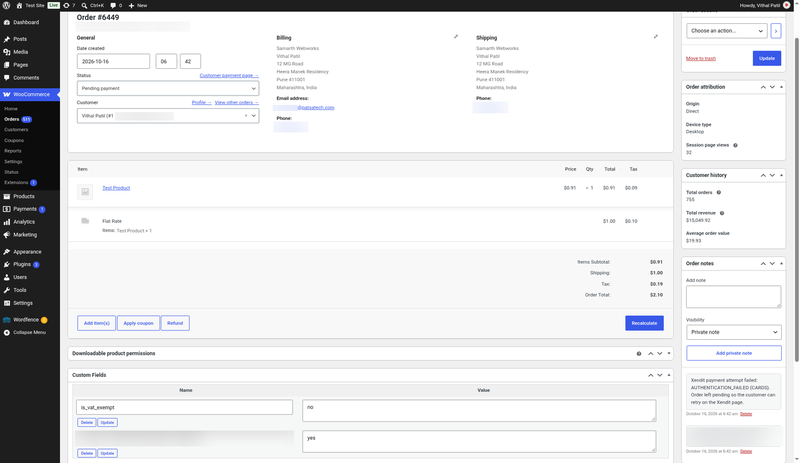
| Declined cards leave you guessing | An order note with the decline code; the order stays Pending so the customer can retry. |
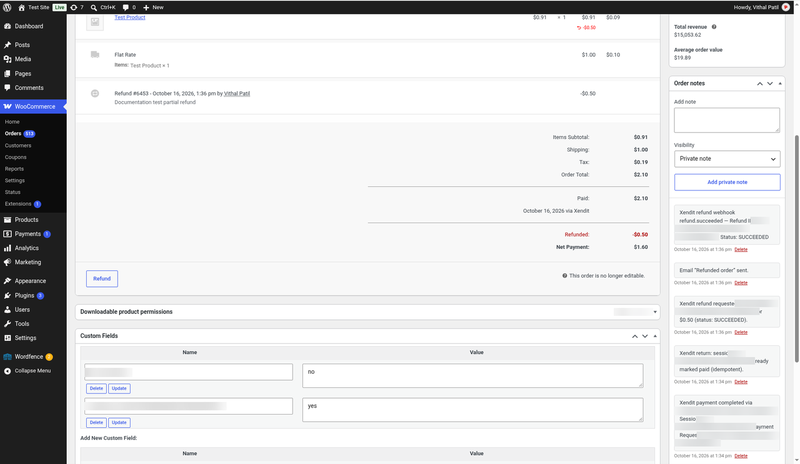
| Refunds need a separate login | Full and partial refunds from the WooCommerce order screen through the Xendit Refunds API. |
| HPOS and Blocks checkout breaking older gateways | Declared HPOS compatible; native Cart/Checkout Blocks integration plus classic checkout. |
Value stack (features)
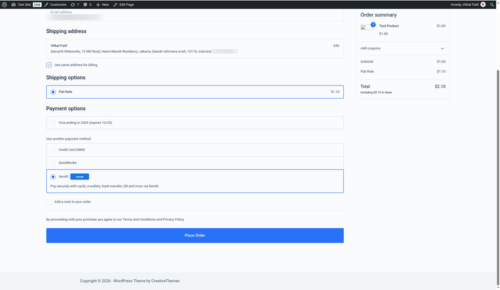
- Xendit Payment Sessions hosted checkout: every channel activated on your Xendit account behind one “Xendit” button.
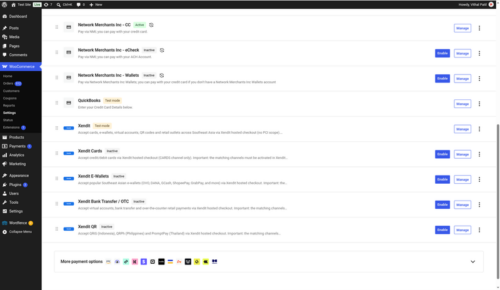
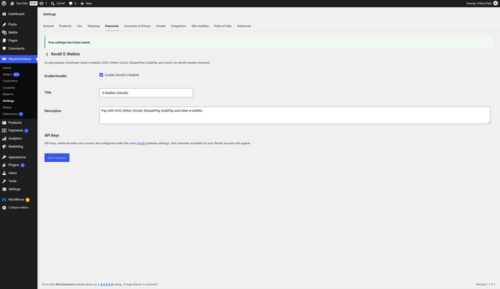
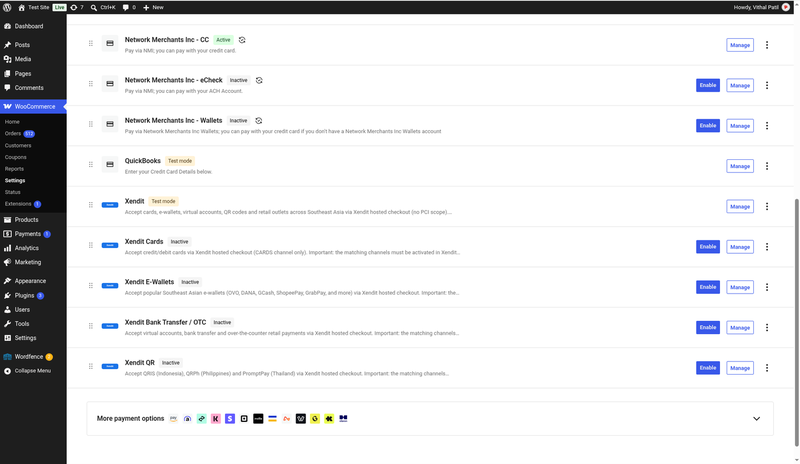
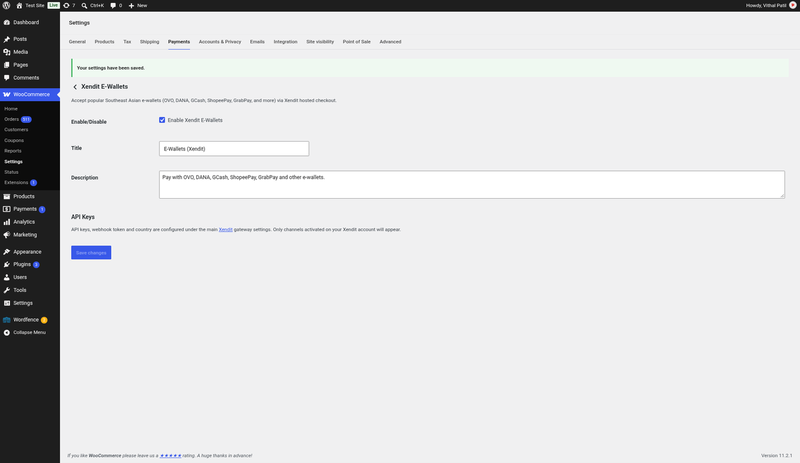
- Optional separate gateways: Cards, E-Wallets, Bank Transfer / OTC and QR, each with its own checkout title.
- Test and Live modes with separate secret keys.
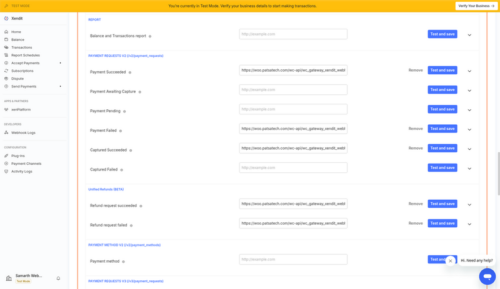
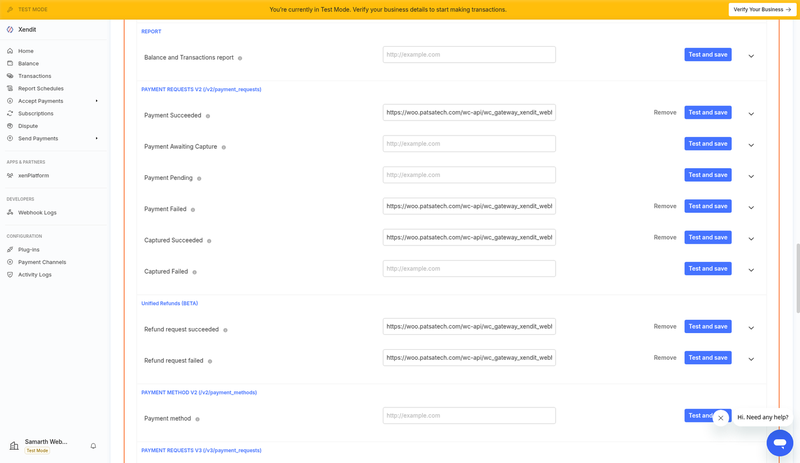
- Verified webhooks for payment_session.completed / expired, payment.capture, payment.failure (and legacy payment.failed), payment_request.expiry and refund.succeeded / failed; duplicates are ignored.
- Return-URL verification so an order is updated even if a webhook is delayed.
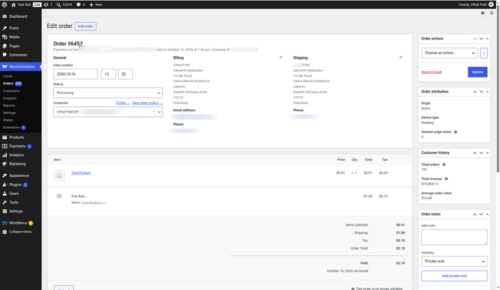
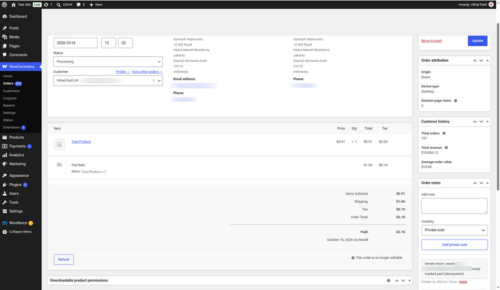
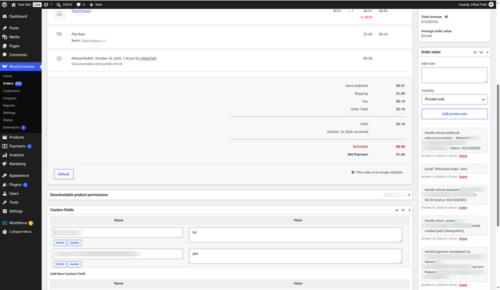
- Full and partial refunds from the order screen.
- Clear failure handling: decline-code order notes; expired sessions become Failed (after failed attempts) or Cancelled.
- Checkout safeguards: the gateway is hidden for unsupported currencies and for totals below Xendit’s minimum.
- E.164 phone formatting for the customer phone (billing country, then store country).
- Paid order status setting (Processing by default) and a default country for USD stores.
- HPOS compatible and Blocks + classic checkout.
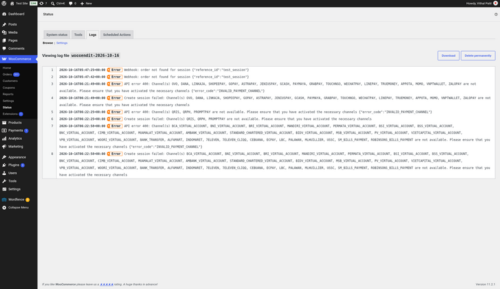
- Debug logging in WooCommerce → Status → Logs (source
wooxendit), test pings answered with HTTP 200. - Translation-ready (.pot included), GPLv2 or later, clean uninstall.
Supported payment methods (depends on your Xendit account)
Credit and debit cards with 3-D Secure · OVO · DANA · GoPay · LinkAja · ShopeePay · GCash · Maya · GrabPay · QRIS · QRPh · PromptPay · Virtual Accounts (BCA, BNI, BRI, Mandiri and more) · Alfamart / Indomaret · 7-Eleven, and any other channel activated on your Xendit account.
Supported countries and currencies
| Country | Currency | Minimum order |
|---|---|---|
| Indonesia | IDR | Rp 1,000 |
| Philippines | PHP | ₱1 |
| Thailand | THB | ฿1 |
| Malaysia | MYR | RM1 |
| Vietnam | VND | ₫1,000 |
| Singapore | SGD | S$0.50 |
| Cross-border | USD | $0.50 |
Requirements
- WordPress 6.0 or later
- WooCommerce 8.0 or later
- PHP 7.4 or later
- HTTPS (SSL) on the store
- A Xendit account and a secret key with Money-in Write permission (2FA must be on in Xendit to create one)
Tested on
- WordPress 7.1.3
- WooCommerce 11.2.1 (classic checkout and Cart/Checkout Blocks, HPOS)
- PHP 7.4 or later required; code checked on PHP 8.4
- Xendit Test mode: 3-D Secure card payment, partial and full refunds, declined card, abandoned checkout, dashboard test pings
See it in action
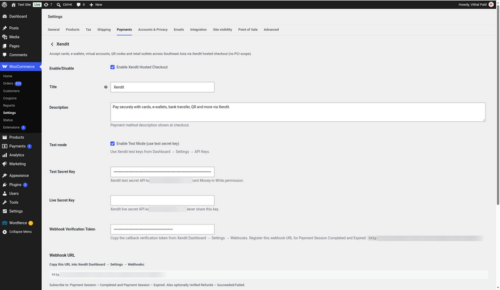
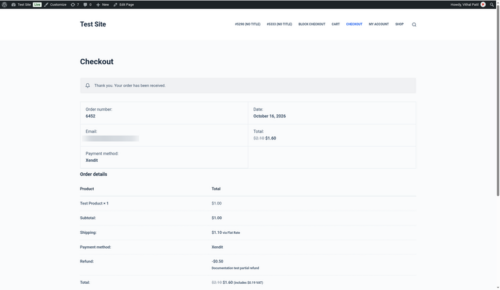
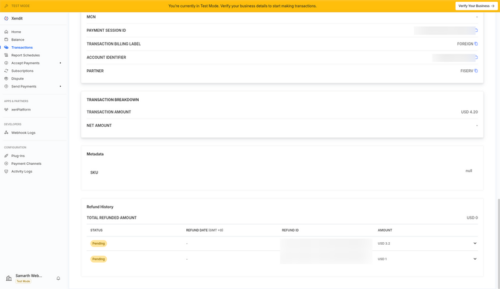
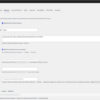
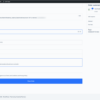
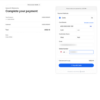
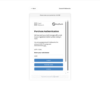
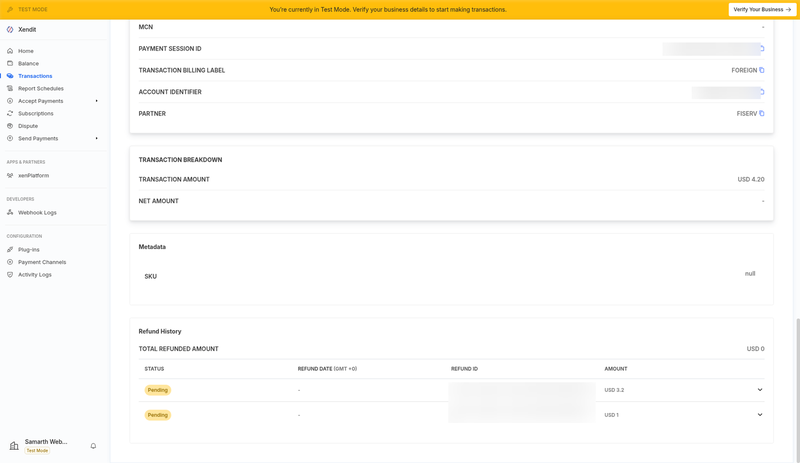
A few screenshots show how easy it is to set up and use Xendit Gateway for WooCommerce (see the product gallery).
Installation summary
- Download
wooxendit-1.0.0.zipfrom your PatSaTECH account. - In WordPress go to Plugins → Add New → Upload Plugin, upload the zip and activate WooCommerce Xendit Payment Gateway.
- In Xendit, turn on 2FA, then go to Settings → API Keys and create a secret key with Money-in Write permission.
- In WooCommerce go to Settings → Payments → Xendit, choose Test mode and paste the secret key.
- Copy the Webhook URL from the settings (
https://YOURSITE/wc-api/wc_gateway_xendit_webhook/) into Xendit → Settings → Webhooks for every event listed in the guide, then paste Xendit’s webhook verification token into the plugin and save. - Enable the Xendit gateway (and, if you want, the Cards / E-Wallets / Bank Transfer / QR gateways).
- Place a test order, then switch to your Live key.
The full illustrated setup guide is included with the download.
Named method: Xendit go-live
- Confirm your store currency is one Xendit supports and that the channels you want are activated in Xendit.
- Install on staging with your Xendit test key and webhook token.
- Test matrix: card payment with 3-D Secure, an e-wallet or VA payment, a declined card, a partial and a full refund.
- Switch to your live key and token; watch the first orders and the
wooxenditlog.
Honest scope & risk
PatSaTECH does not guarantee approval rates: card issuers and Xendit’s risk checks decide outcomes. Payment channels are activated by Xendit on your account, not by the plugin. Hosted checkout usually keeps your PCI scope at SAQ A, but confirm this with your acquirer. Letting a license lapse while taking live payments risks missing updates when Xendit or WooCommerce change.
Proof & documentation
- Illustrated setup guide (HTML) with real screenshots from a live test store: Payment gateway setup guide
- Setup videos (above)
- How to evaluate payment gateway plugins
- WooCommerce payment gateway integration checklist
FAQ
Which countries and currencies does it support?
Indonesia (IDR), the Philippines (PHP), Thailand (THB), Malaysia (MYR), Vietnam (VND) and Singapore (SGD), plus USD. Your store currency must be one of these and enabled on your Xendit account.
Which payment methods will my customers see?
Every channel activated on your Xendit account: cards, e-wallets, virtual accounts, QR and retail outlets. You can show them all behind one Xendit button or add separate Cards, E-Wallets, Bank Transfer / OTC and QR buttons.
Do I need PCI compliance?
Card details are entered on Xendit’s hosted page, so they never touch your server. That usually keeps you in the simplest PCI scope (SAQ A); confirm with your acquirer.
Where do I get my API keys?
Xendit Dashboard → Settings → API Keys. Turn on 2FA first, then create a secret key with Money-in Write permission. The included video shows every step.
Does it work with the WooCommerce block checkout?
Yes. It supports the Cart/Checkout Blocks and the classic shortcode checkout, and it is HPOS compatible.
Can I refund from WooCommerce?
Yes. Full and partial refunds are sent to the Xendit Refunds API from the order screen. Some Xendit channels do not support refunds or partial refunds.
An order stays Pending after the customer paid. What should I check?
Make sure the webhook URL is registered in Xendit for every event and the verification token matches. Then check WooCommerce → Status → Logs (source wooxendit).
A customer sees “this payment method is not available”.
That channel is not activated on your Xendit account. Activate it in Xendit Dashboard → Settings → Payment Channels; the plugin also shows you an admin notice.
Does it support subscriptions?
No. Xendit Payment Sessions are one-time payments.
Can I test before going live?
Yes. Use Test mode with your Xendit test key and Xendit’s test cards; nothing is charged.
Changelog
16.10.26 – Ver. 1.0.0
- Initial release.
- Xendit Payment Sessions hosted checkout (cards, e-wallets, virtual accounts / OTC, QR) with optional Cards, E-Wallets, Bank Transfer / OTC and QR gateways.
- HPOS compatible; WooCommerce Cart/Checkout Blocks and classic checkout.
- Verified, idempotent webhooks; declined-payment notes; dashboard test pings answered with 200.
- Friendly message and admin notice for channels that are not activated.
- Full and partial refunds via the Xendit Refunds API.
- E.164 phone formatting and debug logging.
Support & documentation
- Documentation: Payment gateway setup guide
- Support: [SUPPORT LINK] · [email protected]
- Optional: Plugin installation support
Satisfaction Guarantee · Support Guarantee (shown by your product template)