
 Satisfaction Guarantee
 Support Guarantee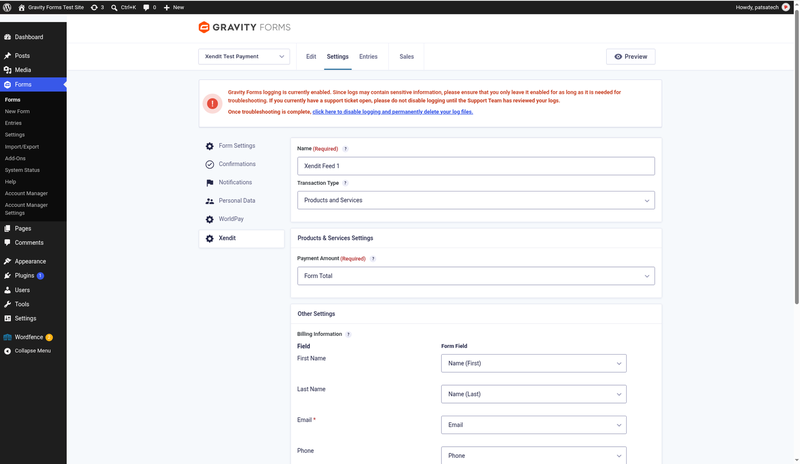
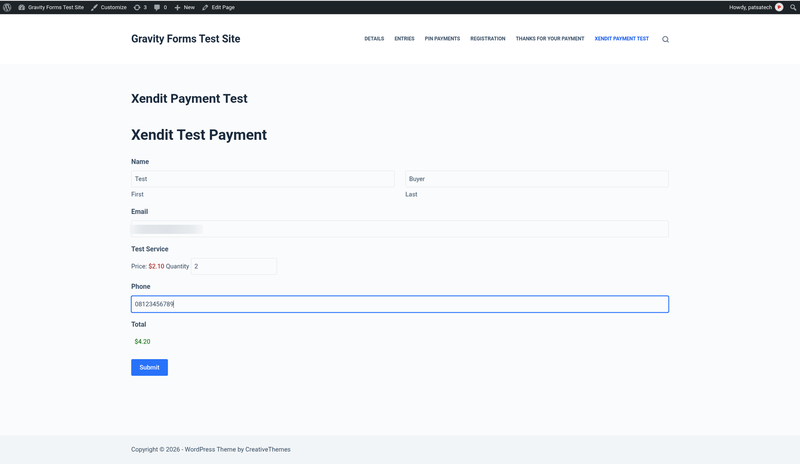
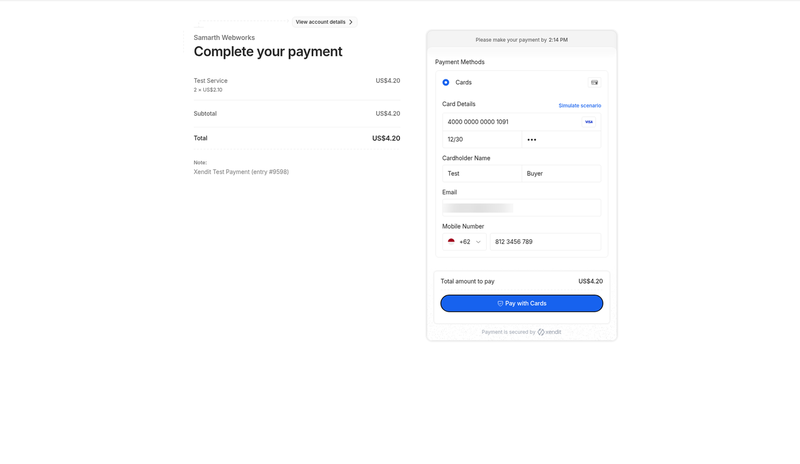
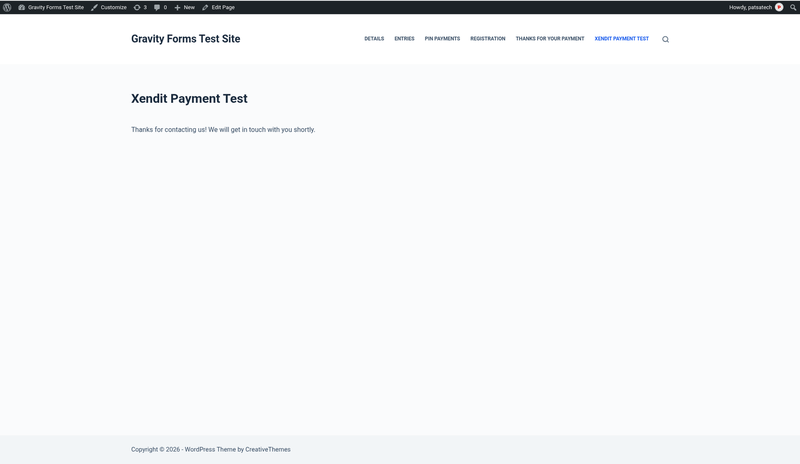
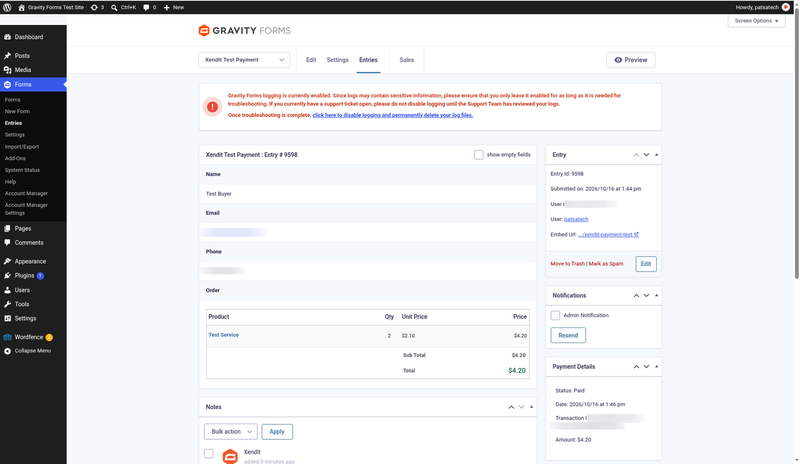
Xendit Gateway for Gravity Forms
Price: from $79.00 / year (Single Site License, Support and Updates included for 1 year). Set the other variants (2-5 Sites, Unlimited, 5 years) as on your other Gravity Forms add-ons.
Badges: Gravity Forms Payment Add-On Framework · Hosted checkout · Delayed notifications
Short description
For Gravity Forms sites taking payments in Southeast Asia with a Xendit account: not a generic payment plugin for other processors.
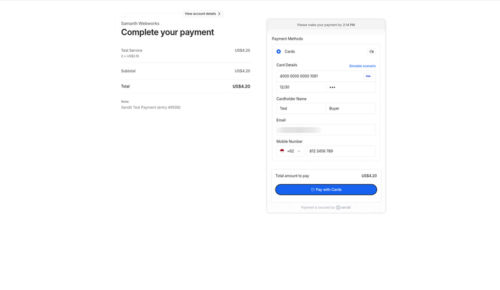
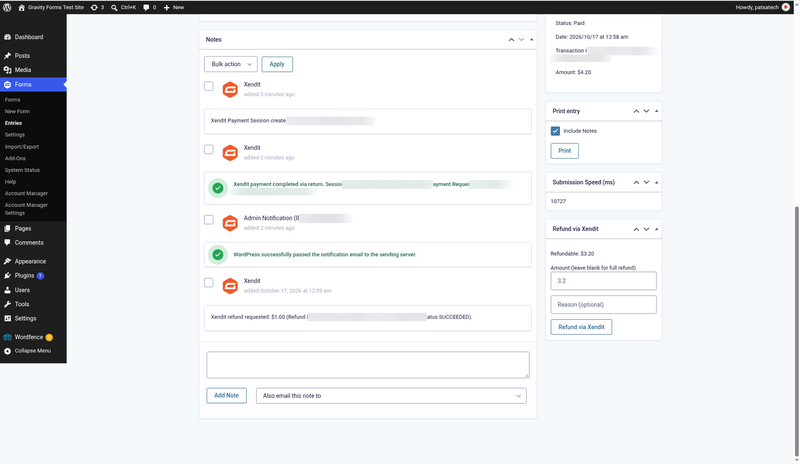
Turn any Gravity Forms form into a Xendit checkout: cards (3-D Secure), e-wallets, virtual accounts, QR and retail outlets on Xendit’s secure hosted page, with entries marked Paid automatically, delayed notifications and Post Payment Actions, and full or partial refunds from the entry screen.
Not a fit? Subscriptions or recurring billing, on-site card fields, or split payouts need custom payment gateway integration instead.
Long description
Quick answer (for buyers)
If your merchant account is with Xendit and you collect payments with Gravity Forms (bookings, registrations, donations, orders or services), you need an add-on built on Xendit’s current API, Payment Sessions (Payments API v3), and on the official Gravity Forms Payment Add-On Framework. PatSaTECH maintains the Xendit Gateway for Gravity Forms. Customers pay on Xendit’s hosted page, and each entry gets its payment status, transaction ID and notes from Gravity Forms itself.
Who this is for
- Gravity Forms sites with a Xendit account (Test mode is free; Live needs Xendit business verification).
- Forms for event registrations, bookings, deposits, services or product orders in Indonesia, the Philippines, Thailand, Malaysia, Vietnam or Singapore.
- Sites that want receipts, posts and other add-on feeds (Mailchimp, Zapier, User Registration…) to run only after payment.
- Agencies that need a documented, sandbox-tested add-on they can hand over to a client.
Who should skip (disqualifiers)
- You need subscriptions or recurring payments. Xendit Payment Sessions are one-time payments.
- You want card fields embedded inside the form instead of Xendit’s hosted page.
- Your form currency is not IDR, PHP, VND, THB, SGD, MYR or USD.
- You need split payouts, disbursements or fields not documented here: see custom payment gateway integration.
Dream outcome
Visitors submit the form, pay with the method they prefer, and the entry turns Paid on its own. Only then do your receipts go out, your posts get created and your other add-on feeds run. Refunds are done from the entry screen.
Obstacles → what this add-on addresses
| Obstacle | How this extension helps |
|---|---|
| Receipts and welcome emails go out before anyone has paid | Delayed notifications, delayed post creation and Post Payment Actions run only after Xendit confirms the payment. |
| Entries stuck in Processing after payment | Verified, idempotent webhooks plus a return-URL check with the Xendit API. |
| Custom code that breaks after Gravity Forms updates | Built on the official Payment Add-On Framework: native payment status, transaction ID, notes and Sales reports. |
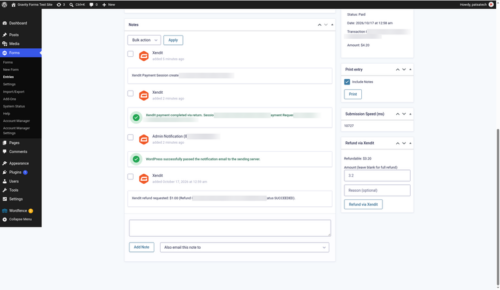
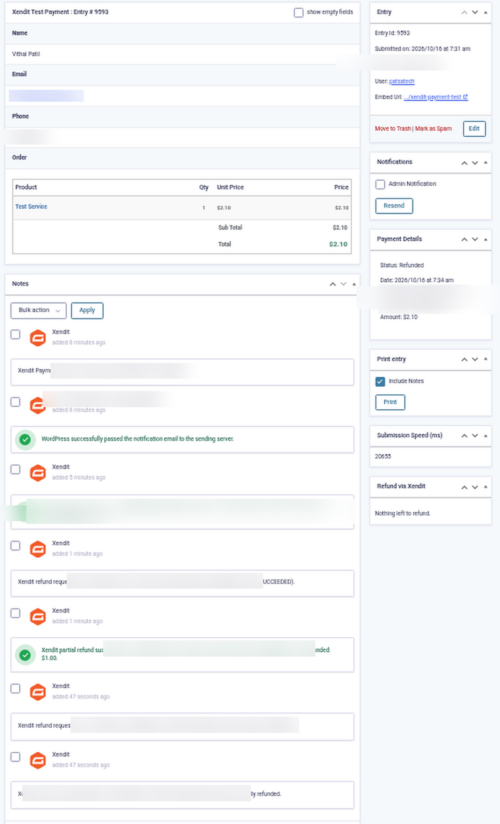
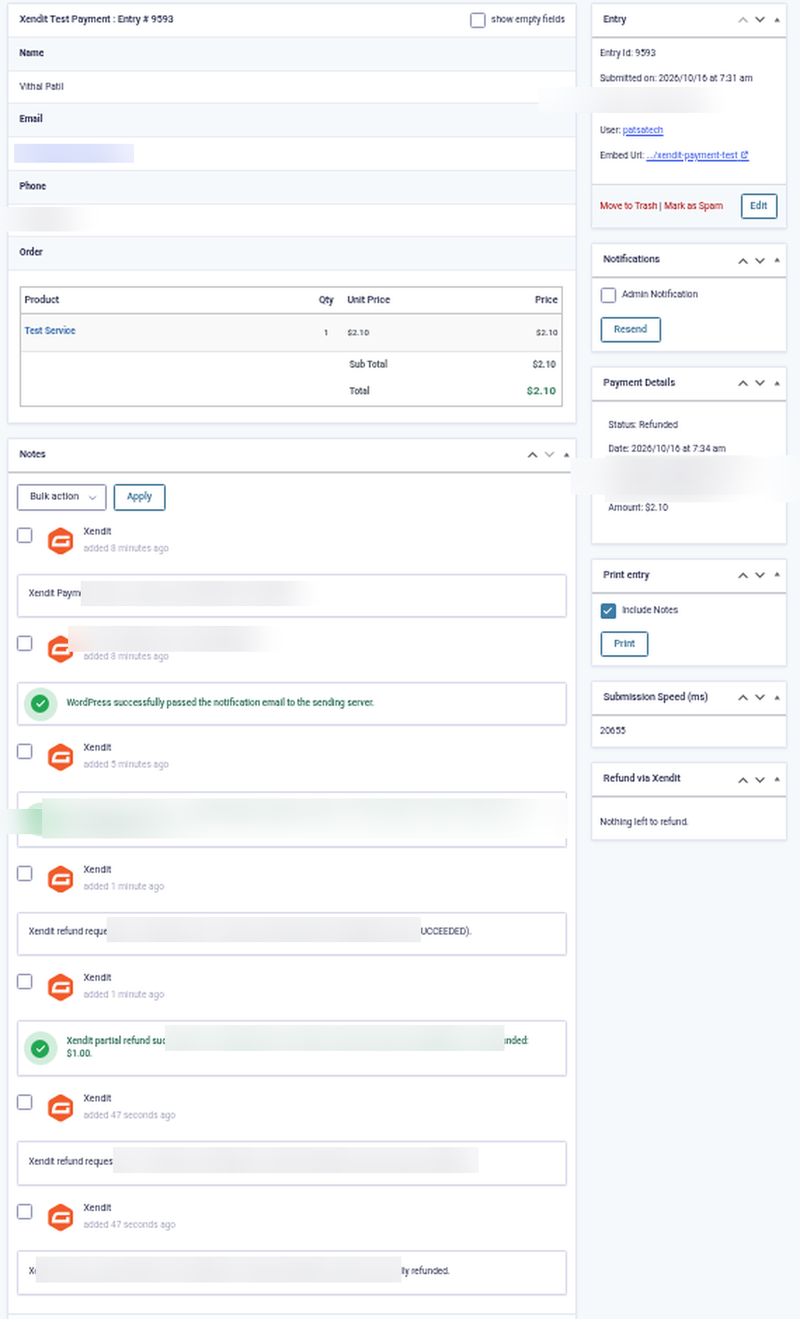
| Refunds need a separate login, and over-refunds | “Refund via Xendit” box on the entry; the refundable balance updates immediately and a refund above it is rejected with a clear error. |
| “This payment method is not available” | Friendly customer message and an admin notice telling you which channel to activate in Xendit. |
Value stack (features)
- Xendit Payment Sessions hosted checkout: cards with 3-D Secure, e-wallets, virtual accounts, QR and retail outlets, whichever are active on your Xendit account.
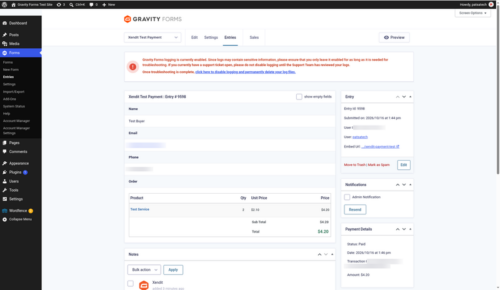
- Official Gravity Forms Payment Add-On Framework: payment status, transaction ID, entry notes and Sales reports.
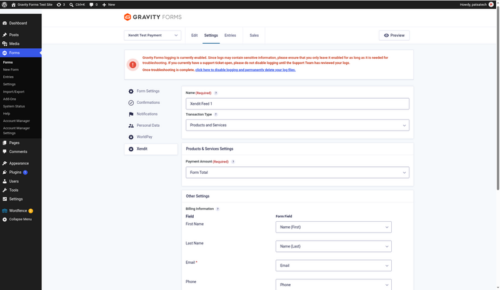
- Feed settings: Products and Services, payment amount, billing mapping (first name, last name, email, phone, country) and conditional logic.
- Delayed notifications: hold any form notification until payment is received.
- Create post only when payment is received.
- Post Payment Actions: run Mailchimp, Zapier, User Registration and other add-on feeds only after payment.
- Payment notification events: Payment Completed, Payment Failed, Payment Refunded.
- Verified webhooks (
x-callback-token) for payment_session.completed / expired, payment.capture, payment.failure (and legacy payment.failed), payment_request.expiry and refund.succeeded / failed; duplicates are ignored. - Return-URL verification with the Xendit API when the customer comes back.
- Full and partial refunds from the entry page, with a running refundable balance and an over-refund guard.
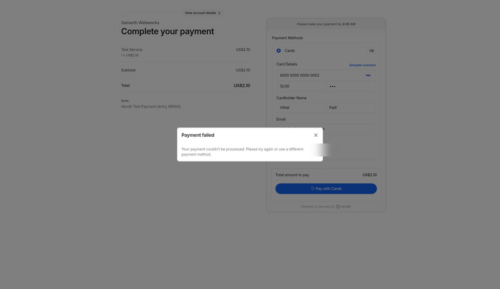
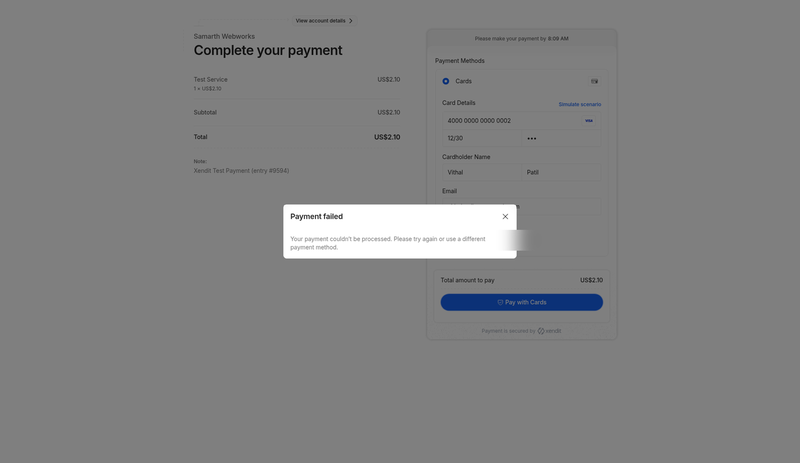
- Clear failure handling: declined attempts add a note and keep the entry Processing so the customer can retry; expired sessions mark the entry Failed.
- E.164 phone formatting (mapped country, Address field default, or the Default phone country setting).
- IDR and VND added to Gravity Forms currencies automatically.
- Test and Live modes, Gravity Forms logging, translation-ready, clean uninstall. No “Sample Option” clutter in the feed.
Supported payment methods (depends on your Xendit account)
Credit and debit cards with 3-D Secure · OVO · DANA · GoPay · ShopeePay · GCash · Maya · GrabPay · QRIS · QRPh · PromptPay · Virtual Accounts (BCA, BNI, BRI, Mandiri and more) · Alfamart / Indomaret · 7-Eleven, and any other channel activated on your Xendit account.
Supported countries and currencies
Indonesia (IDR), Philippines (PHP), Vietnam (VND), Thailand (THB), Singapore (SGD), Malaysia (MYR) and USD. Set Forms → Settings → Currency to a currency enabled on your Xendit account.
Requirements
- WordPress 6.0 or later
- Gravity Forms 2.5 or later (any license that includes the Payment Add-On Framework)
- PHP 7.4 or later
- HTTPS (SSL)
- A Xendit account and a secret key with Money-in Write permission (2FA must be on in Xendit to create one)
Tested on
- WordPress 7.1.3
- Gravity Forms 2.10.3
- PHP 7.4 or later required; code checked on PHP 8.4
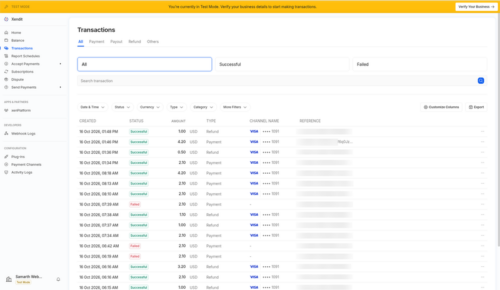
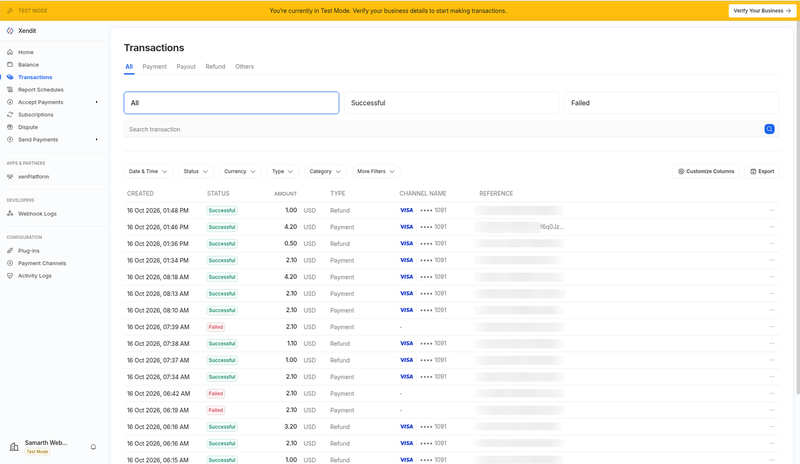
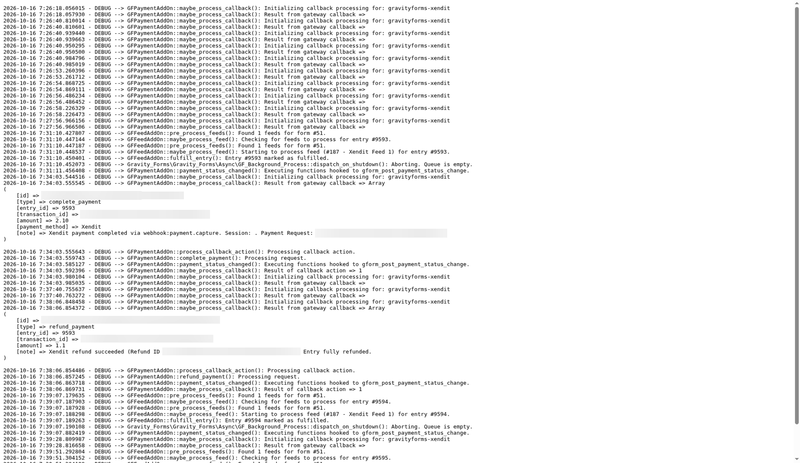
- Xendit Test mode: paid card payment, delayed notification, partial refund, over-limit refund rejected, full refund, declined card, abandoned payment, all webhooks HTTP 200
See it in action
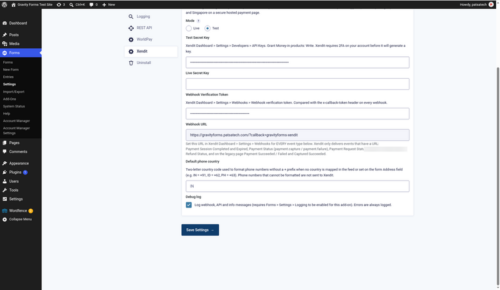
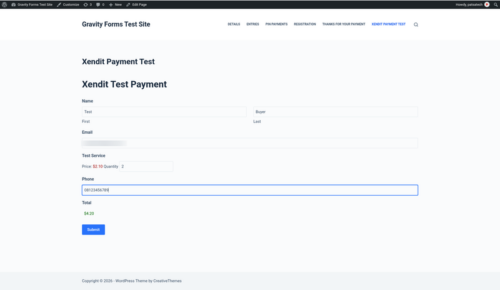
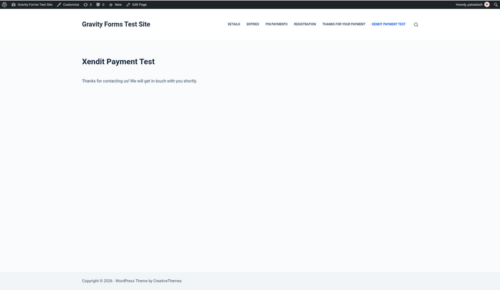
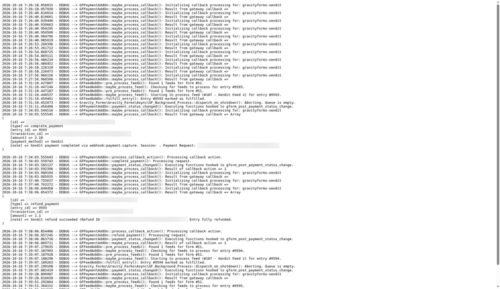
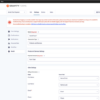
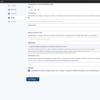
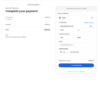
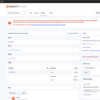
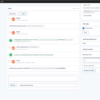
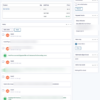
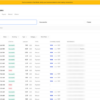
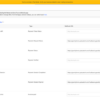
A few screenshots show how easy it is to set up and use Xendit Gateway for Gravity Forms (see the product gallery).
Installation summary
- Download
gravityforms-xendit-1.0.0.zipfrom your PatSaTECH account. - In WordPress go to Plugins → Add New → Upload Plugin, upload the zip and activate Xendit Gateway for Gravity Forms.
- In Xendit, turn on 2FA, then go to Settings → API Keys and create a secret key with Money-in Write permission.
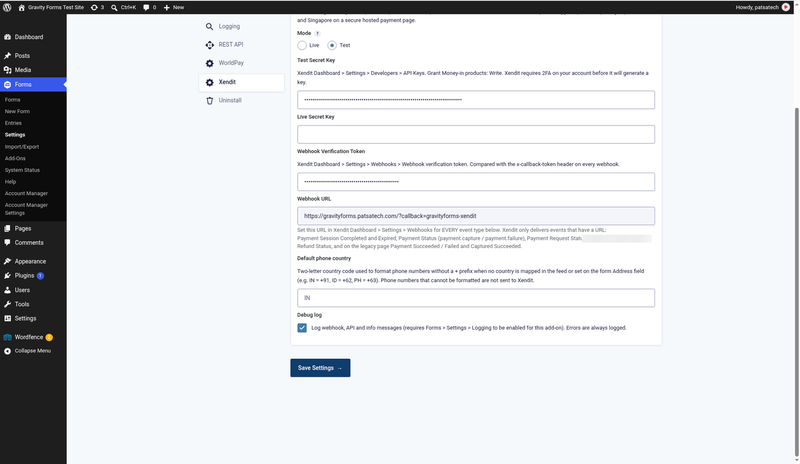
- Go to Forms → Settings → Xendit, choose Test mode, paste the secret key and Xendit’s webhook verification token, and save.
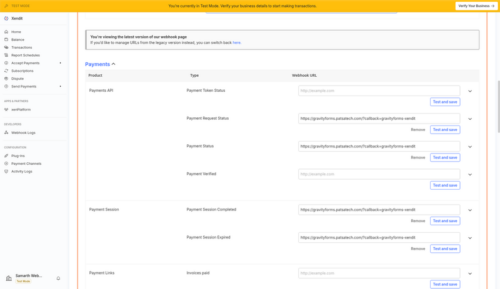
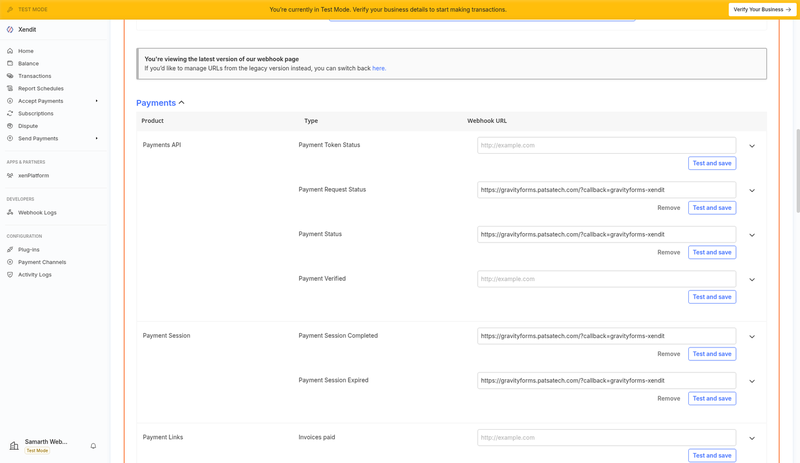
- Copy the Webhook URL shown there (
https://YOURSITE/?callback=gravityforms-xendit) into Xendit → Settings → Webhooks for every event listed in the guide. - Set Forms → Settings → Currency to a currency enabled on your Xendit account.
- Open your form → Settings → Xendit → Add New, choose Products and Services, map the billing fields, pick any delayed notifications or Post Payment Actions, and save.
- Submit a test entry, then switch to your Live key.
The full illustrated setup guide is included with the download.
Named method: Xendit go-live
- Confirm your form currency and payment channels are enabled on your Xendit account.
- Install on staging with your Xendit test key and webhook token.
- Test matrix: card payment with 3-D Secure, a declined card, a partial and a full refund, and your delayed notifications.
- Switch to your live key and token; watch the first entries and the Gravity Forms log.
Honest scope & risk
PatSaTECH does not guarantee approval rates: card issuers and Xendit’s risk checks decide outcomes. Payment channels are activated by Xendit on your account, not by the add-on. Hosted checkout usually keeps your PCI scope at SAQ A, but confirm this with your acquirer. Letting a license lapse while taking live payments risks missing updates when Xendit or Gravity Forms change.
Proof & documentation
- Illustrated setup guide (HTML) with real screenshots from a live test site: Payment gateway setup guide
- Setup videos (above)
- Choosing a Gravity Forms payment add-on
- How to evaluate payment gateway plugins
FAQ
Which countries and currencies does it support?
Indonesia (IDR), the Philippines (PHP), Vietnam (VND), Thailand (THB), Singapore (SGD) and Malaysia (MYR), plus USD. The add-on adds IDR and VND to Gravity Forms for you. The form currency must be enabled on your Xendit account.
Which payment methods will my customers see?
Every channel activated on your Xendit account: cards, e-wallets, virtual accounts, QR and retail outlets, all on Xendit’s hosted payment page.
Do I need PCI compliance?
Card details are entered on Xendit’s hosted page, so they never touch your site. That usually keeps you in the simplest PCI scope (SAQ A); confirm with your acquirer.
Where do I get my API keys?
Xendit Dashboard → Settings → API Keys. Turn on 2FA first, then create a secret key with Money-in Write permission. The included video shows every step.
Can I send receipts only after payment?
Yes. Use the Payment Completed notification event, or tick “Send notifications only when payment is received” in the Xendit feed and choose which notifications to hold.
Can other add-ons wait for payment too?
Yes. Post Payment Actions let feeds from add-ons such as Mailchimp, Zapier or User Registration run only after Xendit confirms the payment, and you can also create posts only after payment.
Can I refund from Gravity Forms?
Yes. Use the “Refund via Xendit” box on the entry page for full or partial refunds. The refundable balance updates straight away, and a refund larger than what is left is rejected with a clear error.
An entry stays Processing after the customer paid. What should I check?
Make sure the webhook URL is registered in Xendit for every event and the verification token matches. Turn on Gravity Forms logging to see what the webhook received.
A customer sees “this payment method is not available”.
That channel is not activated on your Xendit account. Activate it in Xendit Dashboard → Settings → Payment Channels; the add-on also shows you an admin notice.
Does it support subscriptions?
No. Xendit Payment Sessions are one-time payments.
Changelog
16.10.26 – Ver. 1.0.0
- Initial release.
Support & documentation
- Documentation: Payment gateway setup guide
- Support: [SUPPORT LINK] · [email protected]
- Optional: Plugin installation support
Satisfaction Guarantee · Support Guarantee (shown by your product template)