

 Satisfaction Guarantee
 Support Guarantee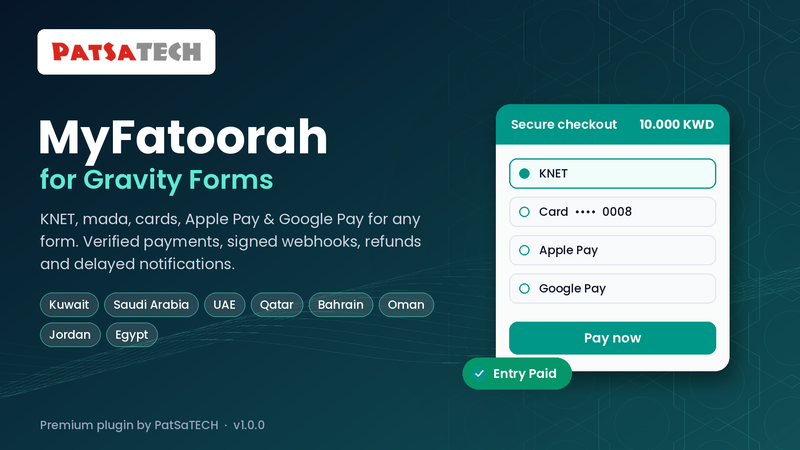
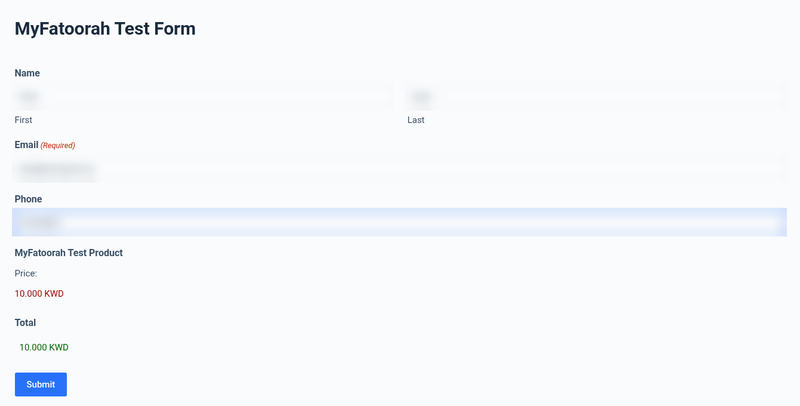
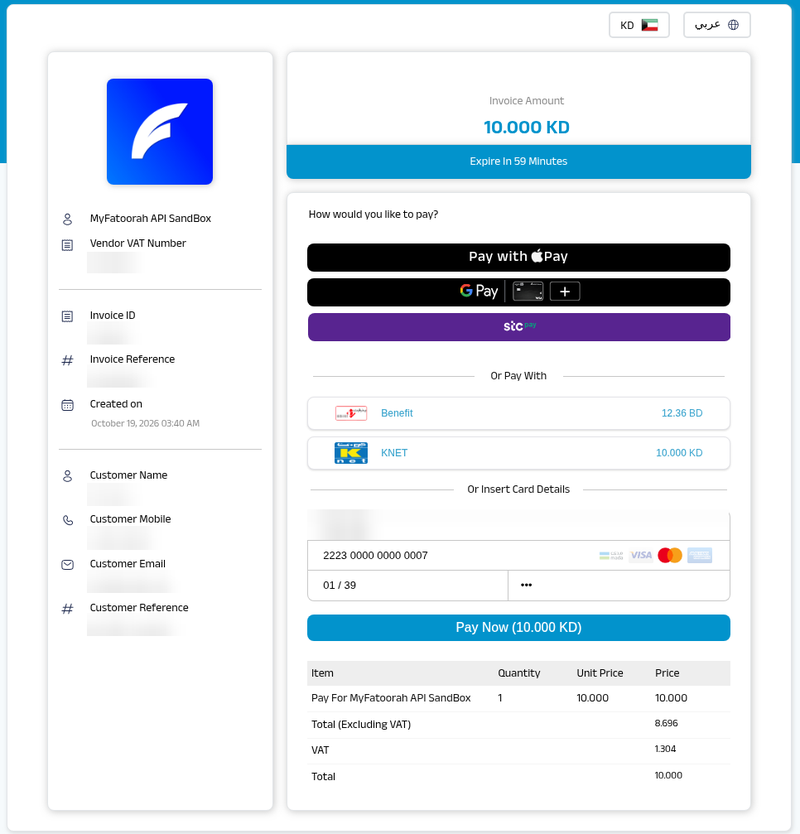

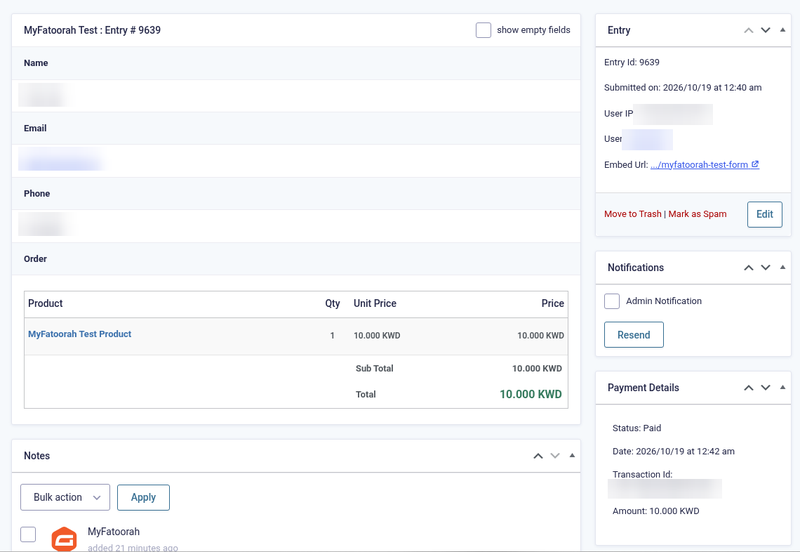

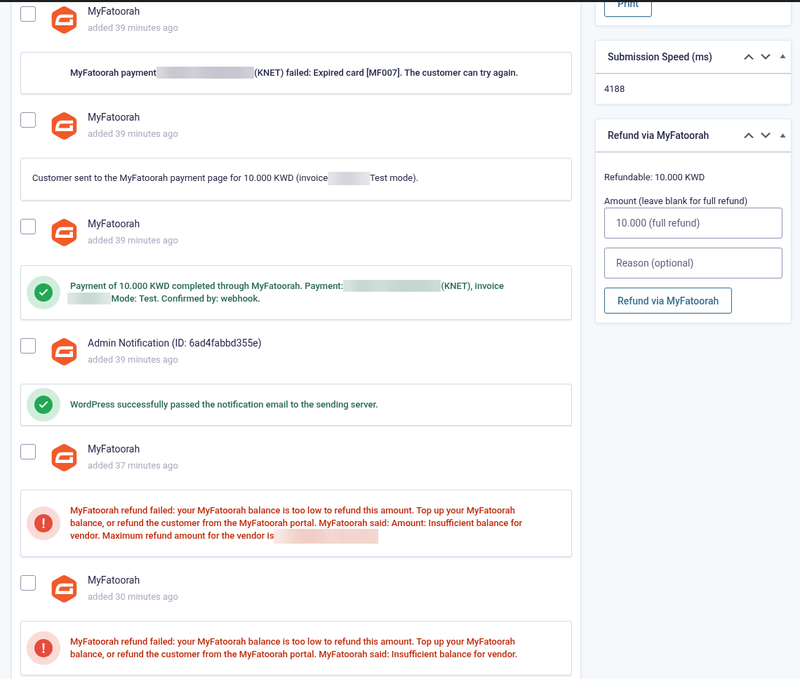
MyFatoorah Gateway for Gravity Forms
Price: from $79.00 / year (Single Site License, Support and Updates included for 1 year). Set the other variants (2-5 Sites, Unlimited, 5 years) as on your other gateway products.
Badges: Payment Add-On Framework · MyFatoorah Hosted Payment Page (API v3) · KNET, mada, Apple Pay & Google Pay · Delayed notifications
Short description
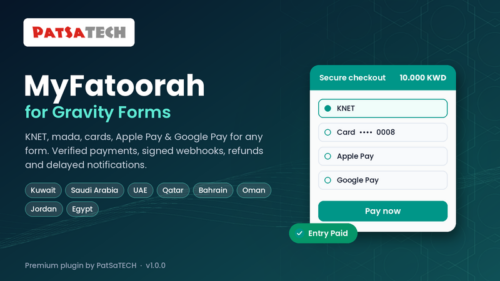
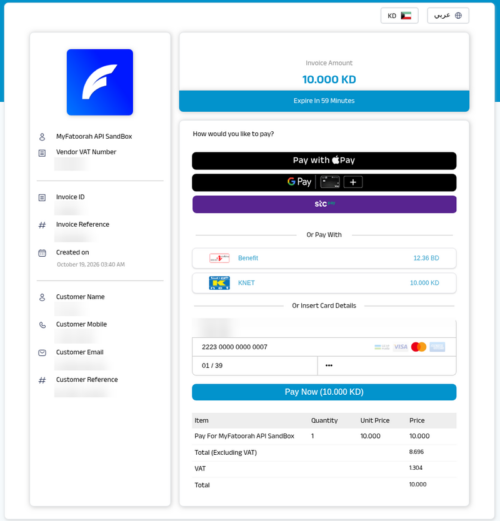
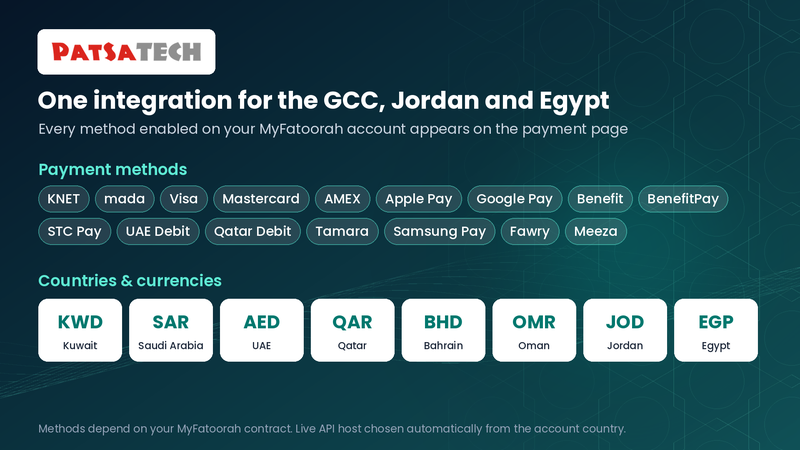
For Gravity Forms sites with a MyFatoorah account in Kuwait, Saudi Arabia, the UAE, Qatar, Bahrain, Oman, Jordan or Egypt: take KNET, mada, cards, Apple Pay, Google Pay, Benefit, STC Pay and more on any form, on MyFatoorah’s secure payment page in English or Arabic.
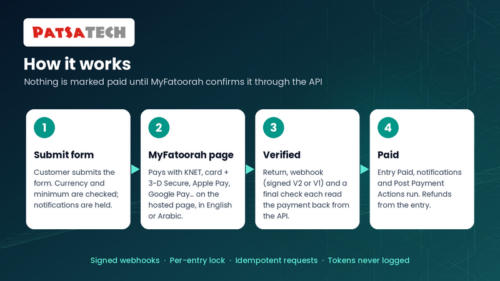
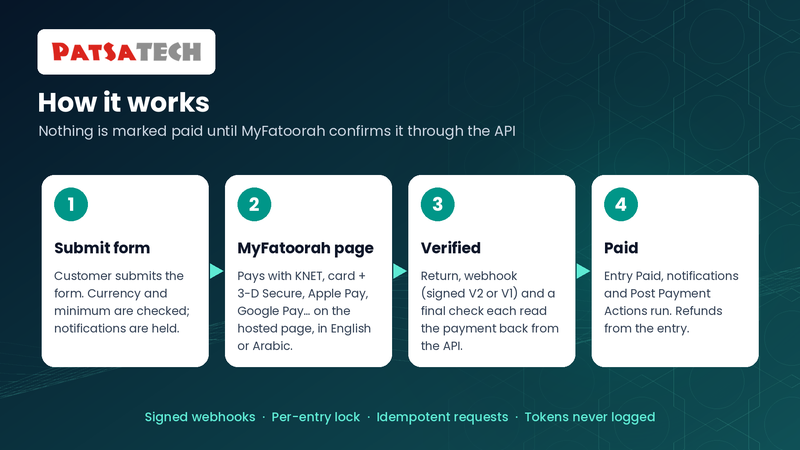
Every payment is confirmed with the MyFatoorah API before the entry is marked Paid. Notifications and other add-on feeds can wait for the payment. Declined customers get a Try again button, refunds (full and partial) are made from the entry, and unpaid entries are marked Failed on a timer. The eight MyFatoorah currencies are added to Gravity Forms.
Not a fit? Subscriptions or recurring billing, or a business MyFatoorah does not serve, need a different solution: see custom payment gateway integration.
Long description
Quick answer (for buyers)
If you take payments with Gravity Forms in the GCC, Jordan or Egypt, you need an add-on built on the official Gravity Forms Payment Add-On Framework that sends customers to MyFatoorah’s hosted payment page and confirms every payment with the MyFatoorah API. PatSaTECH maintains MyFatoorah Gateway for Gravity Forms. Card data never touches your server, and every webhook is verified with the MyFatoorah-Signature header or by reading the payment back from MyFatoorah before an entry changes.
Who this is for
- Gravity Forms sites (bookings, registrations, donations, event tickets, order forms) with a MyFatoorah account. Testing needs no sign-up: MyFatoorah publishes a public test token.
- Forms that should send notifications or run other add-on feeds (Mailchimp, User Registration…) only after the payment is received.
- Sites priced in KWD, SAR, AED, QAR, BHD, OMR, JOD or EGP. The add-on adds these currencies to Gravity Forms with the right decimals.
Who should skip (disqualifiers)
- MyFatoorah will not open a live account for your business.
- You need subscriptions or recurring payments. This add-on takes one-time payments (Products and Services).
Dream outcome
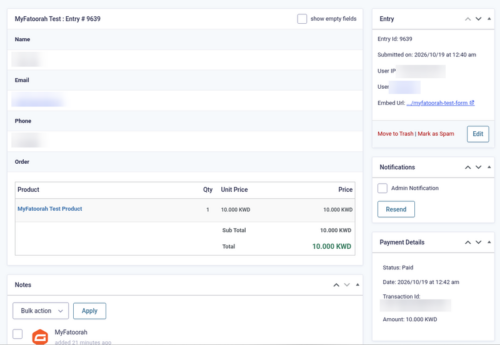
Visitors pay with KNET, mada or Apple Pay. Entries are marked Paid on their own, notifications go out only for paid entries, and refunds are a click on the entry screen.
Obstacles → what this add-on addresses
| Obstacle | How this add-on helps |
|---|---|
| Notifications sent for unpaid entries | Notifications, delayed posts and other add-ons’ feeds wait until MyFatoorah confirms the payment. |
| Entries marked Paid from a faked return or webhook | Every payment is read back from the MyFatoorah API under a per-entry lock; invoice, amount and currency are checked. |
| Gravity Forms has no KWD / SAR / AED currency | The add-on adds all eight MyFatoorah currencies (KWD, BHD, OMR, JOD with 3 decimals), and an admin notice explains an unsupported currency. |
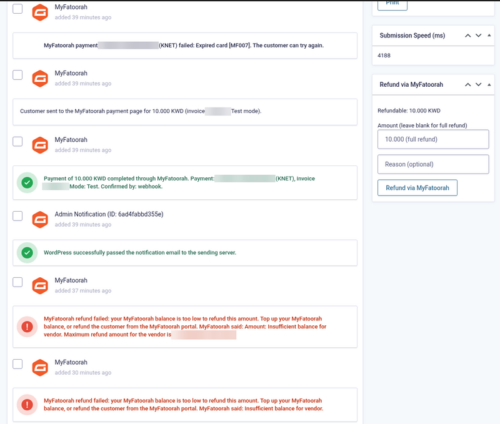
| Declined customers lost | The reason and a Try again button that opens a new payment link for the same entry. |
| Abandoned payments left as Processing forever | Payment links expire; after one last check the entry is marked Failed. |
| Fake webhooks or other merchants’ events | Webhook V2 signatures or API lookup; events for invoices this site didn’t create are ignored. |
Value stack (features)
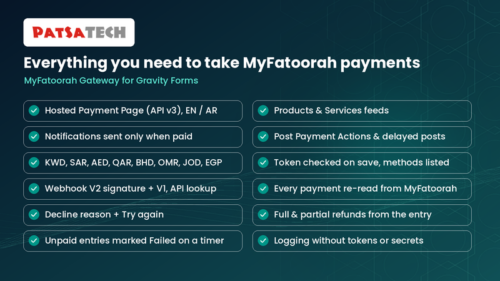
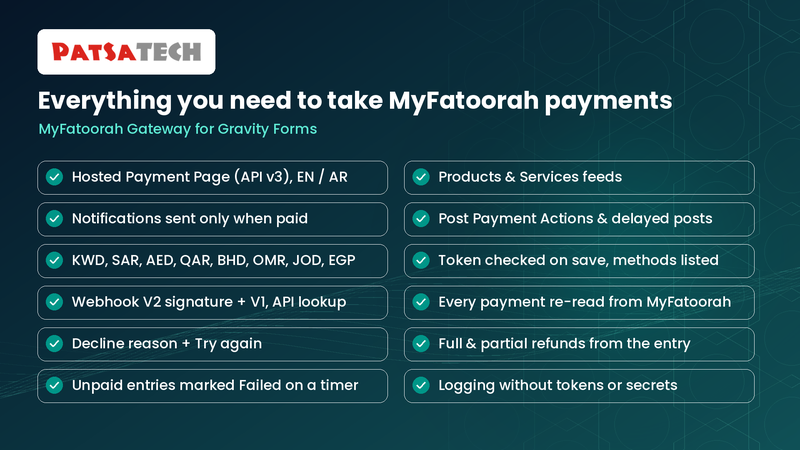
- MyFatoorah Hosted Payment Page (API v3), English or Arabic, with every method enabled on your account (or only Cards, KNET, Apple Pay and Google Pay).
- Gravity Forms Payment Add-On Framework: Payment Status, Transaction ID, payment notification events, conditional logic.
- Delayed notifications, delayed posts and Post Payment Actions.
- 8 MyFatoorah currencies added to Gravity Forms, with the correct decimals.
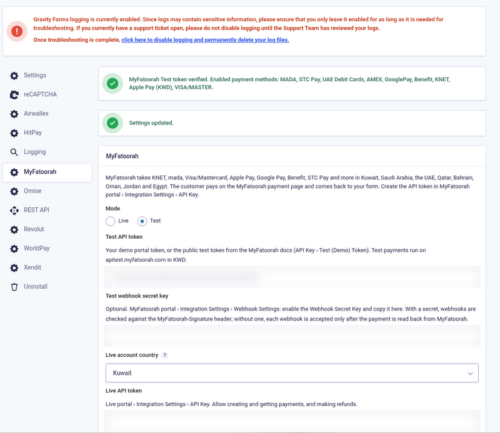
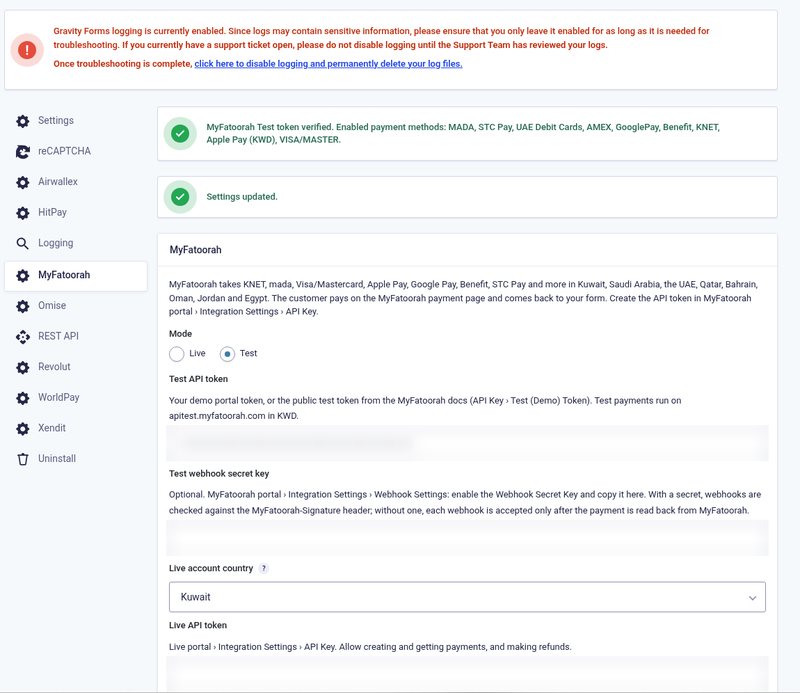
- Test and Live tokens checked when you save; live API host chosen from the account country.
- Webhook V2 with MyFatoorah-Signature, V1 accepted, or an API lookup; the webhook URL is sent with every payment.
- Decline reason and Try again.
- Full and partial refunds from the entry, converted to your account currency; portal refunds recorded.
- Minimum amount, and unpaid entries marked Failed after a time you choose.
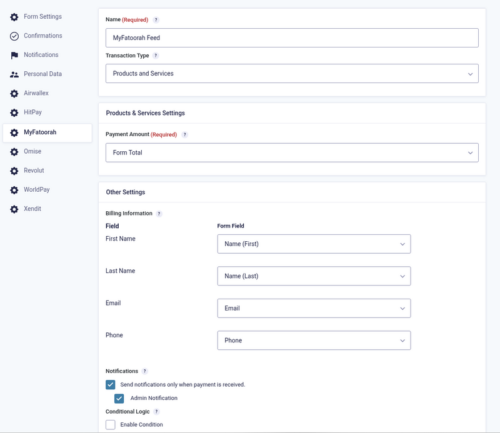
- Name, email and mobile (international format) sent to MyFatoorah.
- Logging with tokens and secrets never written; translation-ready, GPLv2 or later.
Supported payment methods (depends on your MyFatoorah account)
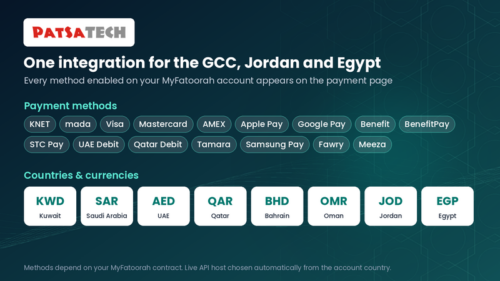
KNET · mada · Visa · Mastercard · AMEX · Apple Pay · Google Pay · Benefit / BenefitPay · STC Pay · UAE and Qatar debit cards · Tamara · Samsung Pay · Fawry · Meeza · more.
Supported countries and currencies
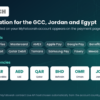
Kuwait (KWD), Saudi Arabia (SAR), UAE (AED), Qatar (QAR), Bahrain (BHD), Oman (OMR), Jordan (JOD), Egypt (EGP).
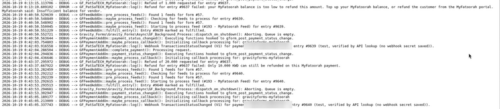
Tested in the MyFatoorah test environment (public demo token, KWD). Successful refunds, signed V2 webhooks and live payments have not yet been tested by PatSaTECH.
Requirements
- WordPress 6.0 or later
- Gravity Forms 2.5 or later
- PHP 7.4 or later
- HTTPS (SSL)
- A MyFatoorah API token (the public test token for testing, your own demo account, or a live account)
Tested on
- WordPress 7.1.3
- Gravity Forms 2.10.3
- PHP 8.1.34; PHP 7.4 or later required
- MyFatoorah test environment (KWD): card payment with delayed notification, KNET declined with Try again and retry confirmed by webhook, refund refusals handled, abandoned entry, currency setup without warnings
See it in action
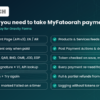
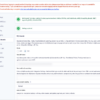
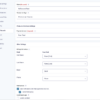
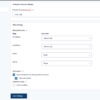
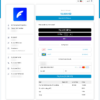
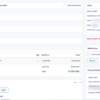
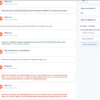
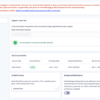
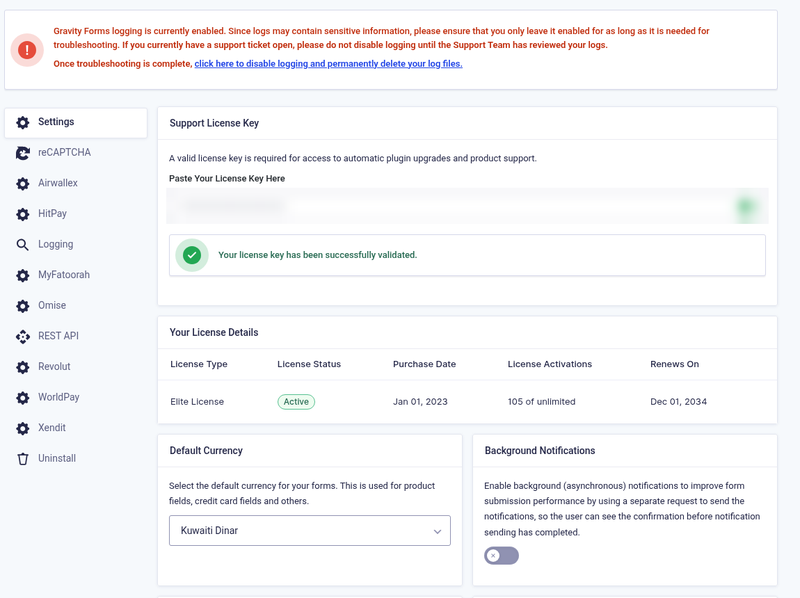
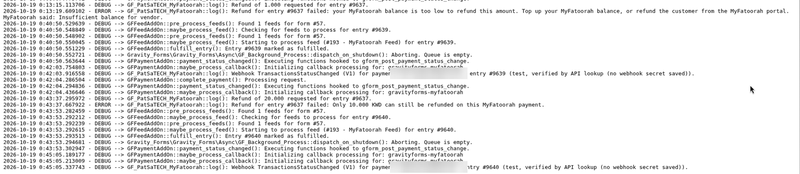
A few screenshots show how easy it is to set up and use MyFatoorah Gateway for Gravity Forms (see the product gallery).
Installation summary
- Download
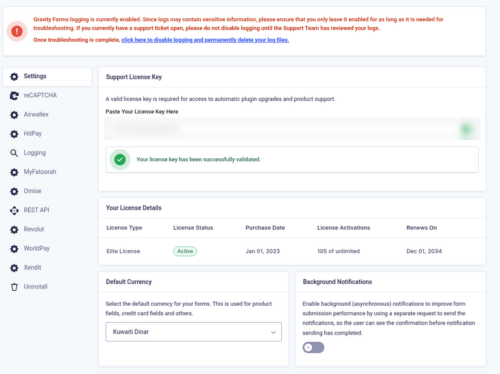
gravityforms-myfatoorah-1.0.0.zipand upload it under Plugins → Add New → Upload Plugin, then activate. - Forms → Settings → Currency: choose a MyFatoorah currency (e.g. Kuwaiti Dinar).
- Forms → Settings → MyFatoorah: Mode Test, paste a test token (MyFatoorah’s public test token or your demo portal token) and save.
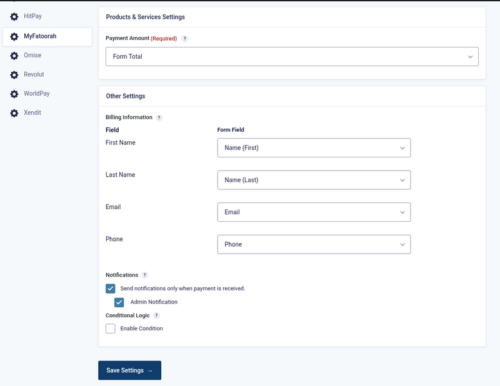
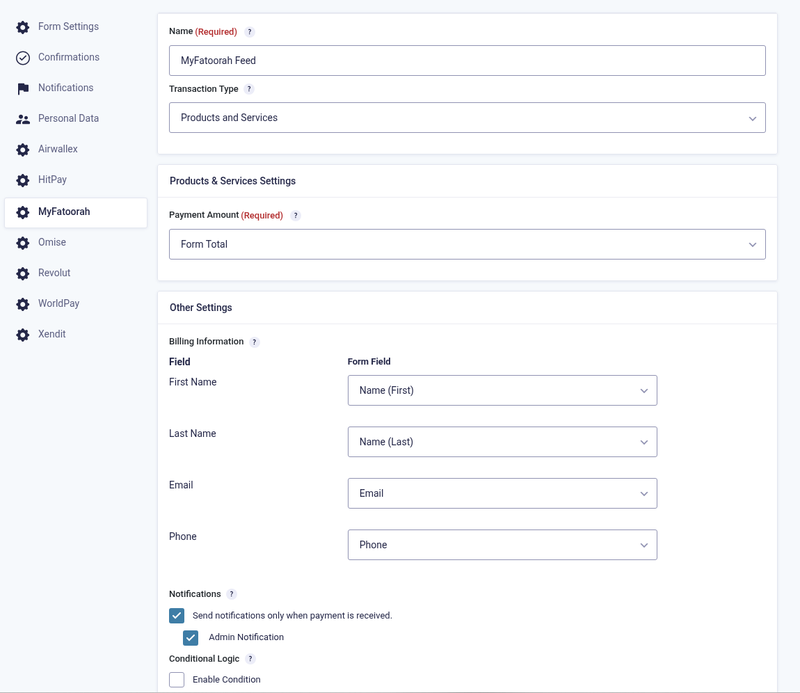
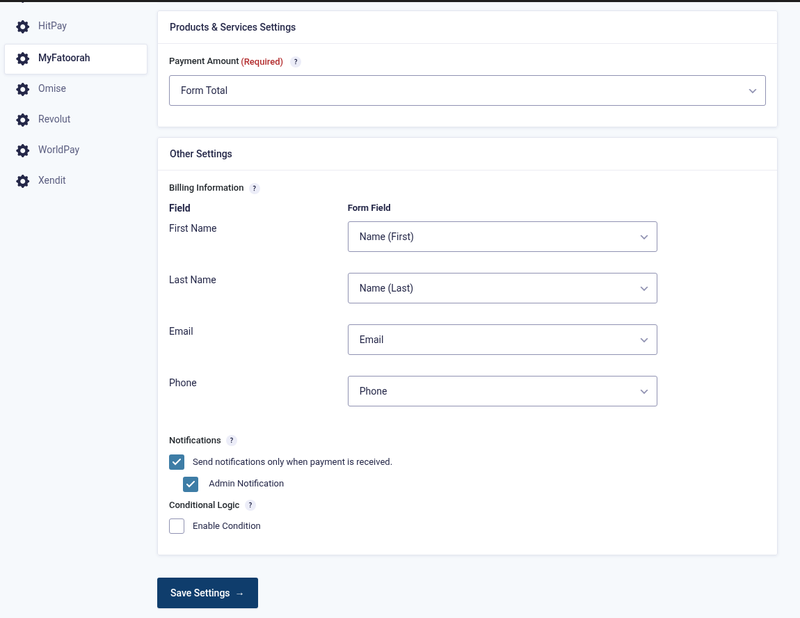
- Your form → Settings → MyFatoorah → Add New: Products and Services, payment amount, map name/email/phone, tick “Send notifications only when payment is received”.
- Optional: portal › Integration Settings › Webhook Settings: Webhook V2, endpoint
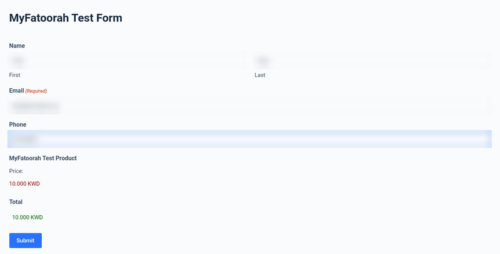
https://your-site.com/?callback=gravityforms-myfatoorah, the two status events, and copy the secret key into the add-on. - Submit the form and pay with card 2223 0000 0000 0007 (01/39, CVV 100) or KNET 8888 8800 0000 0001 (09/30).
- To go live: Mode Live, choose the account country and paste the live token.
Honest scope & risk
PatSaTECH does not guarantee approval rates. MyFatoorah decides who can open a live account and which methods are enabled, and refunds come out of your MyFatoorah balance. Testing so far used the public demo token, whose shared account cannot refund. Successful refunds, signed V2 webhooks, Apple Pay / Google Pay and live payments have not yet been tested by PatSaTECH.
Proof & documentation
- Illustrated setup guide (HTML): [DOCUMENTATION LINK]
- Setup videos (above, coming soon)
FAQ
Do notifications wait for the payment?
Yes. Tick “Send notifications only when payment is received” in the feed and choose the notifications. Other add-on feeds can wait too (Post Payment Actions).
Which currency must Gravity Forms use?
One of KWD, SAR, AED, QAR, BHD, OMR, JOD or EGP. The add-on adds them to Forms → Settings → Currency.
What happens when a payment is declined?
The visitor sees the reason and a Try again button; the entry stays Processing until it is paid or the time limit passes.
Can I refund from Gravity Forms?
Yes, full and partial, from the entry screen. Refunds need enough MyFatoorah balance; test them with your own demo account (the public test token can’t refund).
Does it support subscriptions?
No. One-time payments only.
Changelog
19.10.26 – Ver. 1.0.0
- Initial release on the Gravity Forms Payment Add-On Framework.
- MyFatoorah Hosted Payment Page (API v3), English or Arabic; 8 countries.
- Webhook V2 signatures and V1, or API lookup; every payment re-read under a per-entry lock.
- Delayed notifications, delayed posts and Post Payment Actions; 8 currencies added to Gravity Forms.
- Full and partial refunds with currency conversion; Try again; unpaid entries marked Failed; logging.
Support & documentation
- Documentation: [DOCUMENTATION LINK]
- Support: [SUPPORT LINK] · [email protected]
Satisfaction Guarantee · Support Guarantee (shown by your product template)