



 Satisfaction Guarantee
 Support Guarantee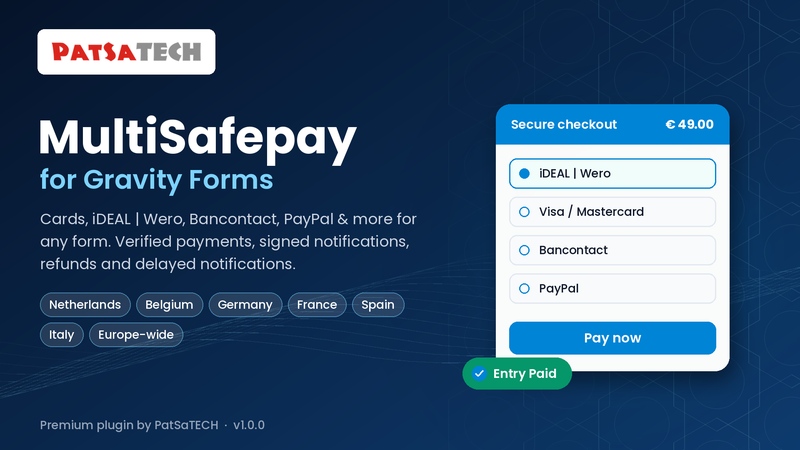



MultiSafepay Gateway for Gravity Forms
Price: from $79.00 / year (Single Site License, Support and Updates included for 1 year). Set the other variants (2-5 Sites, Unlimited, 5 years) as on your other add-on products.
Badges: Gravity Forms Payment Add-On Framework · MultiSafepay payment page · iDEAL | Wero, Bancontact, cards & PayPal · Delayed notifications
Short description
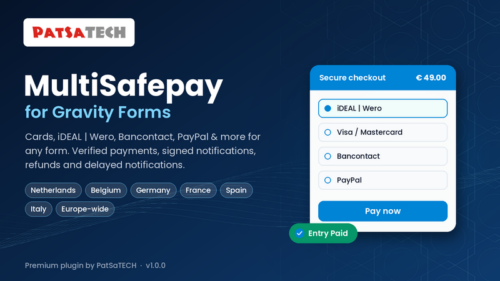
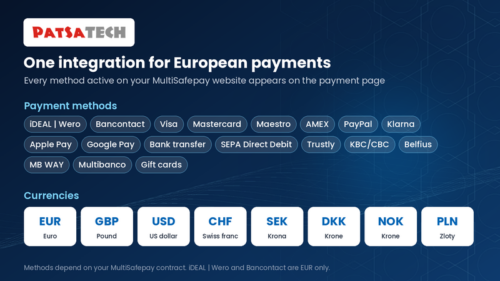
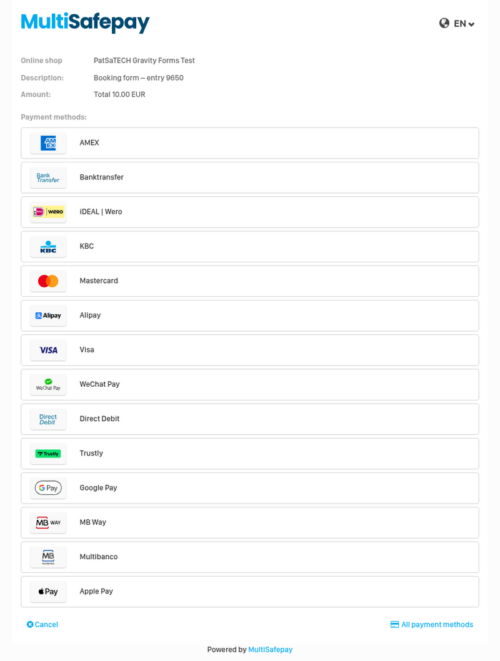
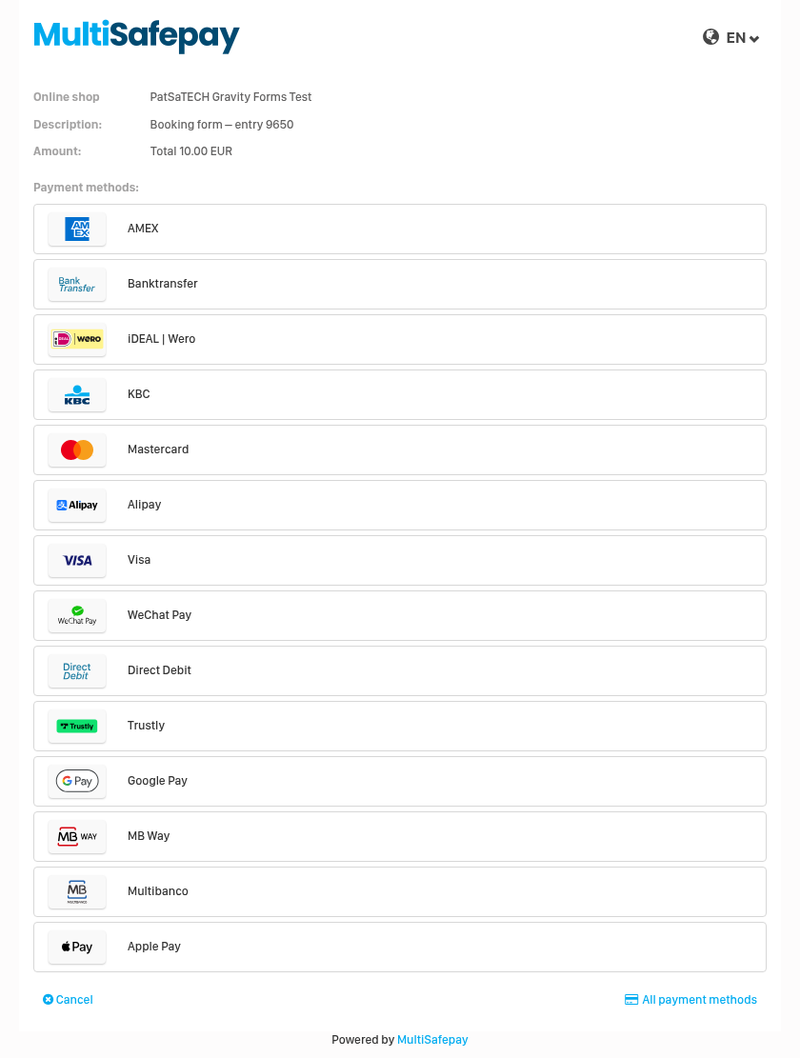
Take MultiSafepay payments on any Gravity Forms form: Visa/Mastercard, iDEAL | Wero, Bancontact, PayPal, Klarna, Apple Pay, Google Pay and every other method on your MultiSafepay website, through MultiSafepay’s secure payment page.
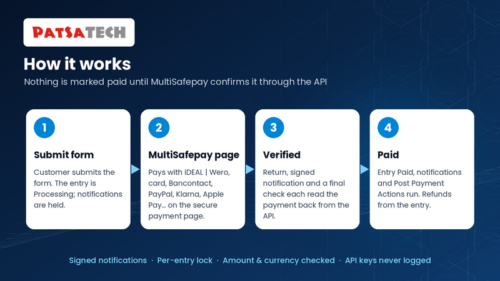
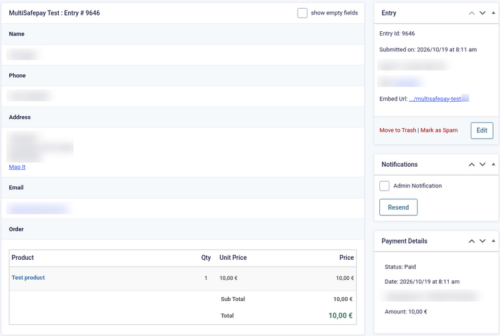
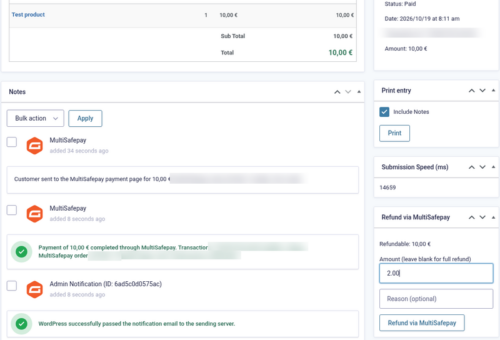
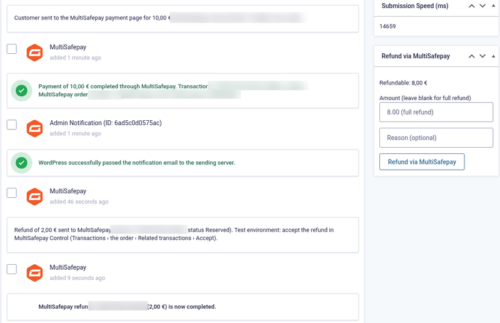
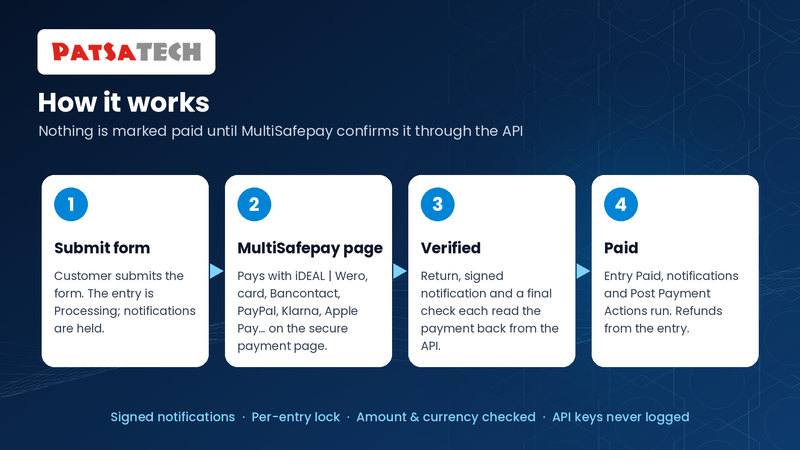
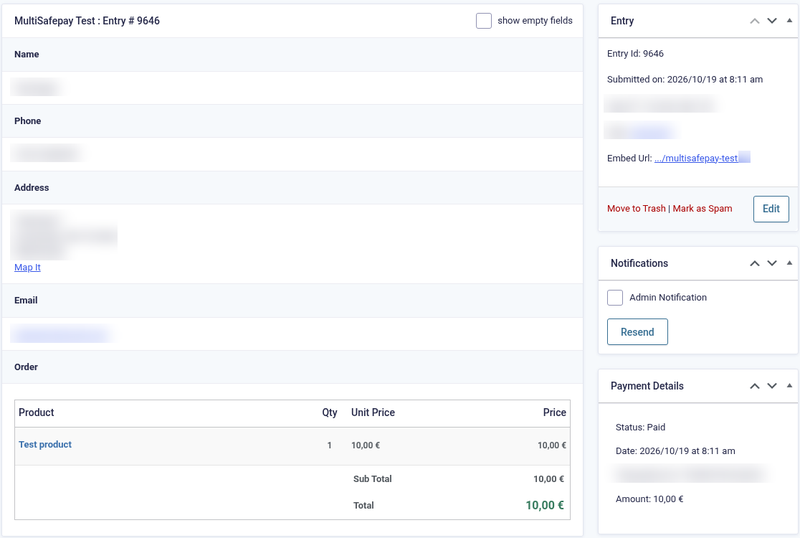
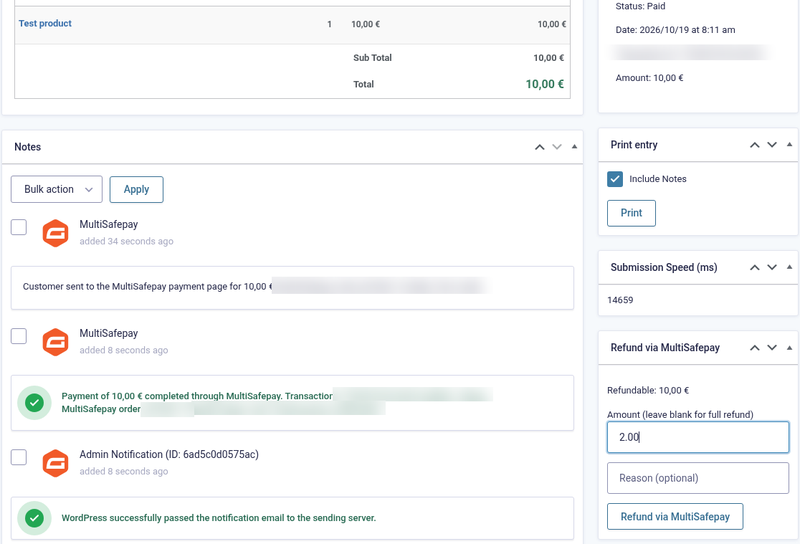
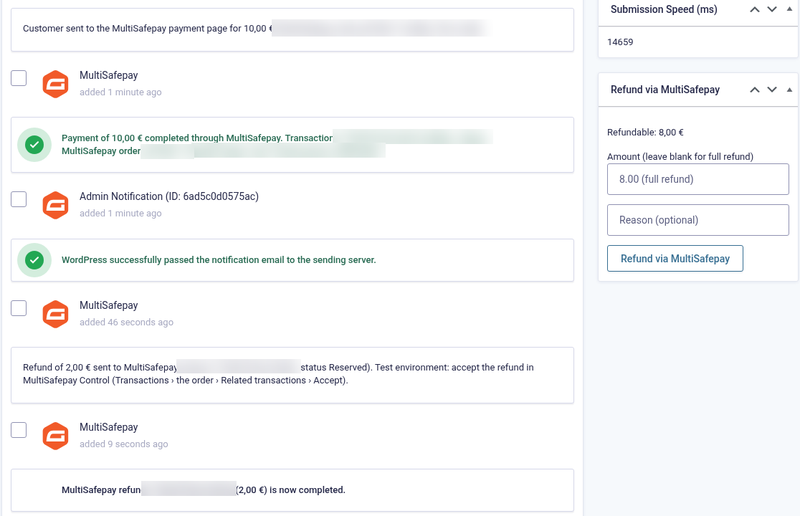
Every payment is read back from the MultiSafepay API before the entry is marked Paid. Notifications are signed and checked, notifications and other add-on feeds can wait for the payment, and refunds (full and partial) are made from the entry with the real refund status.
Not a fit? Subscriptions or recurring billing need a different solution: see custom payment gateway integration.
Long description
Quick answer (for buyers)
If you take bookings, registrations, donations or orders with Gravity Forms and your payment provider is MultiSafepay, this add-on sends the customer to MultiSafepay’s payment page and confirms every result with the MultiSafepay API. Card data never touches your site. Built on the official Gravity Forms Payment Add-On Framework and maintained by PatSaTECH.
Who this is for
- Sites using Gravity Forms with a MultiSafepay account (test accounts are free).
- Forms that should offer iDEAL | Wero, Bancontact, cards and PayPal, or go straight to one method.
- Teams that want notifications, posts and other add-on feeds (e.g. Mailchimp) to run only after payment.
Who should skip (disqualifiers)
- MultiSafepay will not open a live account for your business.
- You need subscriptions or recurring payments. This add-on takes one-time payments.
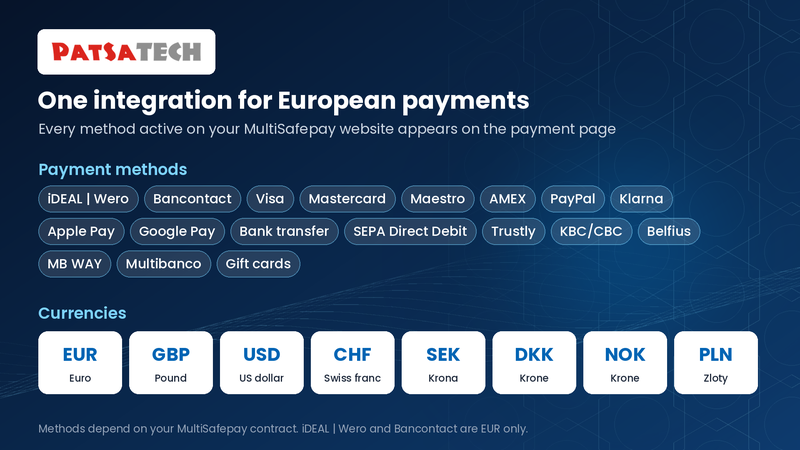
- You want iDEAL | Wero or Bancontact but your form currency is not EUR.
Obstacles → what this add-on addresses
| Obstacle | How this add-on helps |
|---|---|
| Entries marked paid from a faked return or notification | Every payment is read back from the MultiSafepay API under a per-entry lock; status, amount and currency are checked. |
| Confirmation emails sent before payment | Notifications, post creation and other add-on feeds can wait until MultiSafepay confirms the payment. |
| Fake notifications | POST notifications checked with the HMAC-SHA512 Auth header; GET notifications only trigger an API lookup. |
| Customers stuck after a decline | A clear message and a Try again button that opens a new payment for the same entry. |
| Refunds you can’t follow | The real refund status is read back, and a Reserved refund gets one note when MultiSafepay completes it. |
| Abandoned payments | Entries are marked Failed when the payment link expires unpaid. |
Value stack (features)
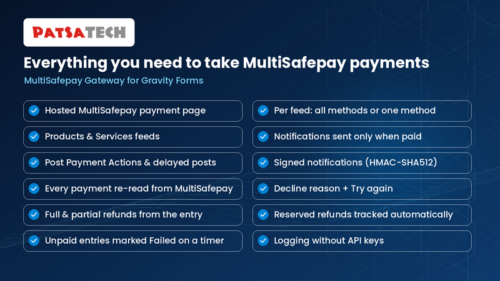
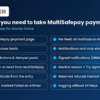
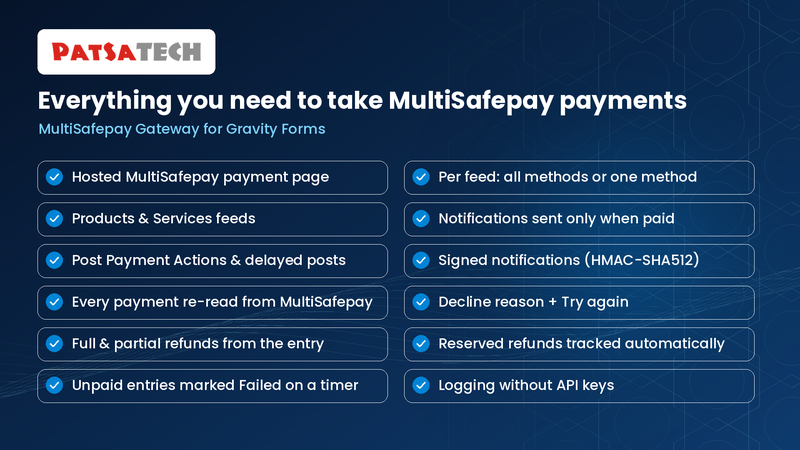
- MultiSafepay payment page, all active methods, or per feed straight to iDEAL | Wero, Bancontact, card or PayPal.
- Products & Services feeds with conditional logic.
- Delayed notifications, delayed posts and Post Payment Actions.
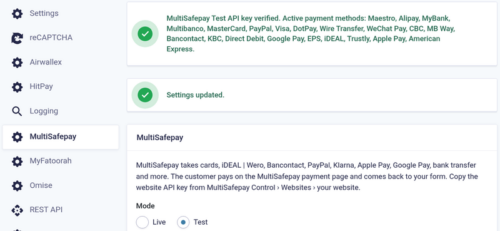
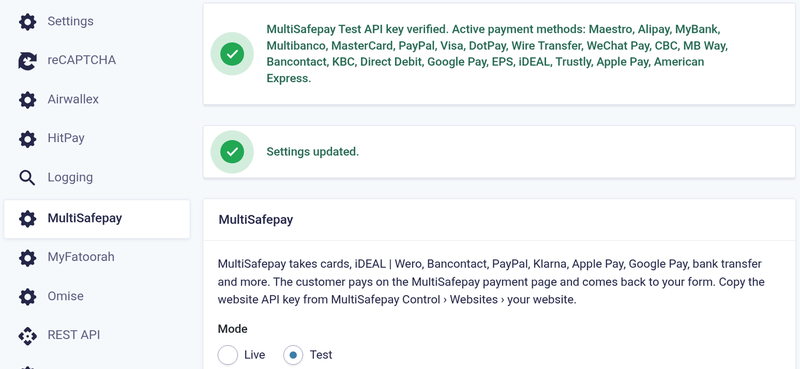
- Test and Live API keys checked on save, active methods listed.
- Signed notifications (HMAC-SHA512) or API lookup; notification URL sent with every payment.
- Every payment re-read from the API; amount and currency verified.
- Decline reason + Try again; unpaid entries marked Failed on a timer.
- Full and partial refunds from the entry with the real refund status; Reserved refunds followed up automatically; refunds made in MultiSafepay Control recorded.
- Customer name, email, phone (E.164) and address sent to MultiSafepay.
- Logging without API keys; translation-ready; GPLv2 or later.
Supported payment methods (depends on your MultiSafepay contract)
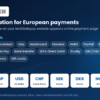
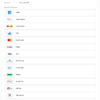
Visa · Mastercard · Maestro · American Express · iDEAL | Wero · Bancontact · PayPal · Klarna · Apple Pay · Google Pay · Bank transfer · SEPA Direct Debit · Trustly · KBC/CBC · Belfius · gift cards · and more.
Tested in the MultiSafepay test environment (EUR). Live payments have not yet been tested by PatSaTECH.
Requirements
- WordPress 6.0 or later
- Gravity Forms 2.5 or later
- PHP 7.4 or later
- HTTPS (SSL)
- A MultiSafepay website API key (free test account, or a live account)
Tested on
- WordPress 7.1.3
- Gravity Forms 2.10.3
- PHP 8.1.34; PHP 7.4 or later required
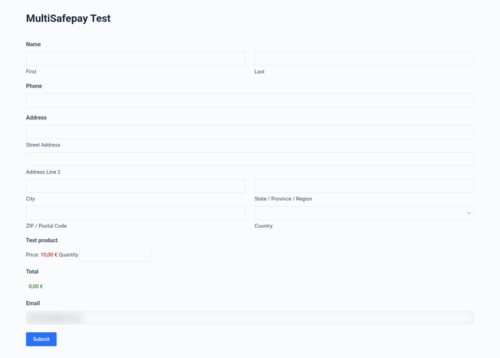
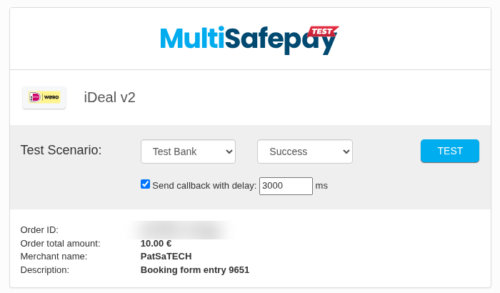
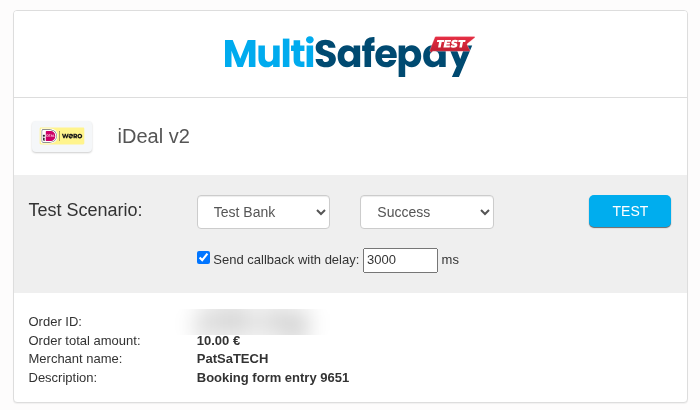
- MultiSafepay test environment (EUR): iDEAL | Wero paid, declined and cancelled (Try again); Visa paid; signed notifications; iDEAL partial refund Reserved then accepted, with one completion note
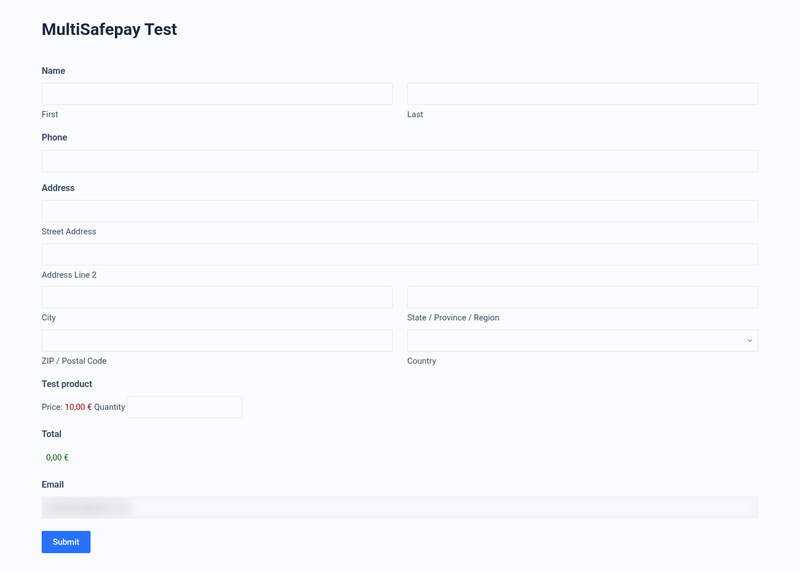
See it in action
Installation summary
- Download
gravityforms-multisafepay-1.0.0.zipfrom your PatSaTECH account. - Plugins → Add New → Upload Plugin, upload the zip and activate MultiSafepay Gateway for Gravity Forms.
- Forms → Settings → Currency: Euro for iDEAL | Wero and Bancontact.
- Create a free test account at testmerchant.multisafepay.com, add your website and copy its API key.
- Forms → Settings → MultiSafepay: Mode Test, paste the key, save. The active methods are listed.
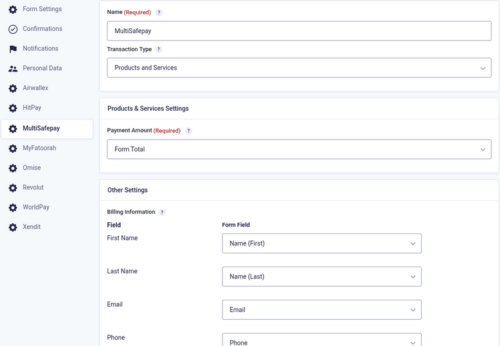
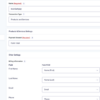
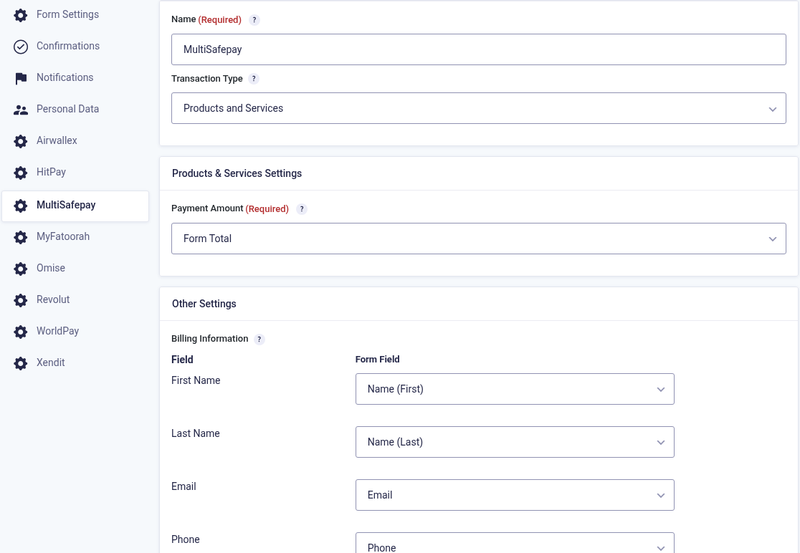
- Form → Settings → MultiSafepay → Add New: Products and Services, payment method, billing fields, “Send notifications only when payment is received”.
- Test with Visa 4111 1111 1111 1111 or iDEAL | Wero “Success”. To go live: Mode Live and the live API key.
The full illustrated setup guide is included with the download.
Honest scope & risk
PatSaTECH does not guarantee approval rates: card issuers and MultiSafepay decide outcomes, and MultiSafepay decides who can open a live account and which methods are active. Refunds need enough MultiSafepay balance. Testing so far used the MultiSafepay test environment in EUR; live payments, PayPal, Klarna and Apple Pay / Google Pay have not yet been tested by PatSaTECH.
Proof & documentation
- Illustrated setup guide (HTML) with real screenshots: [DOCUMENTATION LINK]
- Setup videos (above, coming soon)
FAQ
Can notifications wait for the payment?
Yes. In the feed tick “Send notifications only when payment is received”. Posts (on forms with Post fields) and other add-on feeds with delayed-payment support (Post Payment Actions) can wait too; those options appear only when they apply.
Why are declined entries Processing and not Failed?
So the customer can use Try again on the same entry. After a decline MultiSafepay first shows its own “Transaction declined” page; Cancel or Back there brings the customer to the form page with the message and the Try again button. The entry is marked Failed when the payment link expires unpaid.
Why does one refund say “completed” and another “Reserved”?
Card refunds are usually completed at once. iDEAL | Wero and other bank refunds start as Reserved and complete at midnight (live) or when you click Accept (test). The entry gets one note when the refund completes.
Do I need to set up a webhook?
No. The notification URL is sent with every payment.
Does it support subscriptions?
No. It takes one-time payments.
Changelog
19.10.26 – Ver. 1.0.0
- Initial release on the Gravity Forms Payment Add-On Framework.
- MultiSafepay payment page; per-feed payment method.
- Test and live API keys checked on save; signed notifications (HMAC-SHA512) or API lookup.
- Every payment re-read from the API under a per-entry lock; decline reason with Try again; unpaid entries marked Failed.
- Full and partial refunds with the real refund status; Reserved refunds followed up automatically.
- Delayed notifications, delayed posts and Post Payment Actions; logging.
Support & documentation
- Documentation: [DOCUMENTATION LINK]
- Support: [SUPPORT LINK] · [email protected]
Satisfaction Guarantee · Support Guarantee (shown by your product template)