Introduction
Coherent descriptors also help accountants: when card exports from the bank need to be matched to WooCommerce revenue, a consistent substring makes semi-automated matching possible. That is a small operational win that compounds at month-end.
Friendly fraud often starts with recognition failure, not malice: a family member does not recognize a subscription renewal, or a customer forgets a pre-order capture date. Clear descriptors do not replace dispute evidence, but they reduce volume at the top of the funnel—fewer confused emails, fewer accidental disputes filed before support can help.
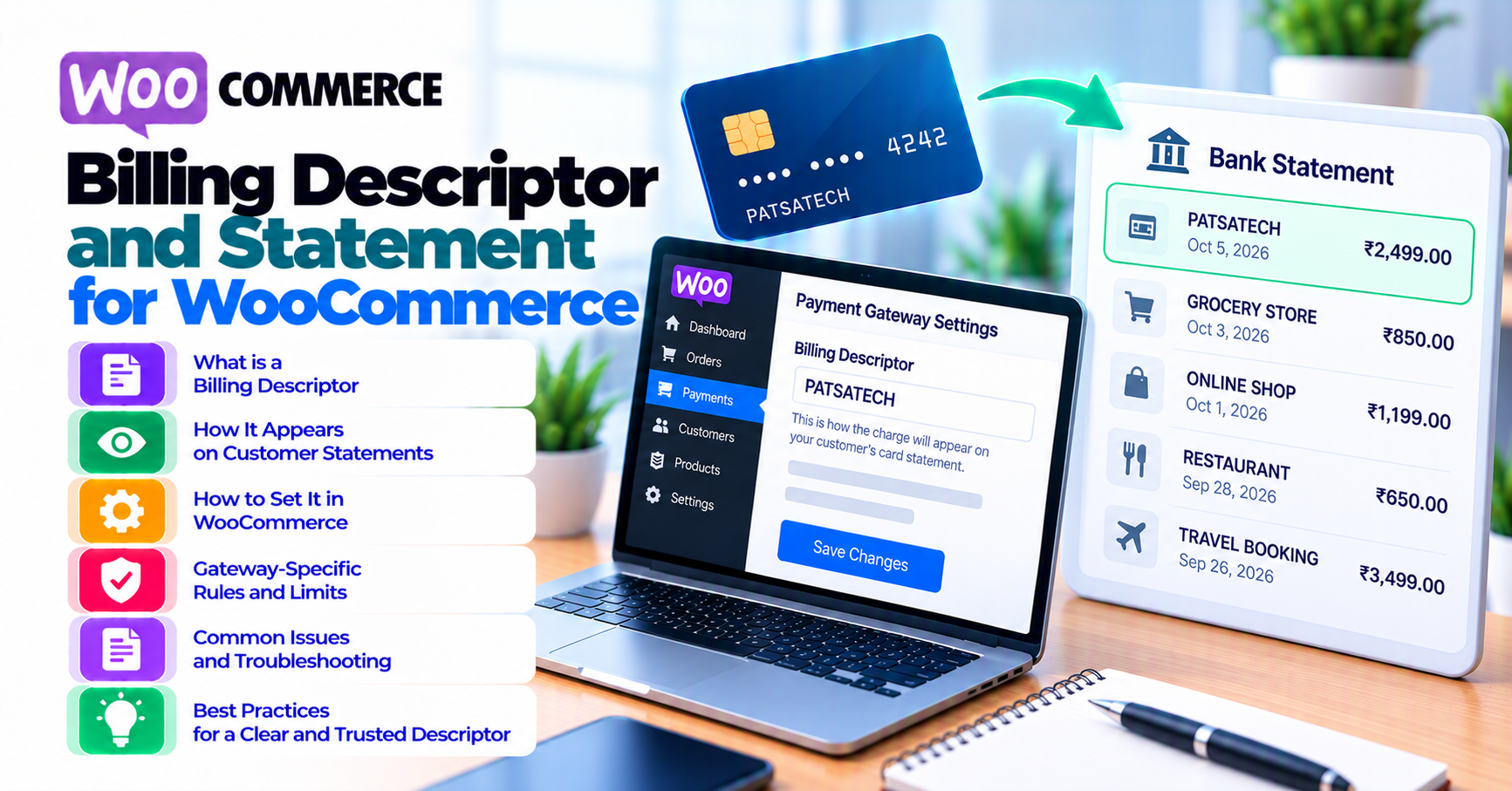
Customers do not search their email for their receipt when they see an unfamiliar charge—they search the merchant name on their bank app. If that string looks like a random gateway code or an old DBA, support volume and disputes rise even when the charge is legitimate. Billing descriptors (also called statement descriptors, soft descriptors, or dynamic descriptors depending on context) are the short text that appears next to card charges.
WooCommerce does not always expose every descriptor field—that depends on your gateway plugin and processor. This article aligns marketing, support, and finance on what you can control, what requires acquirer approval, and how to reduce “I don’t recognize this charge” chargebacks. It pairs with authorization and capture (descriptor often prints at capture/settlement) and B2B invoicing when PO numbers must appear in customer communications even if the statement is short.
Quick answer
Pick a recognizable static descriptor (often BRAND*PRODUCT or similar pattern allowed by your processor), avoid cryptic abbreviations, and mirror that exact string in order confirmation emails and your help center. For subscriptions, ensure recurring charges use a descriptor customers learned at signup. Train support to search by amount + date + last four, not argument alone.
1. What appears on statements
Cardholders typically see: merchant or DBA name, sometimes a city or phone prefix, amount, and date. Dynamic descriptors may append order-specific text when supported—useful for marketplaces or multiple brands under one MID; misuse causes truncation or rejection.
International statements may translate or truncate differently—international payments complicates a single global string.
2. Configuring descriptors in practice
Work backward from your processor’s documentation: character limits, allowed symbols, and whether the descriptor is set per account, per transaction, or per channel. Your WooCommerce gateway settings may expose a “statement descriptor” field; some require dashboard configuration on the processor side only.
After changes, run a small live test charge and refund—staging article is not enough for how statements actually render. Document the approved string in your brand guidelines so campaigns and apps use the same name customers will see on statements.
3. Subscriptions and recurring labels
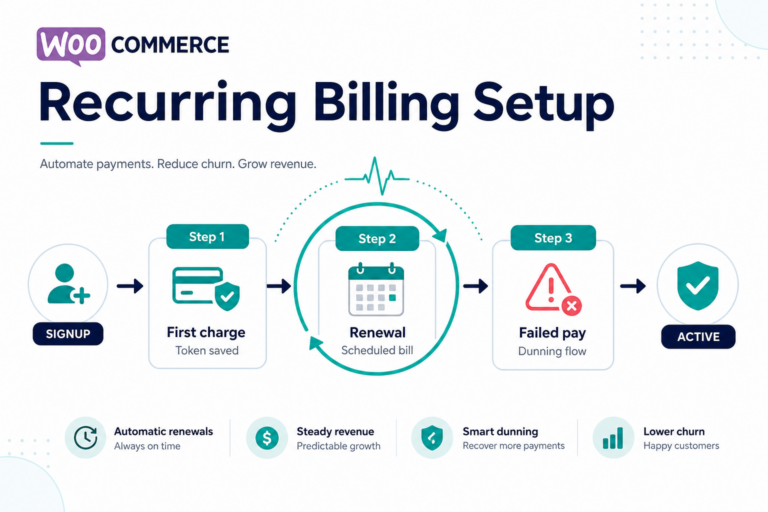
Recurring charges should match what customers expect from your subscription marketing. If the first charge shows one name and renewals show another, dispute rates increase. Coordinate with subscriptions article and your gateway’s recurring-specific descriptor options.
4. Support and self-service
Publish an FAQ: “How charges appear on your statement” with a screenshot or example string (redacted). Link from post-purchase emails. When customers email “duplicate charge,” verify authorization vs capture before refunding—refunds reconciliation.
5. Marketplaces and multiple brands
If you operate multiple storefronts or seller identities under one legal entity, descriptor strategy gets harder: you may need separate merchant IDs, sub-merchants, or platform programs. WooCommerce alone does not solve scheme-level labeling—your acquirer does. Misaligned descriptors on marketplace sales are a common source of “I bought from Seller A but my statement says Platform Z” tickets. Document the customer-visible name at checkout and match it to the statement pattern your processor approves.
6. Receipts email vs bank statement
Order confirmation emails show your brand, line items, and total. Bank apps show the descriptor and amount—often with less context. Customers connect the two mentally only when strings resemble each other. Include one line in every receipt: “Your bank may display this charge as [approved descriptor].” Update that line when finance approves descriptor changes. For B2B, also reference PO numbers in email body since statements rarely have room for PO text.
Chargeback defense: When building dispute evidence packets, the descriptor that appeared on the statement is often a required field—keep screenshots of your processor settings with change history if your acquirer asks how the customer should have recognized the charge. Align wording with chargebacks vs refunds.
Testing changes: After any descriptor update, run a small live transaction and ask a colleague unfamiliar with your DBA to read the statement line aloud—if they cannot connect it to your storefront name, iterate before rolling out widely.
Amex, Discover, and local schemes: Statement presentation rules differ slightly by network; your processor’s implementation guide is authoritative. If you see elevated “unrecognized charge” tickets from one card brand after a change, pull segment-level dispute data before rolling back globally.
FAQ
Can we put our URL in the descriptor?
Often no—length and character rules are strict; use a memorable brand fragment instead.
Why does Apple Pay look different?
Wallet presentation layers add context—digital wallets.
Does descriptor fix fraud?
It reduces friendly confusion; it does not stop stolen cards—fraud screening.