
 Satisfaction Guarantee
 Support Guarantee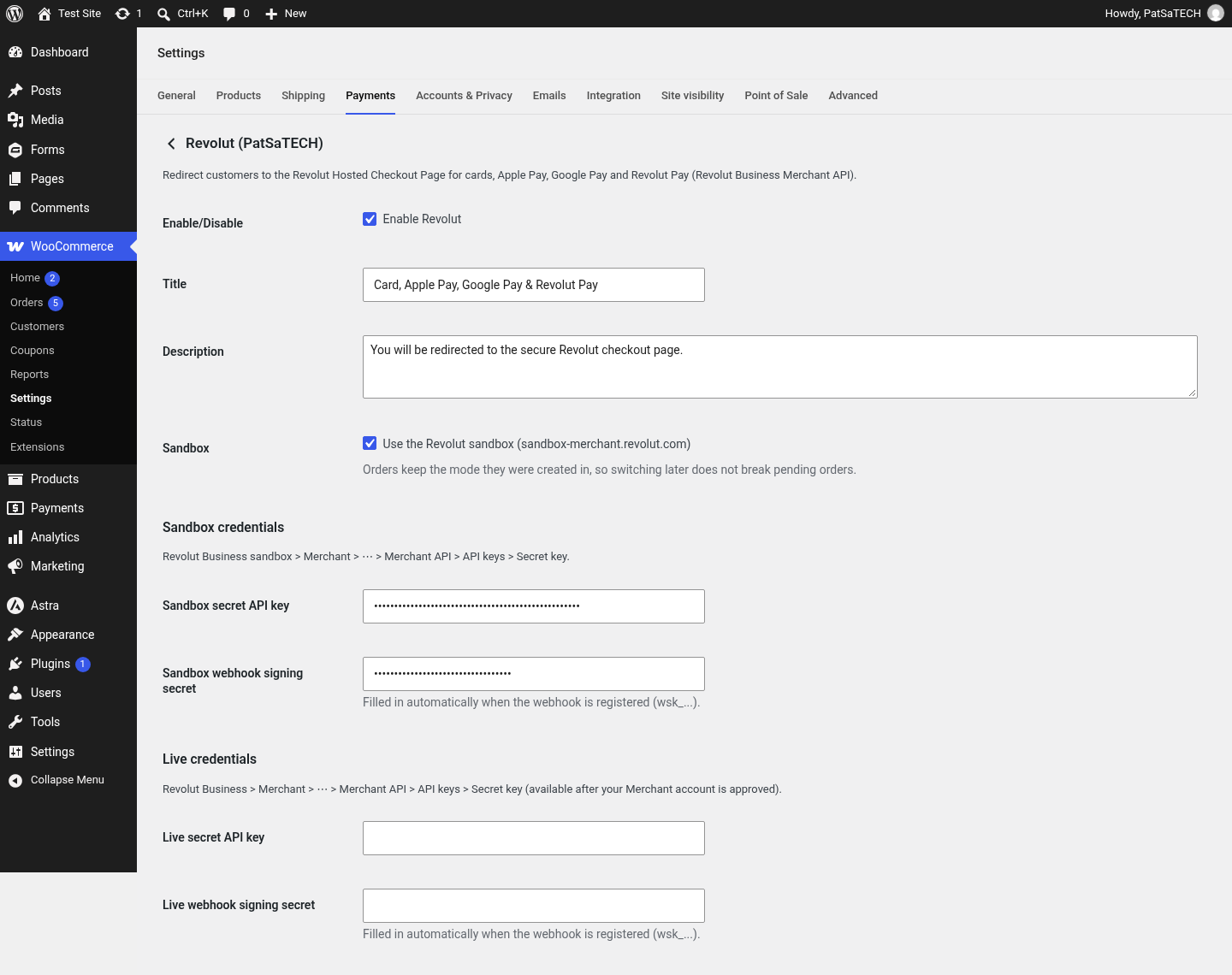
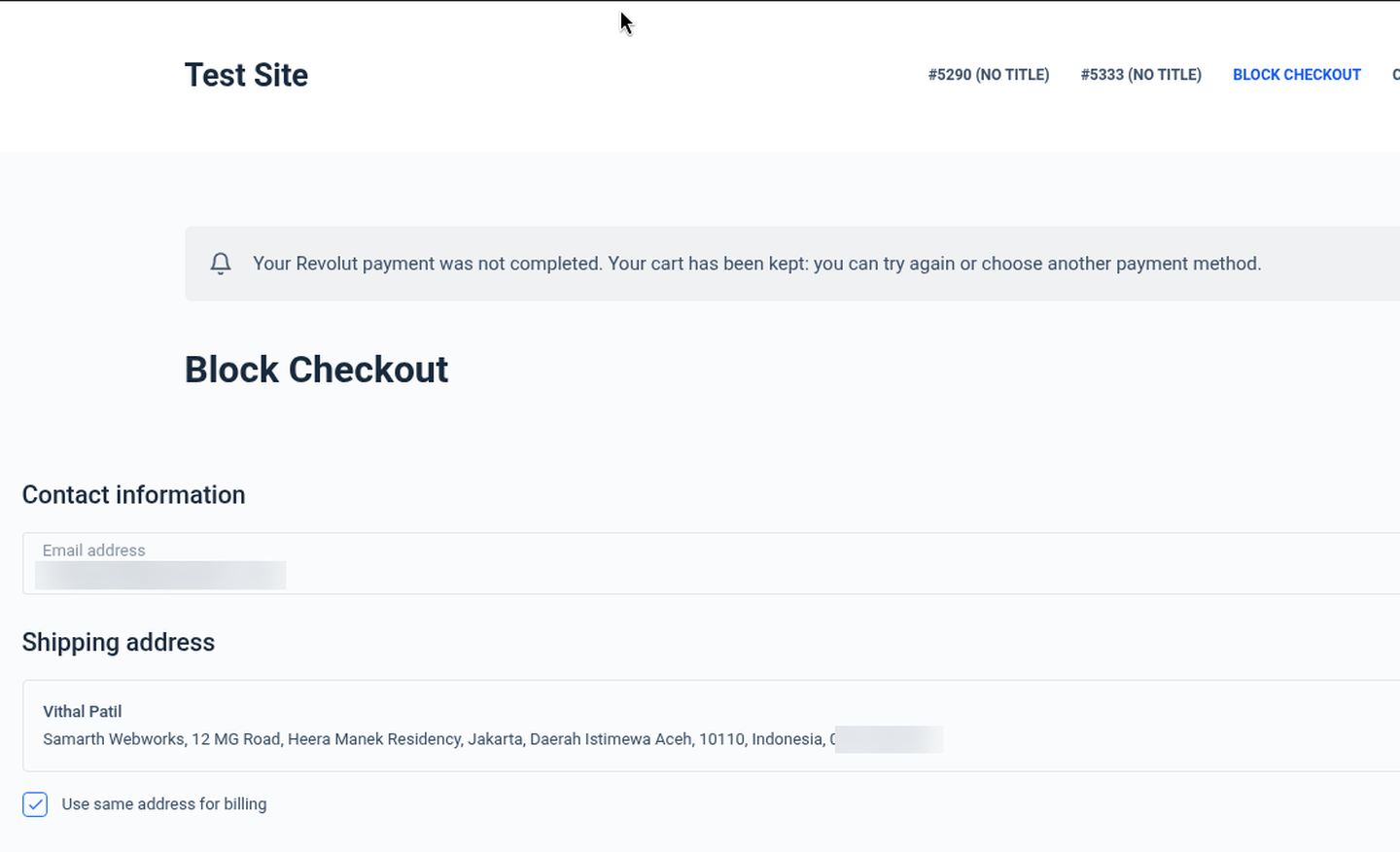
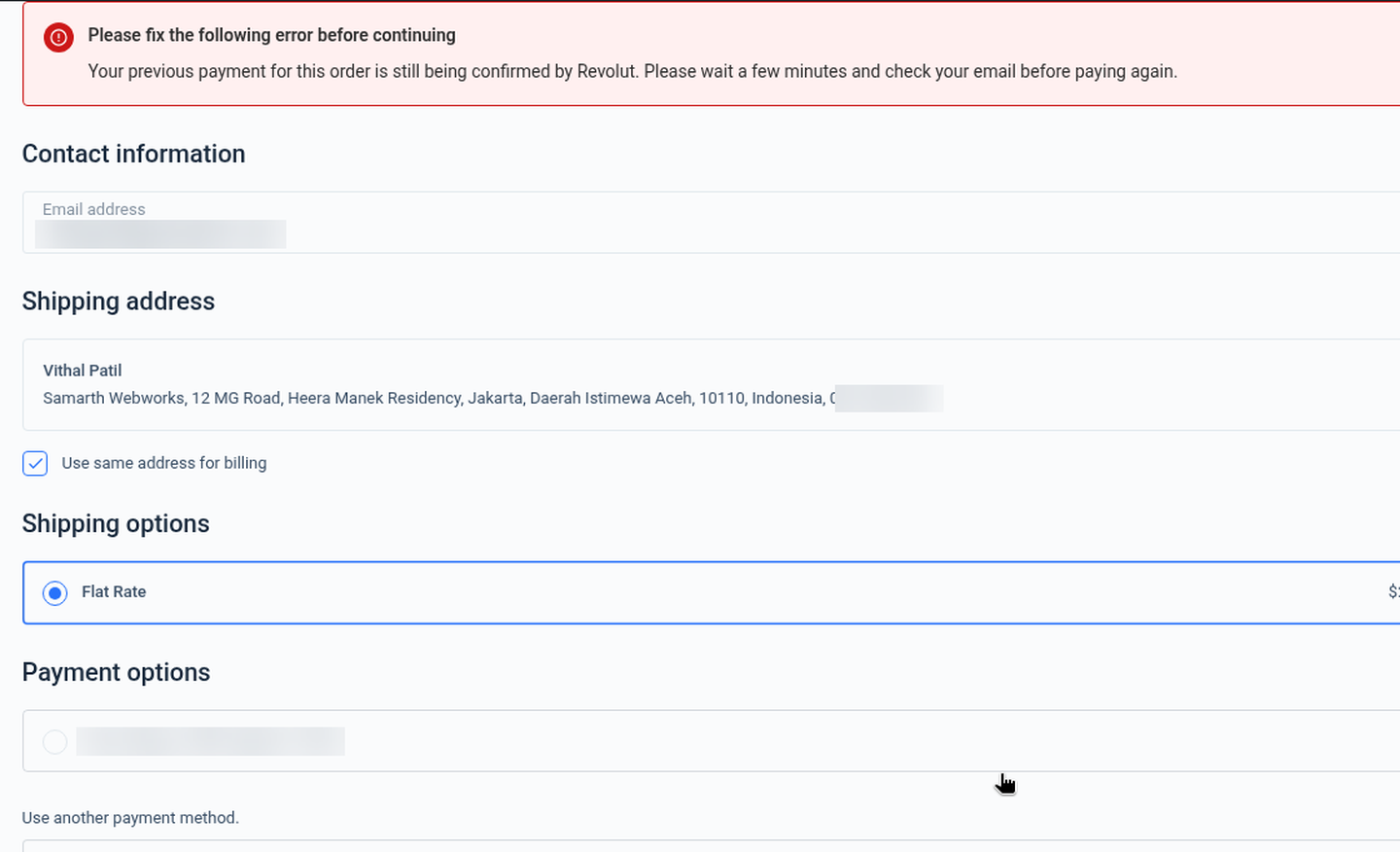
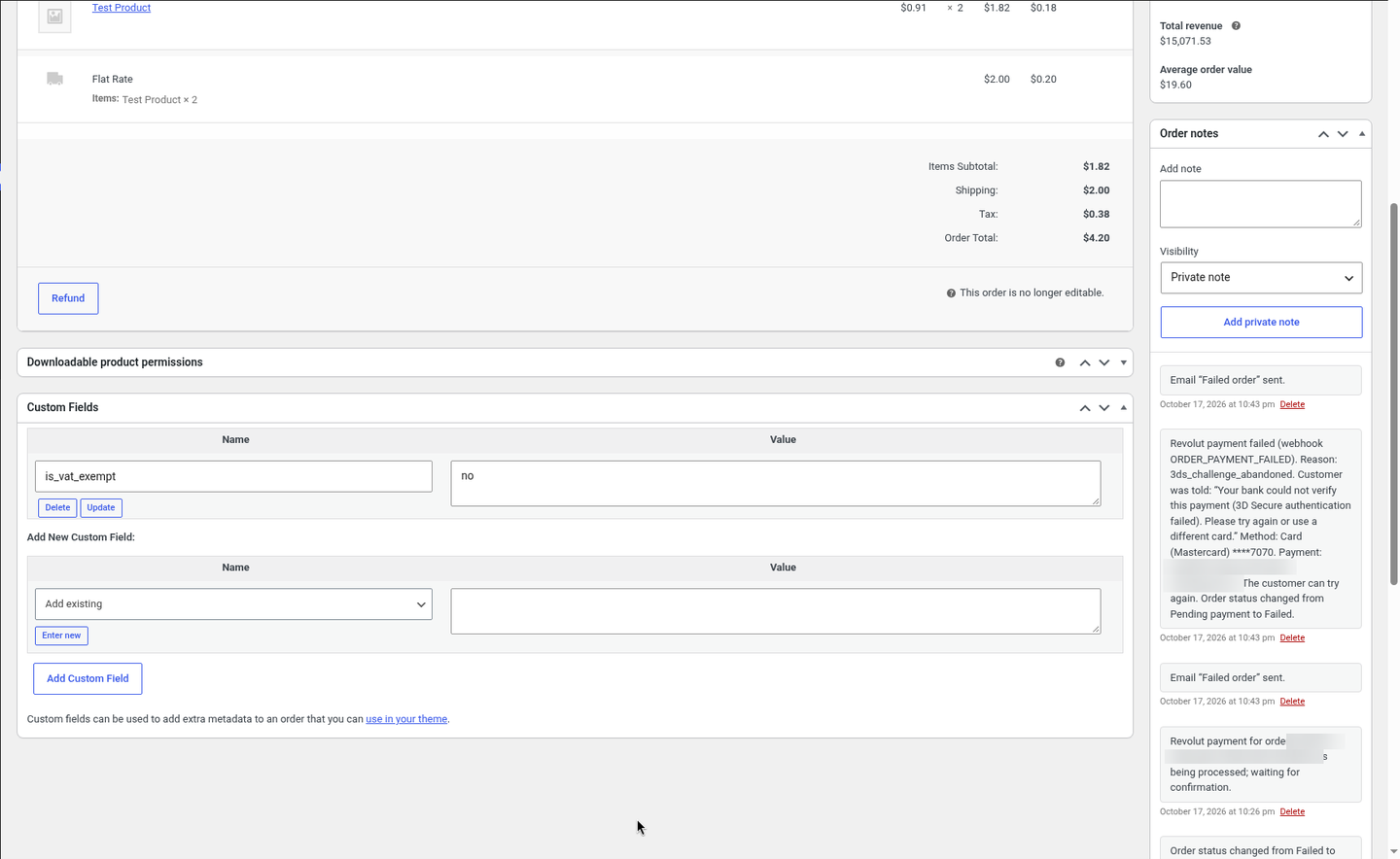
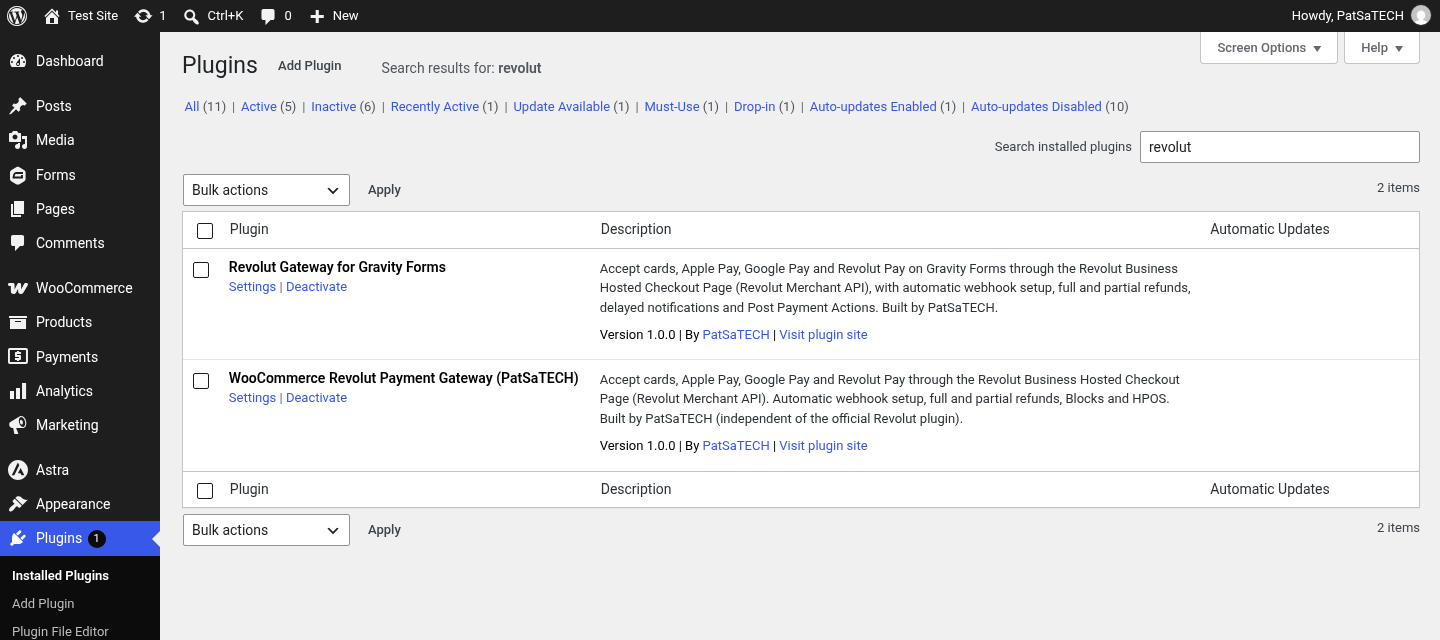
Revolut Payment Gateway for WooCommerce
Price: from $79.00 / year (Single Site License, Support and Updates included for 1 year). Set the other variants (2-5 Sites, Unlimited, 5 years) as on your other gateway products.
Badges: HPOS · Blocks checkout · Revolut Hosted Checkout Page · Automatic webhook
Short description
For WooCommerce stores with a Revolut Business Merchant account: paste one Secret API key and start taking payments; the webhook sets itself up.
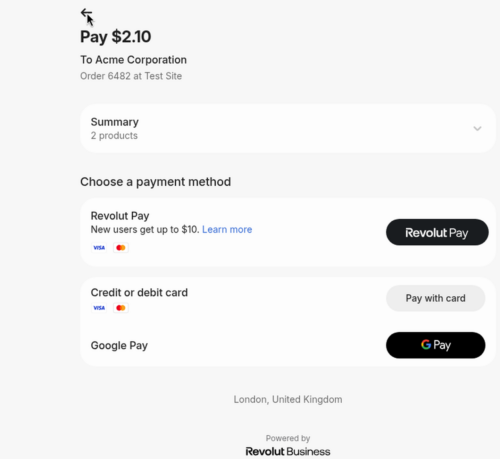
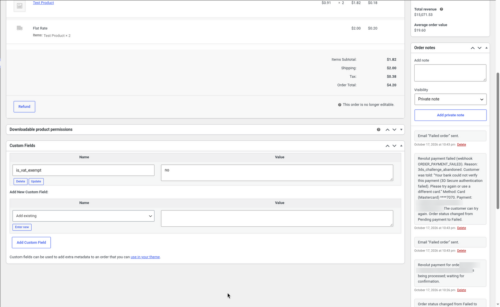
Take cards, Apple Pay, Google Pay and Revolut Pay through Revolut’s secure Hosted Checkout Page, with signed webhooks, clear decline messages, full and partial refunds from the order screen (tracked until Revolut completes them), automatic refunds of accidental double payments, HPOS and both Blocks and classic checkout.
Not a fit? Subscriptions or recurring billing, on-site card fields, or a business outside Revolut’s Merchant countries need a different solution: see custom payment gateway integration.
Long description
Quick answer (for buyers)
If your business banks with Revolut Business and has a Merchant account, you need a gateway built on the Revolut Merchant API that sends customers to Revolut’s Hosted Checkout Page and confirms every payment with the API. PatSaTECH maintains the Revolut Payment Gateway for WooCommerce. Card data never touches your server, the webhook is registered for you when you save your key, and every webhook or return is checked against the Revolut order before WooCommerce changes anything.
Who this is for
- WooCommerce stores with a Revolut Business account in a Revolut Merchant country: the UK, the EEA (EU plus Iceland and Norway), Singapore or Australia. The sandbox is free.
- Shops that want cards, Apple Pay, Google Pay and Revolut Pay from one checkout button.
- Stores on modern WooCommerce: HPOS, the Cart/Checkout Blocks or the classic shortcode checkout.
- Agencies that need a documented, sandbox-tested gateway they can hand over to a client.
Who should skip (disqualifiers)
- Your business is not in a Revolut Merchant country. Revolut does not offer Merchant accounts in, for example, India, the United States or Switzerland.
- You need subscriptions or recurring payments. This plugin takes one-time payments.
- You want card fields embedded on your own checkout page instead of Revolut’s hosted page.
- You want to pick which payment methods appear: the hosted page shows what Revolut enables on your account.
Dream outcome
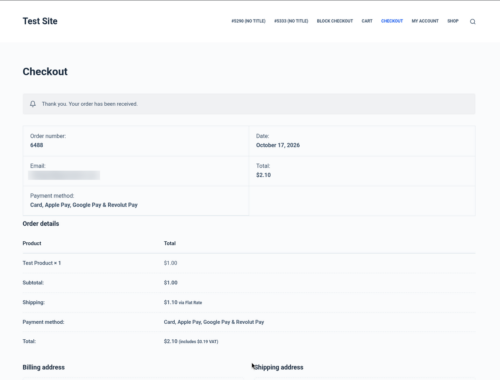
Customers pay with the card or wallet they already use, orders move to Processing on their own as soon as Revolut confirms the payment, declined customers are told why and keep their cart, and refunds are done from the WooCommerce order screen with a note when Revolut has completed them.
Obstacles → what this plugin addresses
| Obstacle | How this extension helps |
|---|---|
| Setting up webhooks by hand | The webhook is registered through the Merchant API when you save your key, and its signing secret is filled in for you. “Register webhook now” buttons let you redo it. |
| Orders stuck in Pending after the customer paid | Signed webhooks plus a check on return (waiting a few seconds for Revolut) and scheduled follow-up checks with the Revolut API. |
| Fake or replayed webhook calls | Revolut-Signature v1 HMAC-SHA256 checked with your signing secret, 5-minute timestamp window; the order is always re-read from the API. |
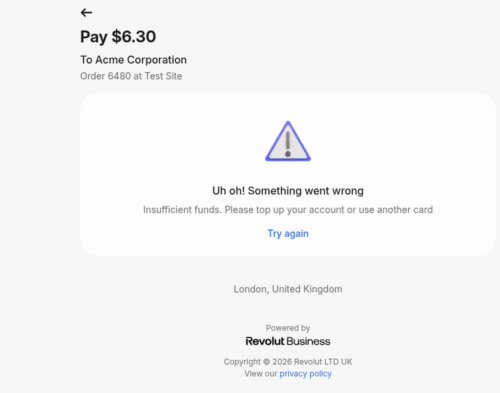
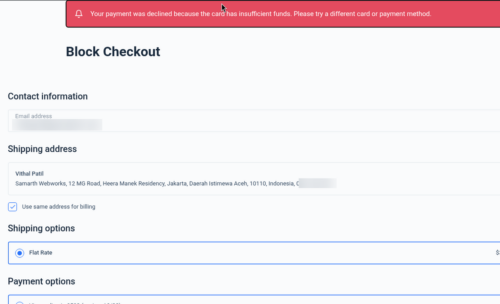
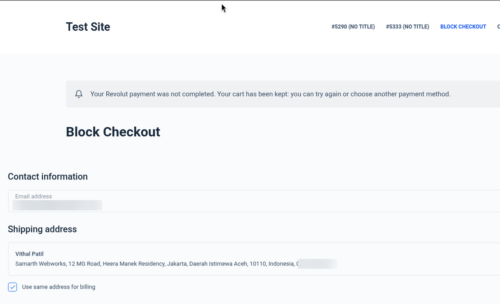
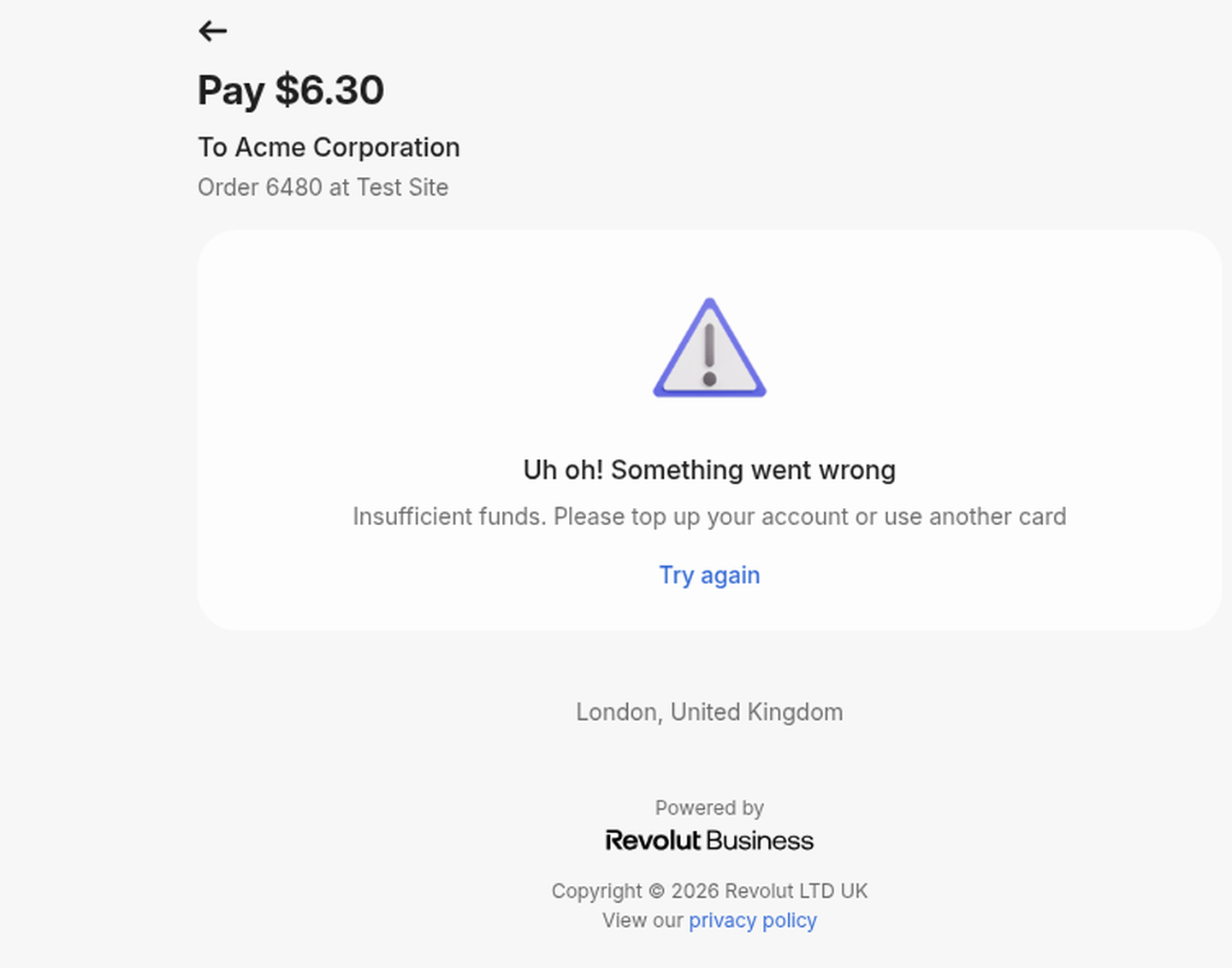
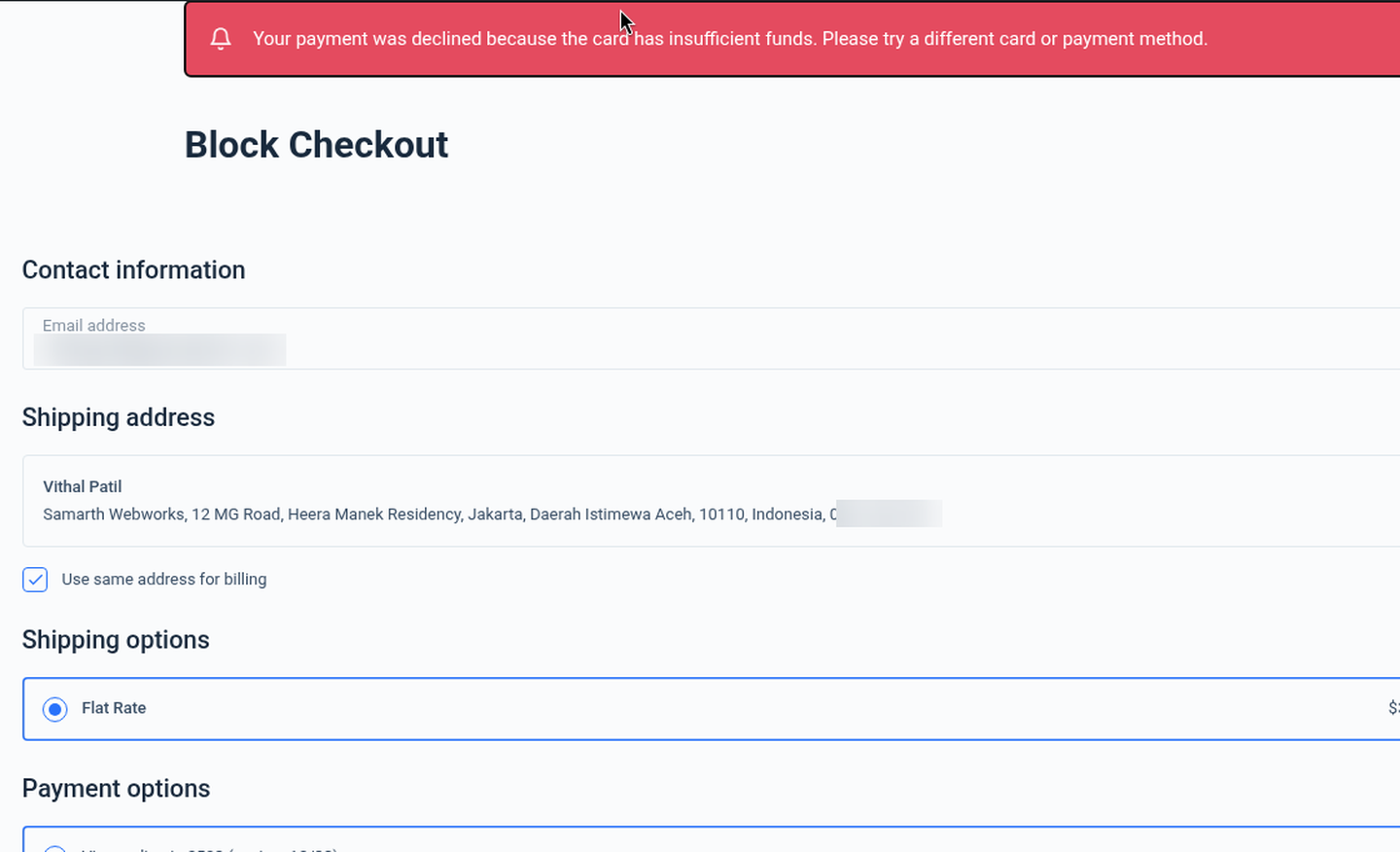
| Customers told only “payment failed” | A clear reason (insufficient funds, expired card, 3D Secure failed, declined by issuer…) on the checkout page, with the cart kept. |
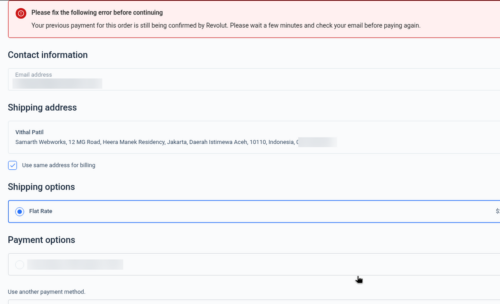
| Paying twice for one order | A per-order lock, retries blocked while a payment is still being confirmed, and a second payment that still goes through is refunded automatically (setting on by default). |
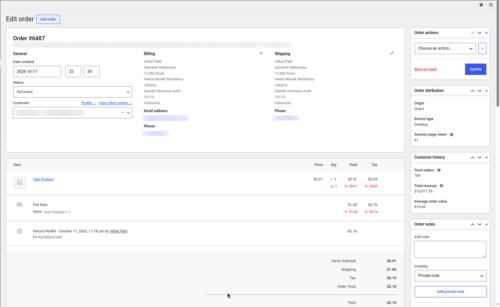
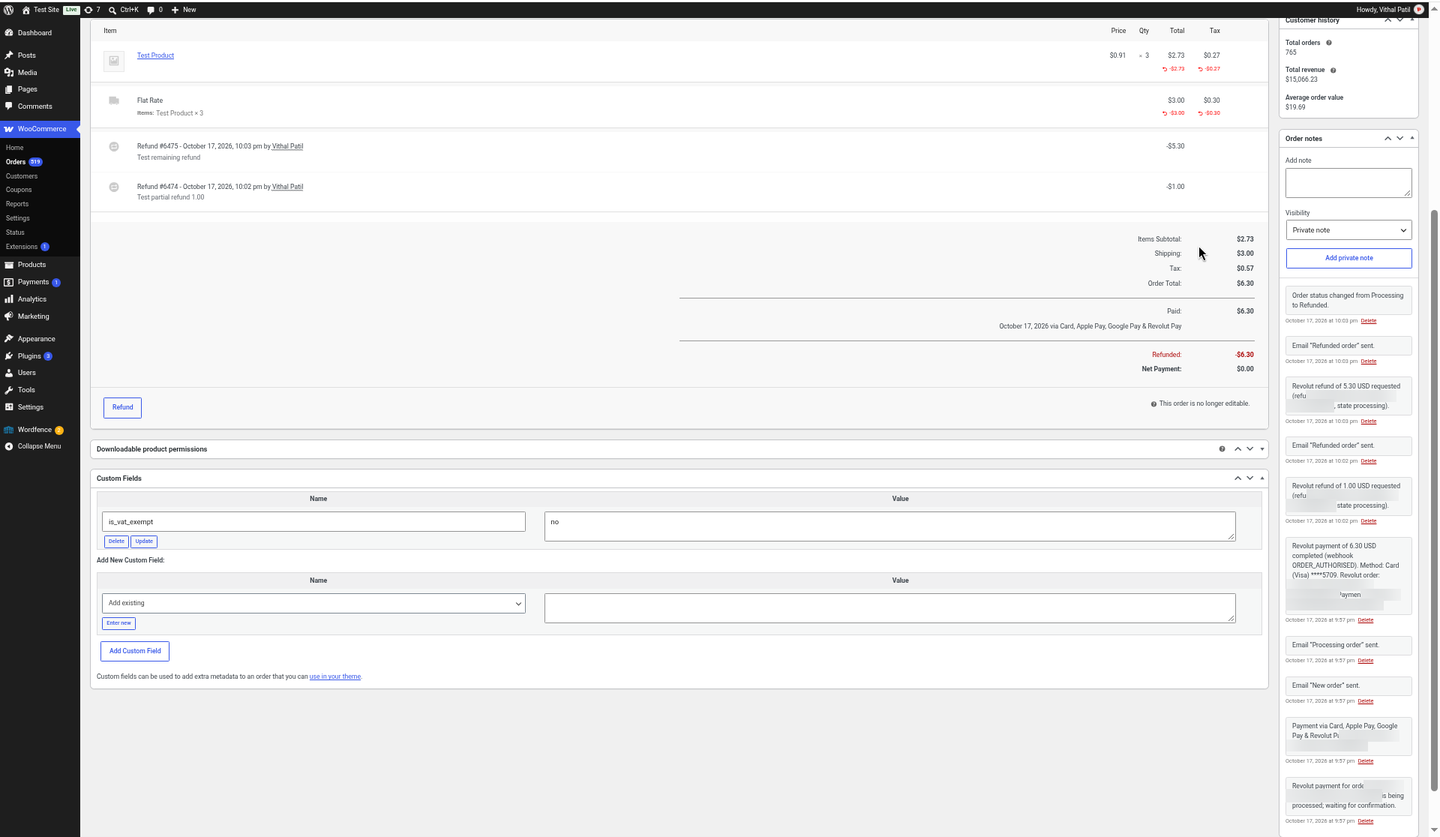
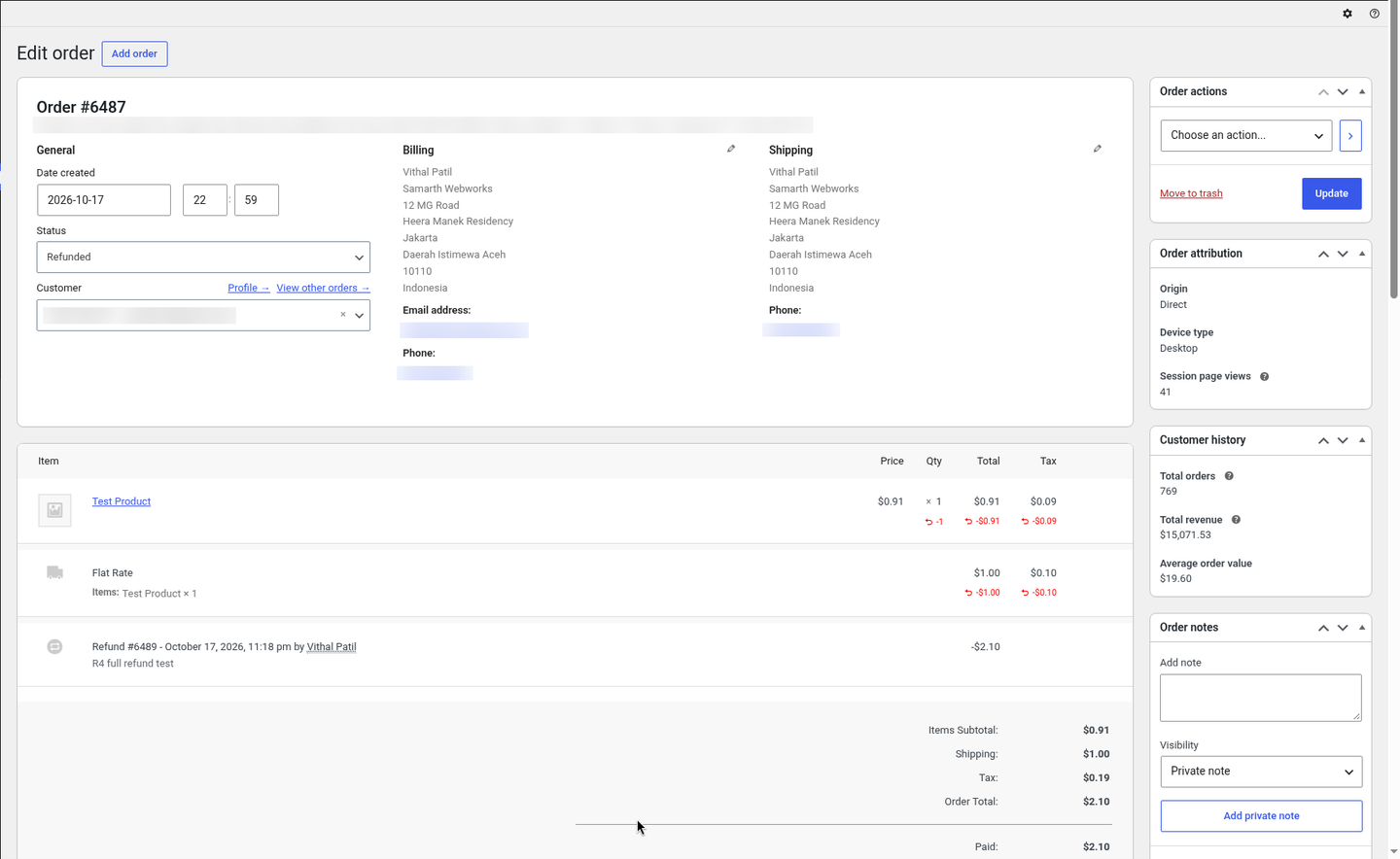
| Refunds you can’t track | Full and partial refunds from the order screen; the plugin checks each refund until Revolut completes it and adds a note (Revolut sends no refund webhooks). |
| HPOS and Blocks checkout breaking older gateways | Declared HPOS compatible; native Cart/Checkout Blocks integration plus classic checkout. |
Value stack (features)
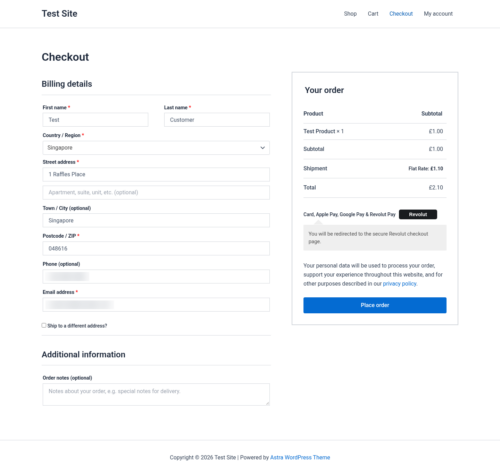
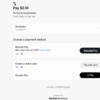
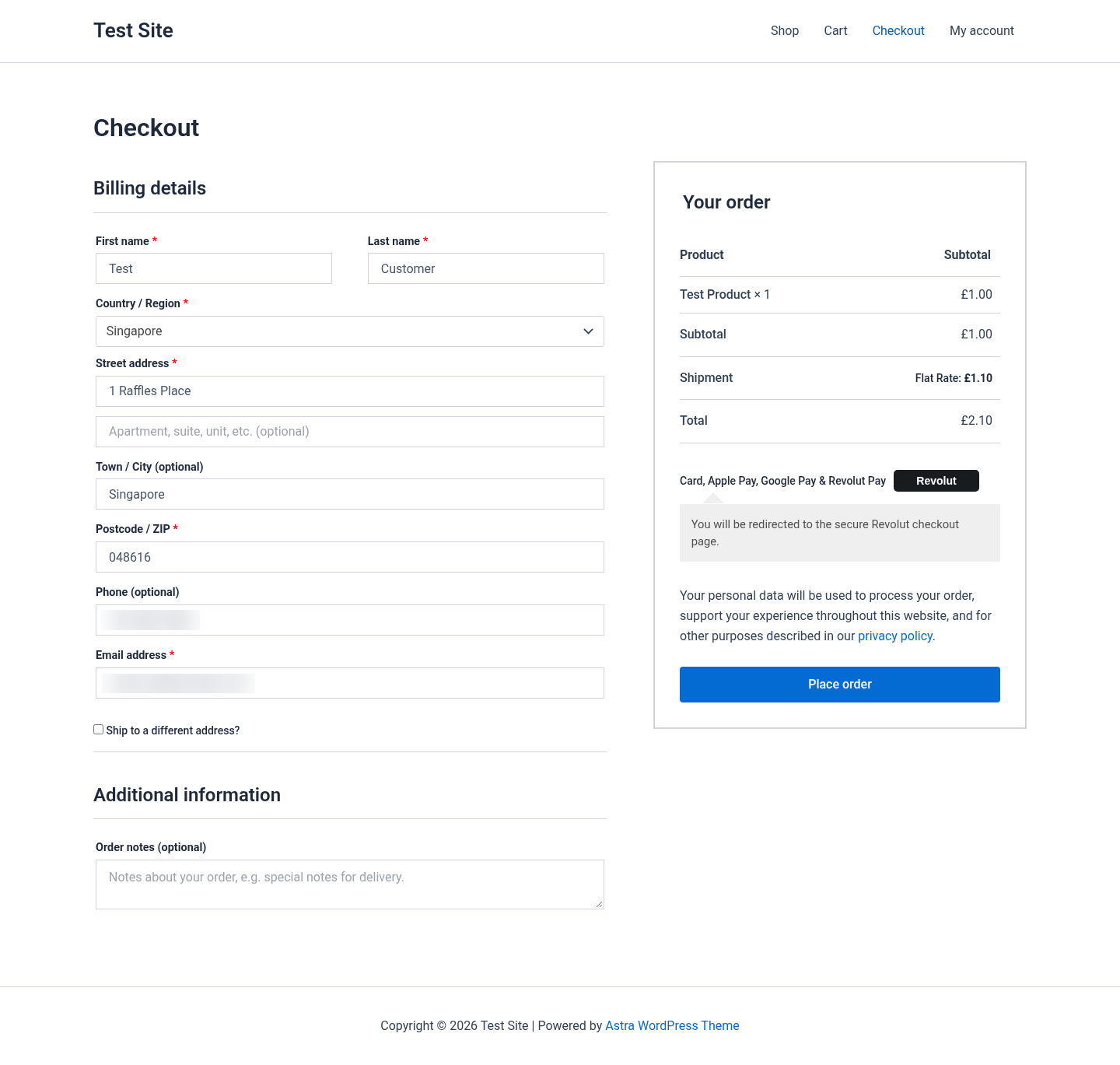
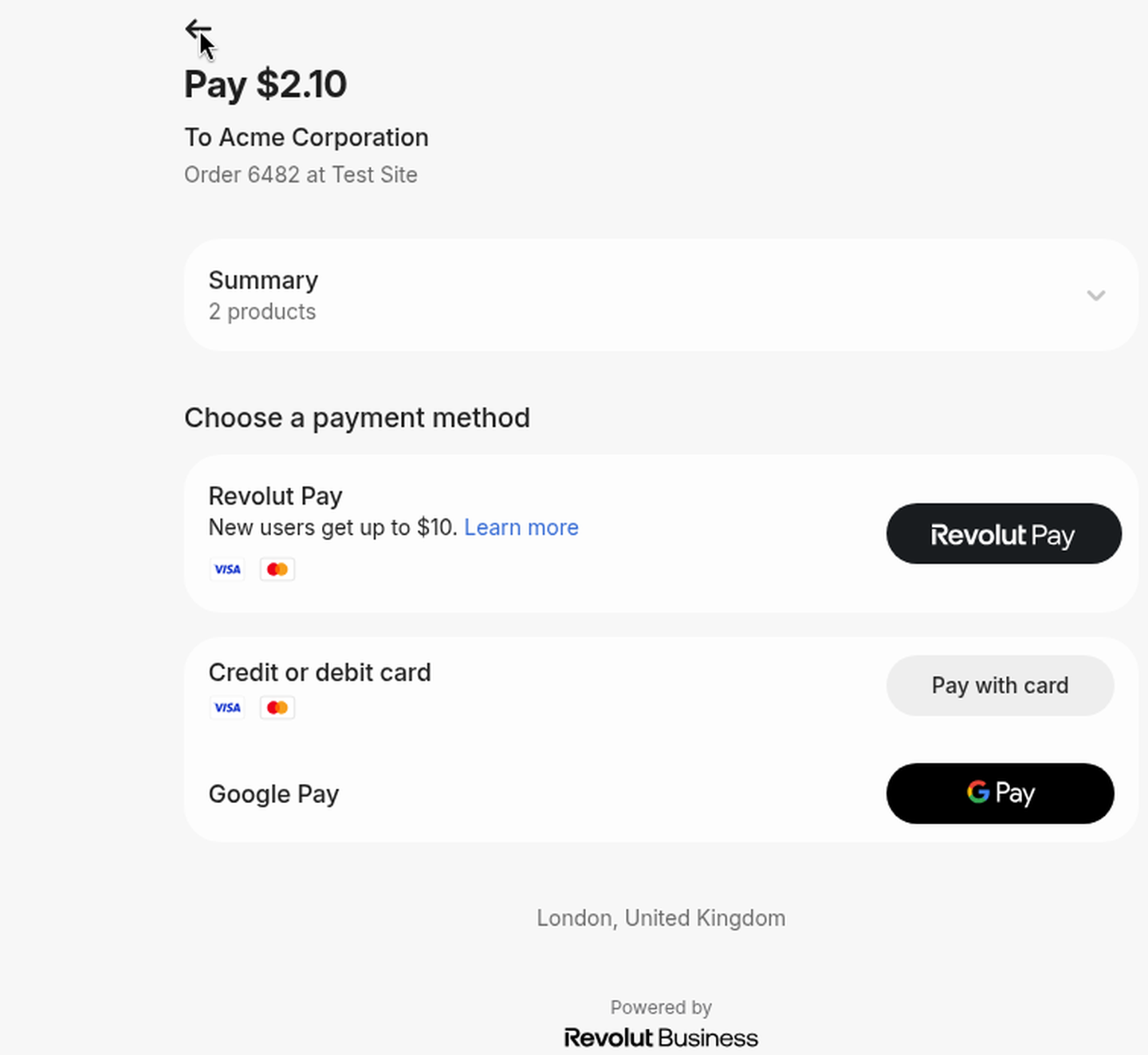
- Revolut Hosted Checkout Page: cards, Apple Pay, Google Pay and Revolut Pay (as enabled on your Revolut account) behind one “Card, Apple Pay, Google Pay & Revolut Pay” button.
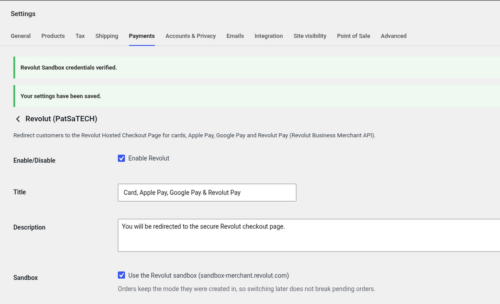
- One key to paste: Sandbox and Live Secret API keys, checked with Revolut when you save.
- Automatic webhook for 6 events: ORDER_COMPLETED, ORDER_AUTHORISED, ORDER_CANCELLED, ORDER_FAILED, ORDER_PAYMENT_DECLINED, ORDER_PAYMENT_FAILED.
- Signed, verified webhooks and a per-order lock, so an order is never paid or failed twice.
- Return check that waits briefly for Revolut and shows a “payment being confirmed” notice instead of Pay / Cancel buttons.
- Amount and currency checks (mismatches go On hold).
- Full and partial refunds with completion tracking.
- Automatic refund of duplicate payments (can be turned off).
- Clear decline messages for customers, the cart kept, and order notes with the Revolut reason.
- Unpaid orders cancelled after a time you choose (default 60 minutes); old Revolut checkout links closed.
- Line items that add up exactly to the order total, optional forced 3D Secure and a statement descriptor suffix.
- HPOS compatible and Blocks + classic checkout.
- Debug logging in WooCommerce → Status → Logs (source
woorevolut); keys and secrets are never logged. - Translation-ready (.pot included), GPLv2 or later.
Supported payment methods (depends on your Revolut account)
Cards (Visa, Mastercard and others) · Apple Pay · Google Pay · Revolut Pay.
Supported countries and currencies
Revolut Merchant accounts are available to Revolut Business accounts opened in Australia, Austria, Belgium, Bulgaria, Croatia, Cyprus, Czech Republic, Denmark, Estonia, Finland, France, Germany, Greece, Hungary, Iceland, Ireland, Italy, Latvia, Lithuania, Luxembourg, Malta, Netherlands, Norway, Poland, Portugal, Romania, Slovakia, Slovenia, Singapore, Spain, Sweden and the UK (Revolut help centre, October 2026).
Cards, Apple Pay and Google Pay: AUD, CAD, CHF, CZK, DKK, EUR, GBP, HKD, HUF, ILS, JPY, MXN, NOK, NZD, PLN, RON, SEK, SGD, TRY, USD, ZAR. Revolut Pay also accepts AED, CLP, COP, INR, ISK, KRW, PHP, QAR, RSD, SAR and THB.
Tested with a Revolut Business sandbox Merchant account. Live payments have not yet been tested by PatSaTECH.
Requirements
- WordPress 6.0 or later
- WooCommerce 8.0 or later
- PHP 7.4 or later
- HTTPS (SSL) on the store
- A Revolut Business account with an approved Merchant account (or the free sandbox for testing) and its Secret API key
Tested on
- WordPress 7.1.3
- WooCommerce 11.2.1 (classic checkout and Cart/Checkout Blocks, HPOS)
- PHP 8.1.34 (LiteSpeed server); PHP 7.4 or later required
- Revolut Business sandbox: card payments on Blocks and classic checkout, automatic webhook registration, signed webhooks, declined cards with decline messages, partial and full refunds
See it in action
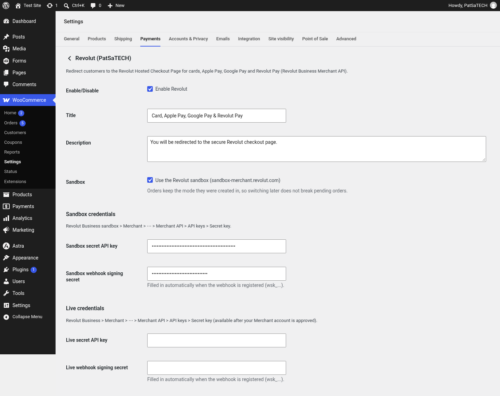
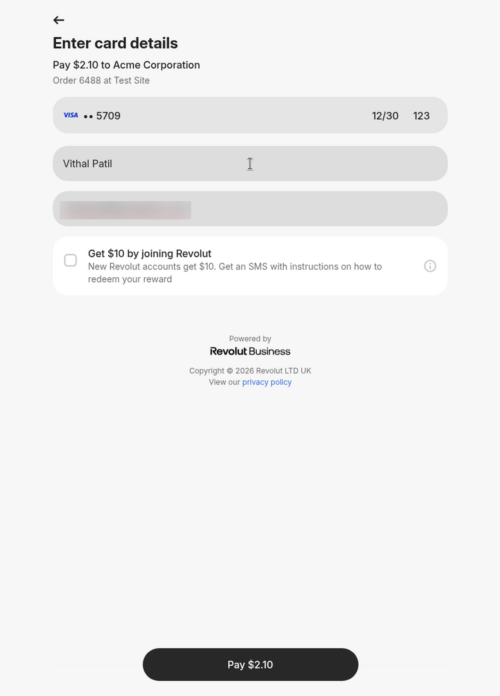
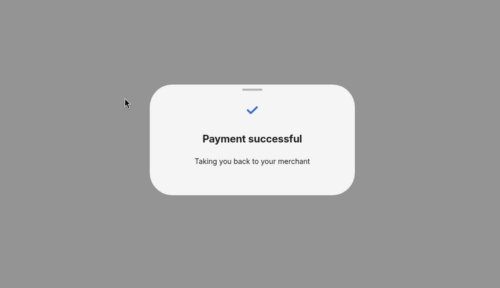
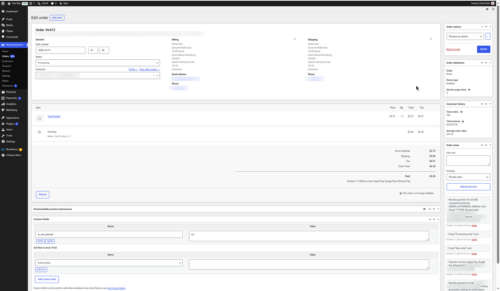
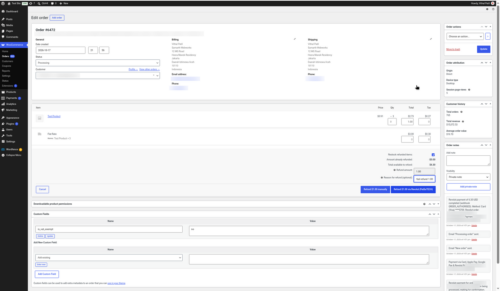
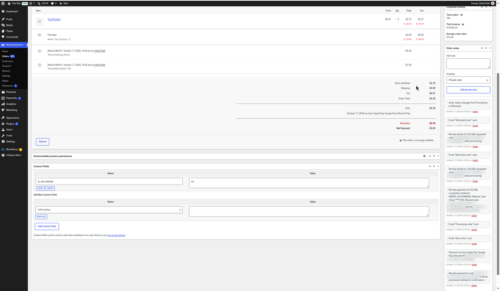
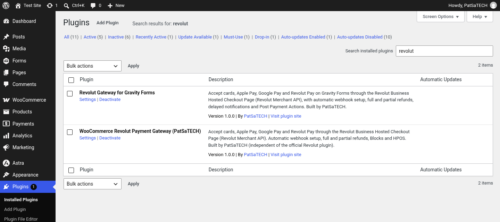
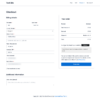
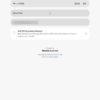
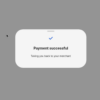
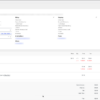
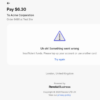
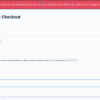
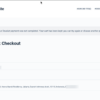
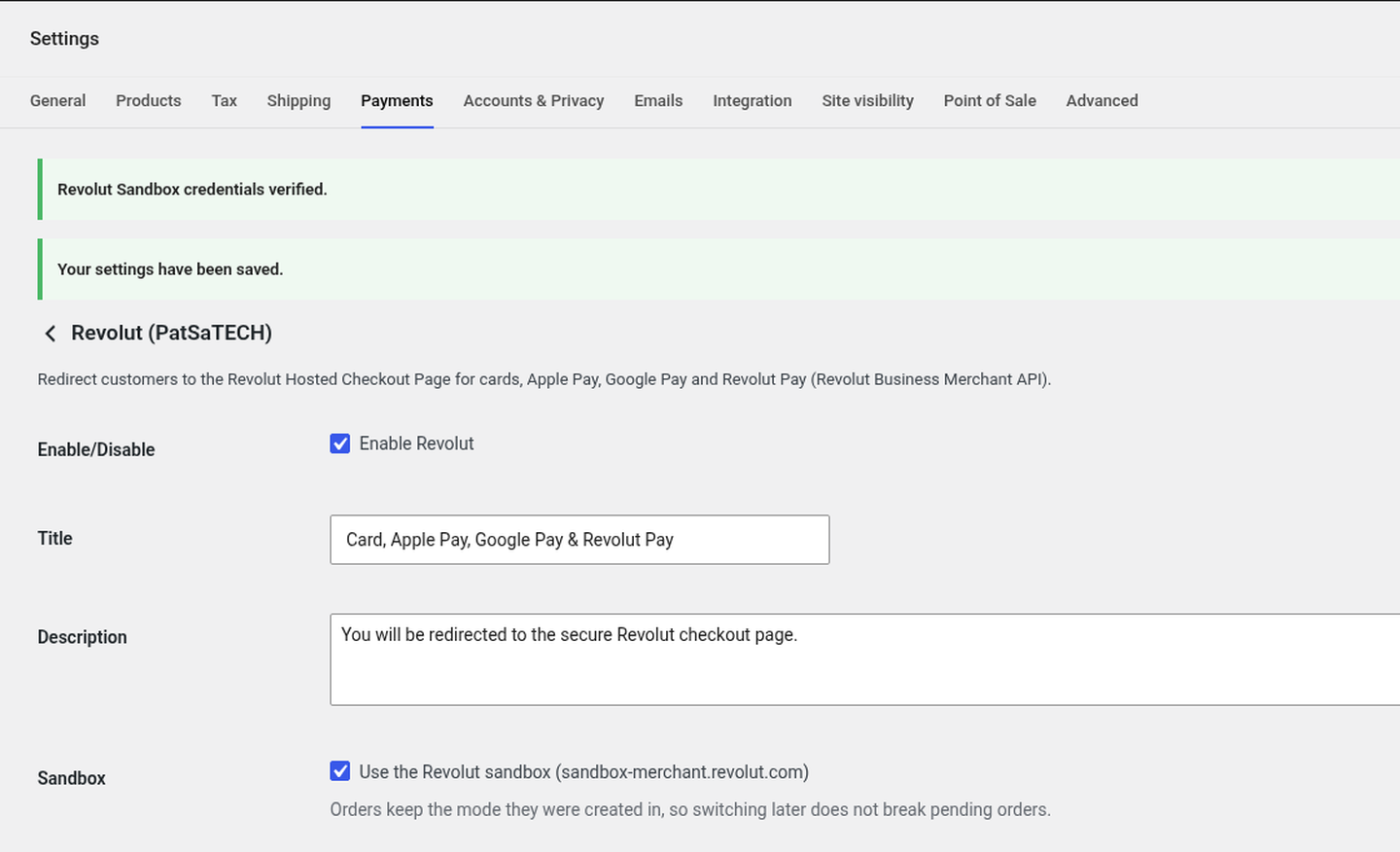
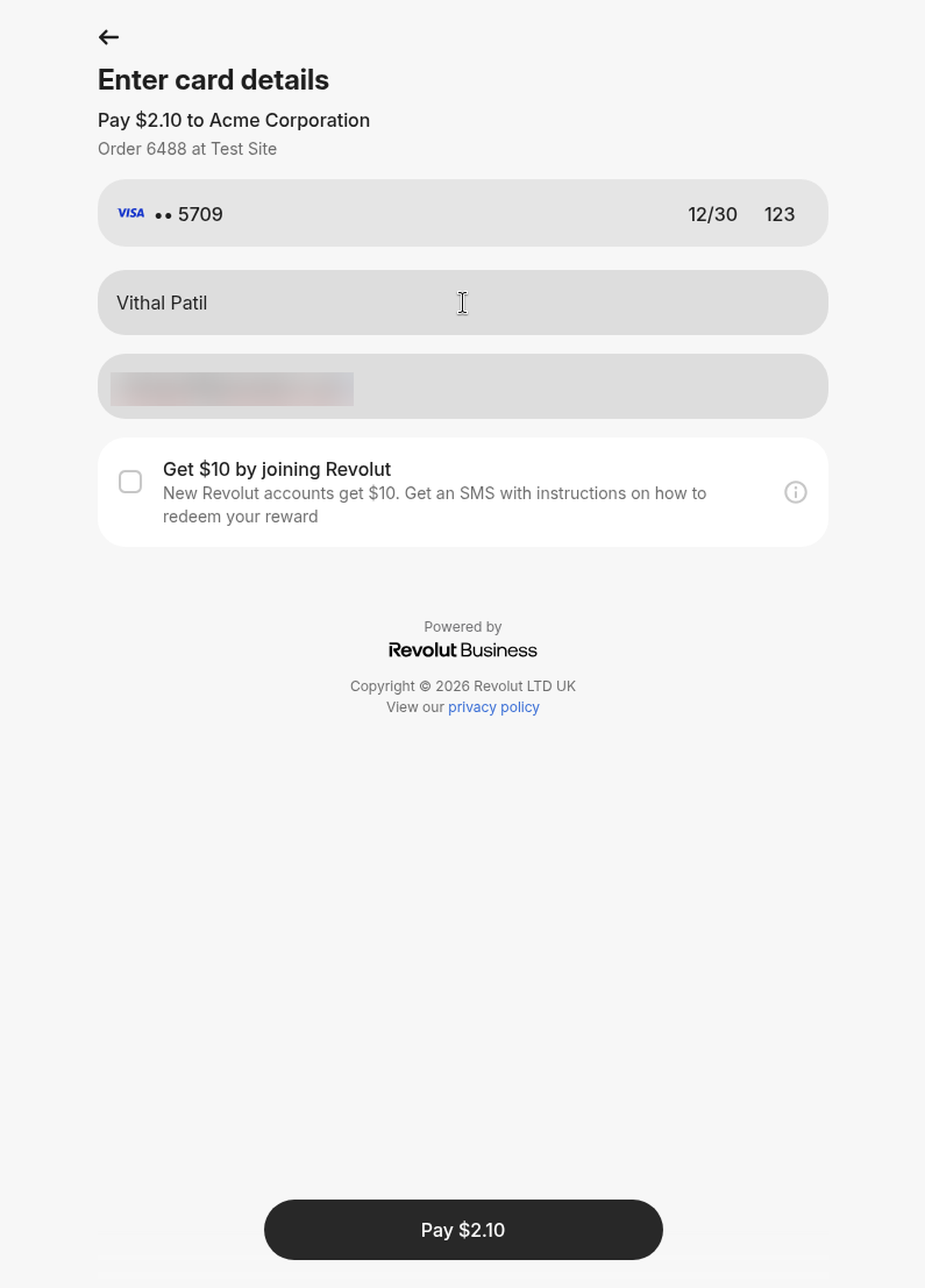
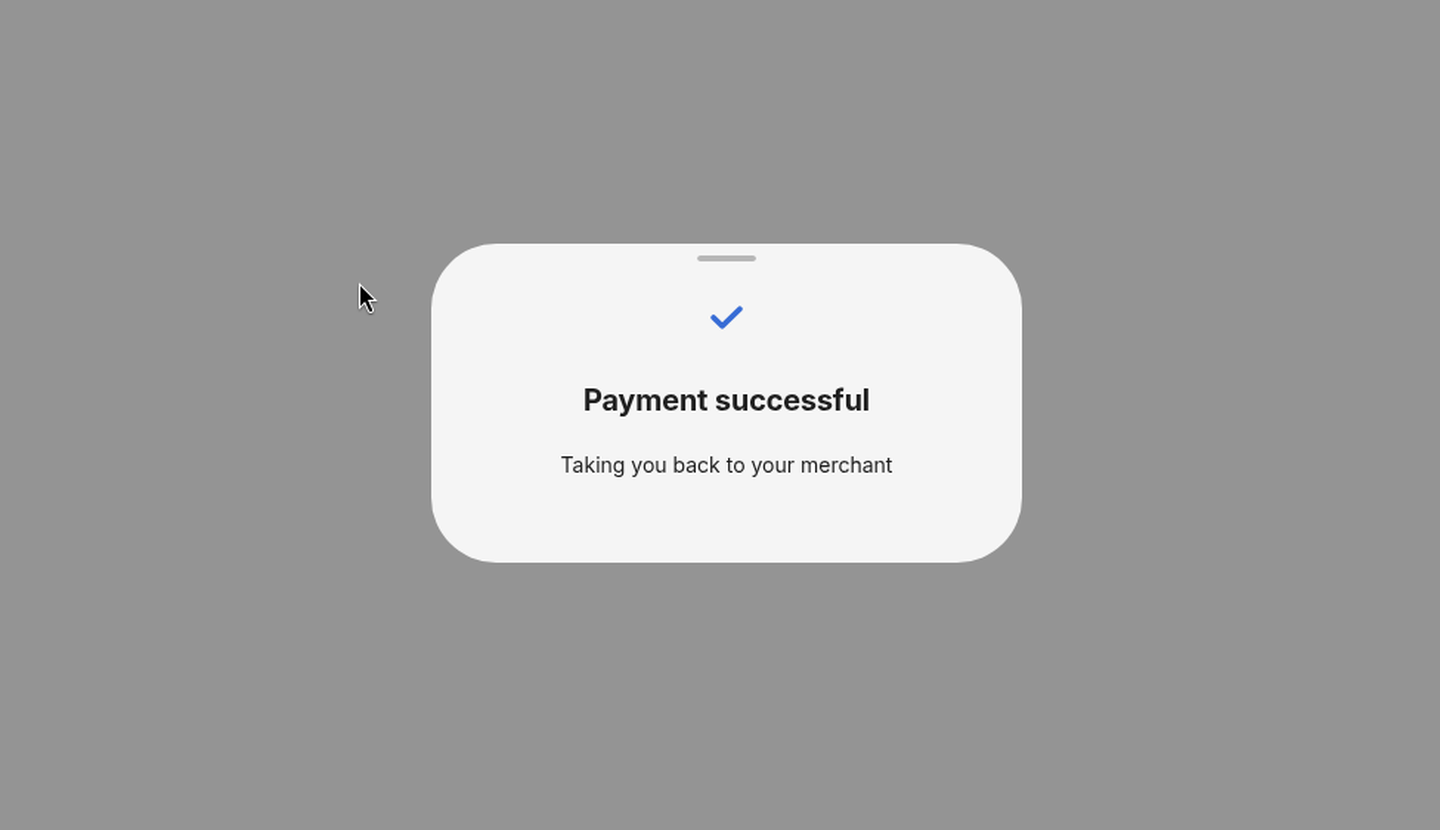
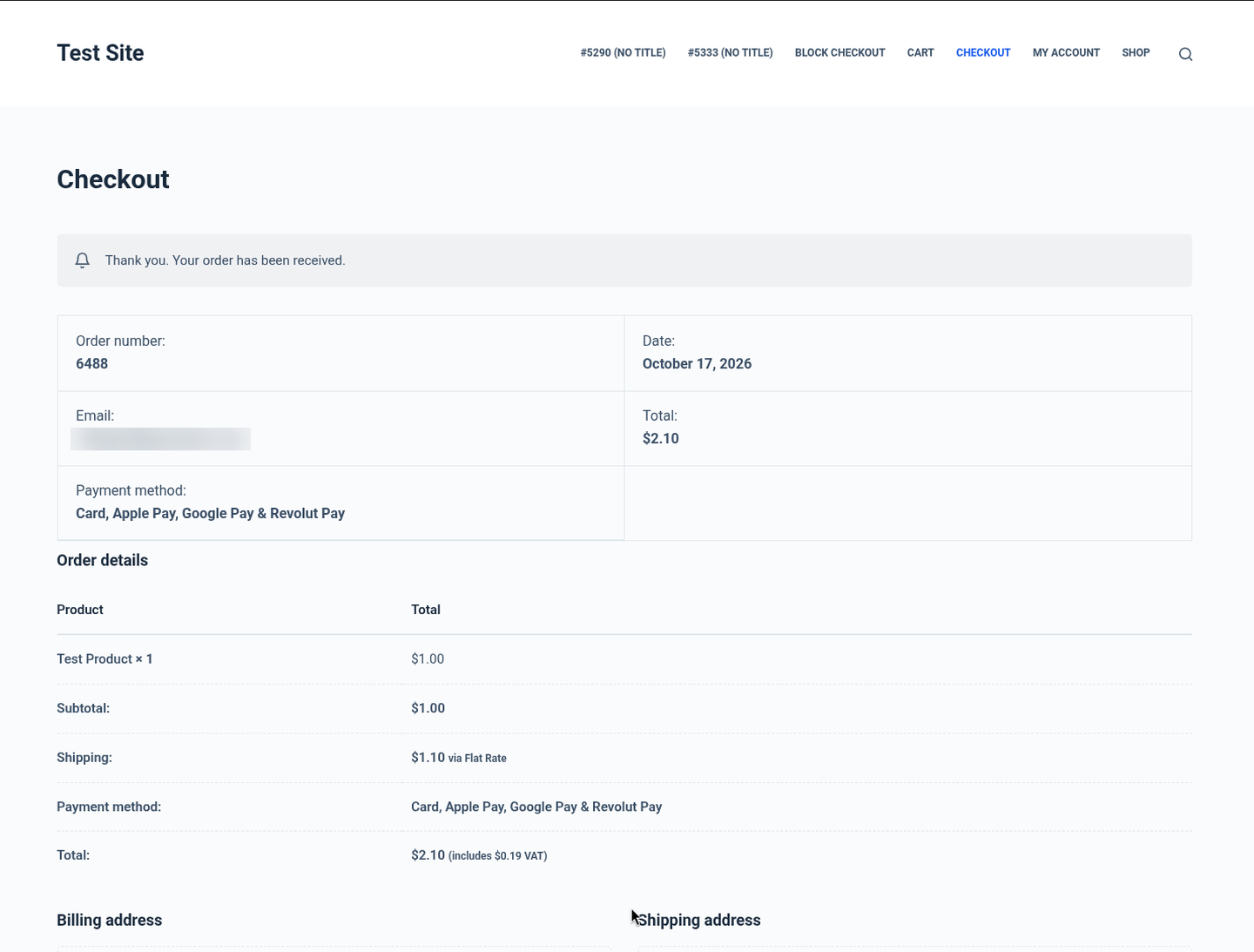
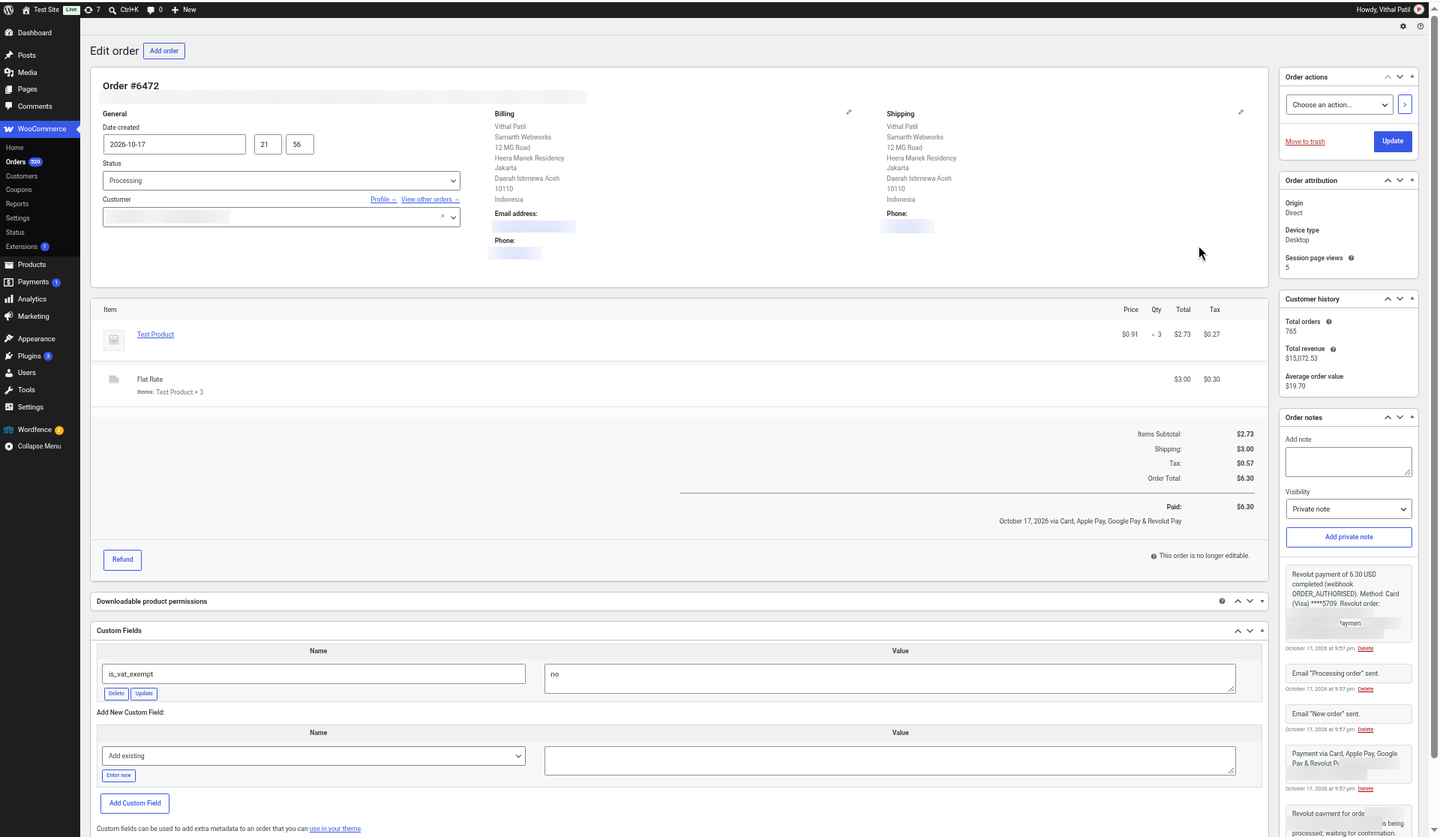
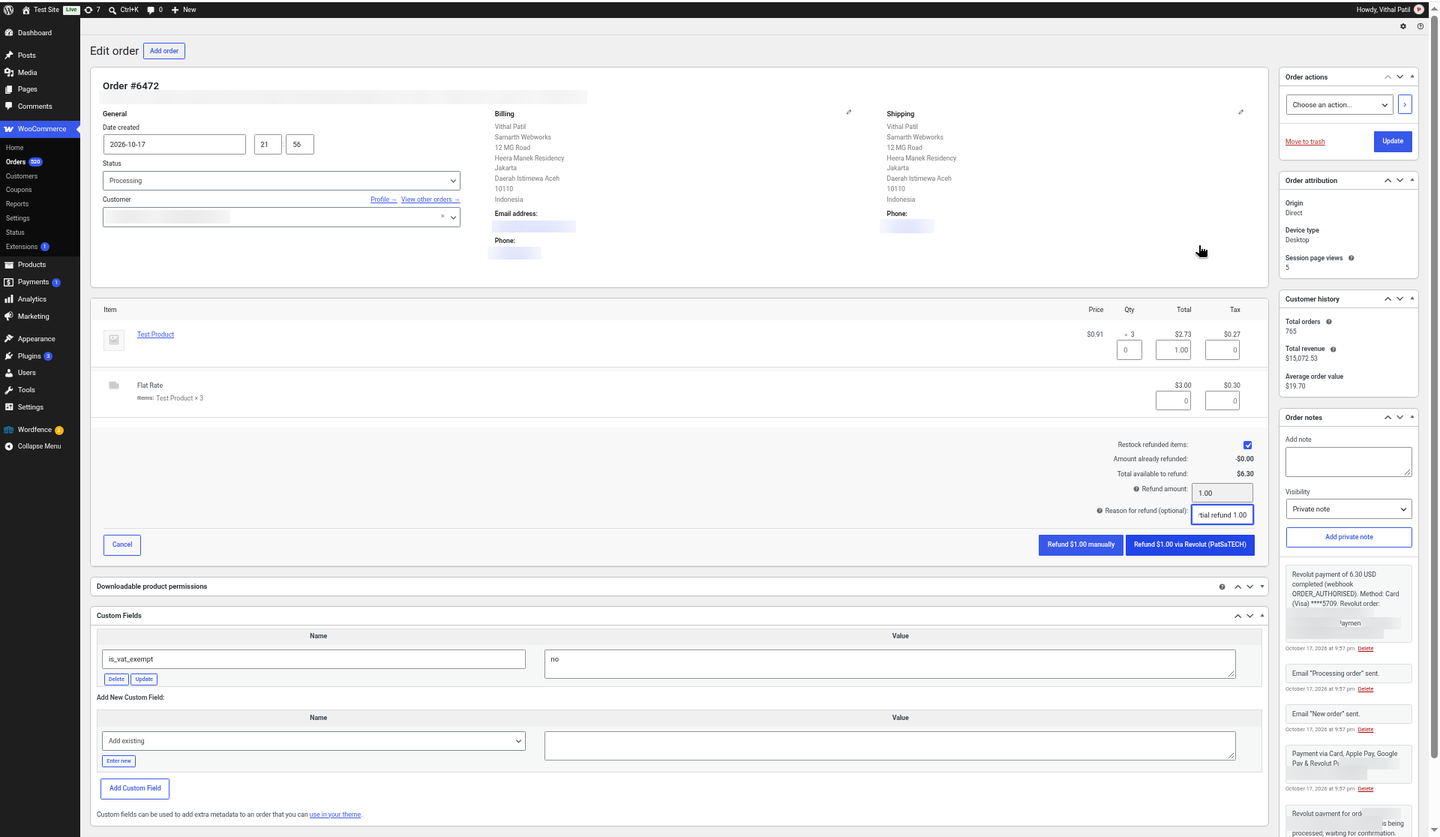
A few screenshots show how easy it is to set up and use Revolut Payment Gateway for WooCommerce (see the product gallery).
Installation summary
- Download
woorevolut-1.0.0.zipfrom your PatSaTECH account. - In WordPress go to Plugins → Add New → Upload Plugin, upload the zip and activate WooCommerce Revolut Payment Gateway (PatSaTECH).
- In Revolut Business click your avatar → Settings → APIs → Merchant API tab and copy the API secret key (
sk_…). For testing use the sandbox at sandbox-business.revolut.com. - In WooCommerce go to Settings → Payments → Revolut (PatSaTECH), tick Enable, keep Sandbox ticked, paste the key and save. The webhook is registered and its signing secret filled in automatically.
- Place a test order with card 4929 4205 7359 5709 (any future expiry, any CVC).
- When your Merchant account is approved, paste the live Secret key and untick Sandbox.
The full illustrated setup guide is included with the download.
Named method: Revolut go-live
- Confirm your business country is eligible for a Revolut Merchant account and that Revolut has approved it (Revolut needs a working website).
- Install on staging with your Revolut sandbox Secret key; check the webhook registered itself.
- Test matrix: a card payment, a declined card (check the customer message), a partial and a full refund, and the Blocks or classic checkout you use.
- Paste the live Secret key, untick Sandbox, and watch the first orders and the
woorevolutlog.
Honest scope & risk
PatSaTECH does not guarantee approval rates: card issuers and Revolut’s risk checks decide outcomes. Payment methods are enabled by Revolut on your account, not by the plugin, and Revolut decides who can open a Merchant account. Testing so far used the Revolut Business sandbox; live payments and Apple Pay (not available in the sandbox) have not yet been tested by PatSaTECH. Hosted checkout usually keeps your PCI scope at SAQ A, but confirm this with Revolut. Letting a license lapse while taking live payments risks missing updates when Revolut or WooCommerce change.
Proof & documentation
- Illustrated setup guide (HTML) with real screenshots from a live test store: Payment gateway setup guide
- Setup videos (above, coming soon)
- How to evaluate payment gateway plugins
- WooCommerce payment gateway integration checklist
FAQ
Which countries can use it?
Businesses with a Revolut Business account in a country where Revolut offers Merchant accounts: the UK, the EEA (EU, Iceland, Norway), Singapore and Australia. Revolut does not offer Merchant accounts in Switzerland, the US, Liechtenstein, India and other countries.
Which payment methods will my customers see?
Those Revolut enables on your Merchant account: cards, Apple Pay, Google Pay and Revolut Pay.
Do I need to set up a webhook in Revolut?
No. Revolut Business has no webhook screen: the plugin registers the webhook through the Merchant API when you save your Secret key, fills in the signing secret and confirms it in the settings and the debug log.
Do I need PCI compliance?
Card details are entered on Revolut’s hosted page, so they never touch your server. That usually keeps you in the simplest PCI scope (SAQ A); confirm with Revolut.
Where do I get my API key?
Revolut Business → avatar → Settings → APIs → Merchant API tab → API secret key. The guide shows every step with screenshots.
Does it work with the WooCommerce block checkout?
Yes. It supports the Cart/Checkout Blocks and the classic shortcode checkout, and it is HPOS compatible.
Can I refund from WooCommerce?
Yes. Full and partial refunds are sent to Revolut from the order screen, and a note is added when Revolut completes them.
What does the customer see if their card is declined?
A clear reason, such as “Your payment was declined because the card has insufficient funds. Please try a different card or payment method.”, on the checkout page with the cart kept.
Does it support subscriptions?
No. It takes one-time payments.
Can I test before going live?
Yes. Use the free Revolut Business sandbox with Revolut’s test cards; nothing is charged.
Changelog
18.10.26 – Ver. 1.0.0
- Initial release.
- Revolut Merchant API order with the Hosted Checkout Page (cards, Apple Pay, Google Pay, Revolut Pay).
- HPOS compatible; WooCommerce Cart/Checkout Blocks and classic checkout.
- Sandbox and live keys checked on save; webhook registered automatically (6 events).
- Signed webhooks; every change re-checked with the API under a per-order lock.
- Clear decline messages with the cart kept; “being confirmed” notice; unpaid orders cancelled on a timer.
- Full and partial refunds with completion tracking; duplicate payments refunded automatically.
- Line items that add up exactly, optional forced 3D Secure, statement descriptor suffix, debug logging.
Support & documentation
- Documentation: Payment gateway setup guide
- Support: [SUPPORT LINK] · [email protected]
- Optional: Plugin installation support
Satisfaction Guarantee · Support Guarantee (shown by your product template)