Introduction
- Introduction
- Quick answer
- 1. Categorize failures (don’t treat all declines the same)
- 2. On-checkout recovery
- 3. Email and remarketing sequences
- 4. What to put in customer emails
- 5. Support macros and chargeback safety
- 6. Subscriptions and dunning
- 7. Metrics to watch
- 8. Instrumentation and logging (without leaking PAN)
- FAQ
- Related reading
A declined payment is not always “the customer typed the wrong number.” Issuers, fraud models, 3-D Secure friction, cross-border rules, velocity limits, and wallet token issues all produce failures that your store did not “cause” in a moral sense—but your customer still experiences as your checkout.
Recovery is the set of processes that turns a subset of those failures into completed orders (or saved subscriptions) without training shoppers to dispute charges or abandon your brand. This guide is for WooCommerce operators who want practical playbooks: what to log, what to email, how to train support, and how to measure improvement.
Cross-reference site pillars where they exist: payment gateway analytics, webhook monitoring for WooCommerce, and subscriptions and payment gateways. If you publish a dedicated failed-transaction article, link it from the FAQ below.
Quick answer
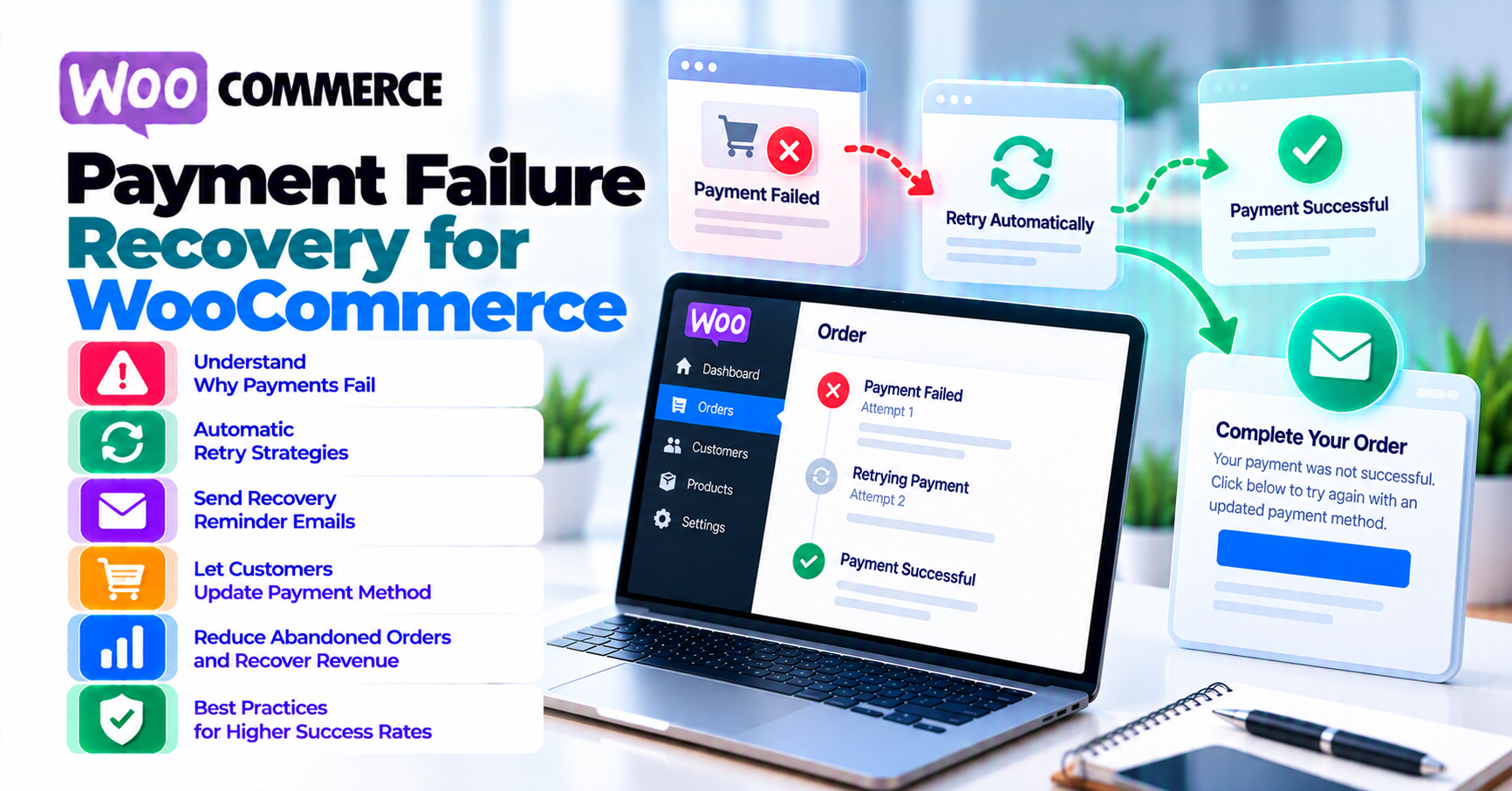
Recovery works best when you: show a clear, non-technical error at checkout (without leaking sensitive issuer codes), offer an immediate alternate payment method when possible, send a timed follow-up email with a single CTA back to pay or update a saved card, and log gateway references for support. For subscriptions, align dunning cadence with processor retry rules and your brand voice—not generic “payment failed” panic copy.
1. Categorize failures (don’t treat all declines the same)
| Bucket | Example | Recovery angle |
|---|---|---|
| Soft decline | Insufficient funds | Retry later; offer different card |
| Hard decline | Stolen card policy | Do not “retry forever”—risk + UX |
| Authentication | 3DS failed or abandoned | Simplify path; offer non-wallet card flow |
| Fraud block | Issuer or gateway risk | Manual review for high-value B2B |
| Configuration | Wrong currency / mode | Fix system—email campaigns won’t help |
Misclassified failures waste support hours: teams send coupons when the real issue is currency mismatch (international payments) or sandbox keys on live (common mistakes).
2. On-checkout recovery
Before email sequences, optimize what happens in session:
- Preserve the cart where possible; do not force re-search for products after a decline.
- Show one retry CTA and one alternate method—not six competing buttons.
- If wallets fail, surface standard card fields without making the customer feel penalized.
Pair with WooCommerce Blocks checkout and payment gateways if Blocks + wallet UX is part of your stack.
3. Email and remarketing sequences
Abandoned checkout emails and failed payment emails serve different intents—do not merge templates blindly.
Failed payment emails should:
- Reference order or cart context without exposing full PAN.
- Include one primary CTA: “Complete payment” or “Update card on file.”
- Respect frequency caps—three emails in an hour trains customers to ignore you.
For subscriptions, coordinate dunning with your subscription plugin and gateway—see subscriptions article.
4. What to put in customer emails
- Neutral tone: declines are common; avoid shaming.
- Support path: email or ticket with order number and last 4 if policy allows.
- Timing: send while the intent to buy is still warm—test send delays.
- Localization if you sell cross-border—currency and descriptor clarity reduce “unrecognized charge” fear (chargebacks vs refunds).
5. Support macros and chargeback safety
Train staff to:
- Pull gateway transaction ID and timestamp before promising outcomes.
- Never tell a customer a chargeback is “just a refund” you will fix tomorrow—see chargebacks vs refunds.
- Escalate repeat declines on the same BIN or velocity pattern to fraud review.
Macros should link to your policy pages where applicable—not ad-hoc Slack advice.
6. Subscriptions and dunning
Renewal failures need different copy than one-time cart recovery: emphasize uninterrupted access, billing date, and how to update saved methods. Tie monitoring to webhook health (webhook monitoring)—silent async failures inflate dunning noise.
7. Metrics to watch
Track recovery rate (failed → paid within N hours), second-attempt success, support touches per failed order, and— for subscriptions—involuntary churn attributable to payment vs product reasons. Use payment analytics as the baseline framework.
Segment by payment method, device, and country to find fixable configuration issues versus issuer behavior you cannot control.
8. Instrumentation and logging (without leaking PAN)
Recovery gets easier when support and engineering share a common vocabulary for failure events. Log gateway transaction IDs, timestamps, amount, currency, and payment method type—never full card numbers or CVV in tickets or Slack.
Structured logs help you answer: Was this a soft decline? A fraud block? A timeout before authorization? Webhook delivery failure? Pair server logs with webhook monitoring so async failures do not masquerade as customer errors.
When failures spike, dashboards should show method mix and country slices—the same decline rate can hide a 100% failure rate on one BIN or route. Export samples for processor support with request IDs; avoid screenshots of raw API responses that contain secrets.
FAQ
Should we retry declined cards automatically?
Only where processor rules and risk policy allow—blind retries can trigger velocity blocks.
What if failures spike after a deploy?
Treat as incident: compare webhook error rates, gateway status page, and recent plugin changes (common mistakes).
Do we need a new plugin for recovery?
Often no—email, support, and configuration fixes outperform another SKU unless you lack automation entirely.