Introduction
Payment testing is where many otherwise solid WooCommerce launches fail: the theme looks perfect, catalog import succeeded, but webhooks point at an old URL or sandbox keys silently expired. Treating staging as a first-class environment—with naming conventions, access controls, and test data policies—pays off the first time you block a bad deploy before it touches cardholders.
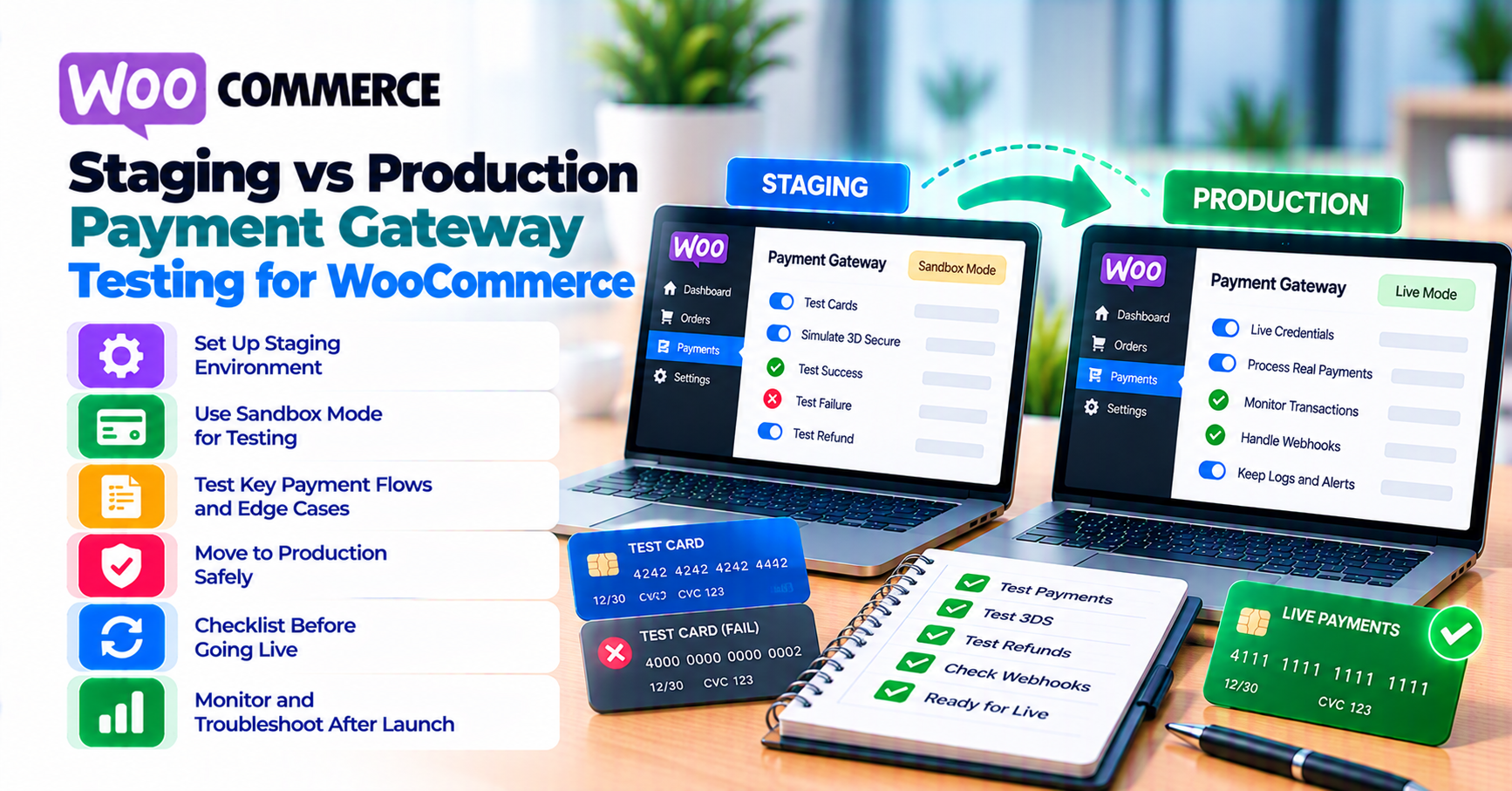
Staging lets you break checkout without losing money. Production testing uses real rails—small amounts, real refunds, documented rollback. Teams get into trouble when staging URLs leak into production webhooks, live keys land in Git, or copied databases contain real tokens and PII without redaction.
This guide aligns with WooCommerce payment gateway integration checklist, webhook monitoring, migrating payment gateway, and common gateway mistakes.
Quick answer
Use separate gateway accounts or modes per environment. Rotate webhook secrets when promoting changes. Never run load tests against production endpoints with fake cards at scale—you will trip rate limits or fraud flags. After cutover, run one small live transaction plus refund with a named runbook owner.
1. Why staging exists
Plugin updates, theme changes, PHP upgrades, and Blocks checkout migrations all deserve a non-live rehearsal. The goal is to prove happy path, decline, timeout, and refund before traffic hits. Staging is also where you validate payment failure recovery emails without emailing real customers.
Agency vs in-house: Agencies should receive read-only production analytics when diagnosing conversion drops—not production API keys by default. Staging credentials belong in a shared vault with rotation dates; “it worked on my laptop” is not a release criterion when checkout depends on server TLS chains and DNS.
Content parity: If production uses a CDN, image optimization, or edge workers that staging lacks, JavaScript load order can differ. Mirror critical front-end settings or accept that some bugs appear only after deploy—then narrow the blast radius with feature flags for payment UI changes.
2. Credential hygiene
- Store keys in environment variables or a secrets manager—not wp-config.php fragments in email.
- Label admin screens which mode is active (color banner plugin or constant).
- Restrict who can toggle live mode; require two-person review for first go-live on a new processor.
Rotate keys when contractors leave or after accidental paste into tickets. Assume screenshots of wp-admin may leak.
3. Webhooks and URLs
Staging must register its own webhook URL. After DNS or SSL changes, re-verify signatures. Document processor IP allowlists per environment.
If you use Cloudflare or similar, confirm challenge pages do not block gateway callbacks—SSL article covers related HTTPS issues.
4. Data you should not clone
Production database dumps may contain saved payment tokens and customer PII. Sanitize or use seed data for QA. Payment failure recovery emails should not fire from staging to real customers—disable outbound email or use a mail trap.
If you must test with realistic order totals, generate synthetic customers and use test card numbers only.
5. Load testing and rate limits
Synthetic traffic against sandbox endpoints is fine; hammering production for “stress test Friday” is not. Processors may flag repeated authorization attempts from the same IP as abuse. Coordinate with your acquirer if you need elevated test quotas for a migration weekend.
6. Go-live smoke test
- Single low-value purchase per payment method you support.
- Confirm webhook → order status matches authorization vs capture expectations if you use separate capture.
- Refund or void per policy.
- Monitor forty-eight hours using the cadence from migrating payment gateway.
Rollback plan: Document who can flip the gateway off in WooCommerce settings, who notifies support, and how abandoned carts are recovered—payment failure recovery copy should be ready before cutover, not drafted during an outage.
Observability: Point structured logs or APM at checkout AJAX endpoints during smoke tests so you can compare staging latency to production baselines. A 500 ms regression can matter on mobile networks.
Plugin compatibility matrix: When WooCommerce core, your gateway plugin, and a checkout field editor all update in the same month, test permutations in staging before applying production updates in one batch. Capture screenshots or short screen recordings of successful test checkouts—useful evidence if a regression appears later.
Scheduled jobs: Cron-driven subscription renewals and automated captures should be exercised in staging with accelerated test clocks or processor sandbox schedules if available—otherwise you only discover batch job failures on live renewal day.
Documentation: Keep a one-page “staging URL + test card list + webhook secret location” note for onboarding—future engineers should not reverse-engineer your setup from production alone.
Mobile parity: Exercise staging checkout on real iOS and Android devices—not only desktop responsive mode—because wallet buttons and 3DS flows differ materially on small screens. Include a low-end device if your audience uses older phones.
FAQ
Can we use production keys on staging “just once”?
Avoid—easy to forget and leak real money movement.
What about Apple Pay on staging?
Often requires domain verification per environment—digital wallets.
How do we test 3DS in staging?
Use processor-provided test cards for frictionless vs challenge—3-D Secure article.
Should CI pipelines hit real gateways?
Only sandbox endpoints with secrets injected from CI vaults—never live keys in pull request builds.